3ds Max | All

Drag & Drop Reference Images

17 votes

Draw Ex

5 votes

I'll have to admit I sort of pinched this idea from a lightwave plug-in thing that I saw on the net. I can't remember what it was called or who wrote it - but this is sort of like that - so credit to this bloke for that thing wot e wrote. This ones called 'Draw EX' standing for draw extrude - and thta's just what you do.

Draw Order Toolkit

0 votes

A set of tools for troubleshooting draw call or render order of items in your scene.  Particularly useful for game exports where transparency is involved and objects must render in a particular order.  Also includes a face index viewer.

Draw Poly

6 votes

Draw Poly lets you place vertices on grid or surface - and automatically turn it to polygon as soon as the right mouse button is clicked. Place your vertex in anti-clockwise direction or the created polygon normal will face the other side.

Draw Spline

13 votes

Draw a spline on a surface that optionally tracks the animated surface.

Draw Tool

3 votes

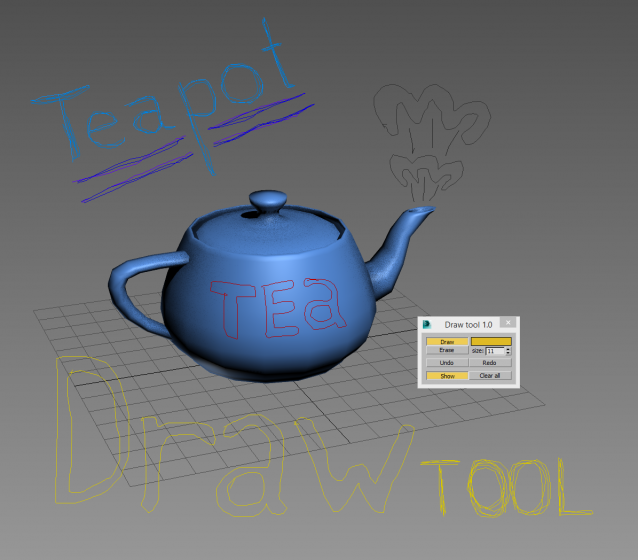
Simple tool for drawing in 3dsmax viewport. Usefull for making graphic comments and markers in scene.

Draw vector

3 votes

The ever useful draw vector. Draws a spline shape the length - direction and colour of a point 3. Now updated to include drawaxis - for viewing any maticies you may create.

DrawPath

2 votes

Makes it possible to create a spline - which repeats the trajectory of the motion of an object or one of its vertices

DriverMaster

9 votes

DriverMater

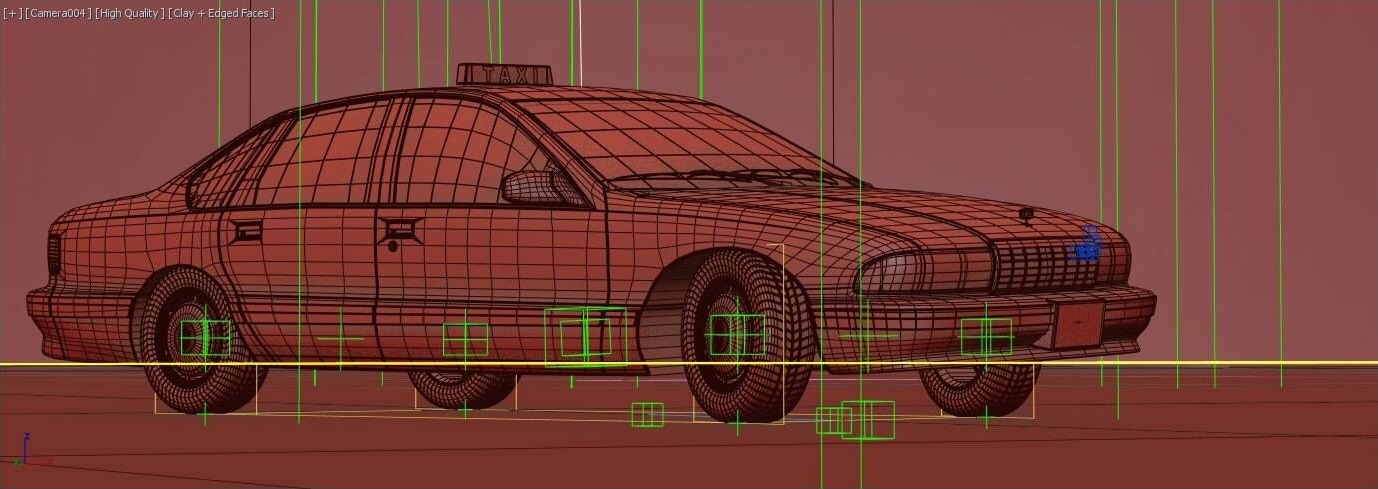
I’m proud to announce the final release of DriverMaster, 3ds max tool for vehicle rigging and animation!
It’s been a long way to make it happen. The first thing I have to do is to say thanks to all who helped it come true, left positive feedback and contacted me!
I really hope DriverMaster will be useful to everyone in the daily basis.

Drive_files_Renamer

1 vote

Simple script for renaming files on HardDrive.
It also collects all the bitmaps in the scene.
Default collection folder is "new folder" on "D" drive.
If folder is not there script will create folder "new folder" on D drive.
Also you can choose custom folder to collect and rename files.

To install script
1. Run script "Drive files renamer_v1.0.ms"
2. Go to Customize - Customize User Interface
3. Find "Drive_files_Renamer" under "Sharad Tools"
4. Assign shortcut for it.

Syndicate content