3ds Max | All

Scale on Value

3 votes

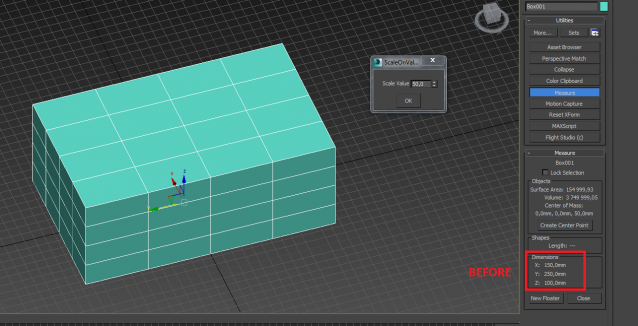
Scale on the custom value (+ or -) for X, Y, Z axises (for planes on second axises)

Inset Scale

2 votes

Make inset polygon on no normal. Correctly to use this script for one groups of polygons. Values bridgeTwist1 and bridgeTwist1 need when got uncorrect result

Varo + SocketMXS

-13 votes

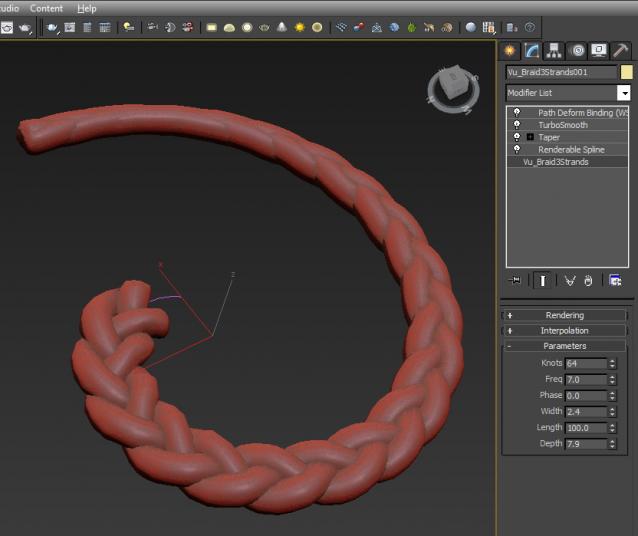
MCG BraidGen

5 votes

Long story short, Braid tute from Kevin John, maxscripted by Trebor777, mentioned on MCG FB by Swordslayer....I reinterpreted it with my own eyes and MCG...cos I couldn't understand much maxscript...

Because of lots of twists and turns, I found the best way is to set the BraidGen Interpolation to 0, then use with a Sweep with Banking OFF, then TurboSmooth on top.
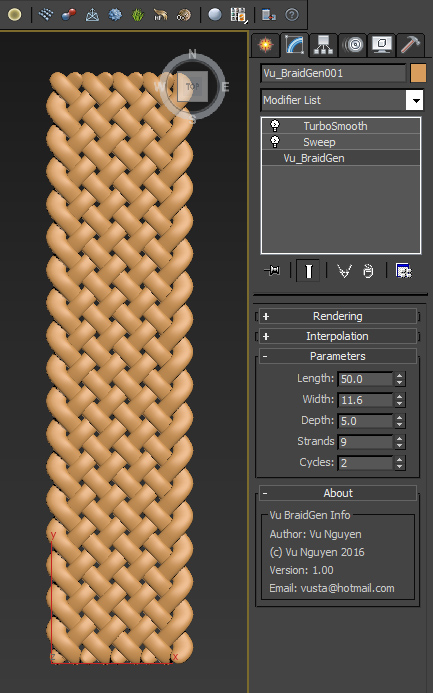
Ver 1.01: added Grow options, please see video.

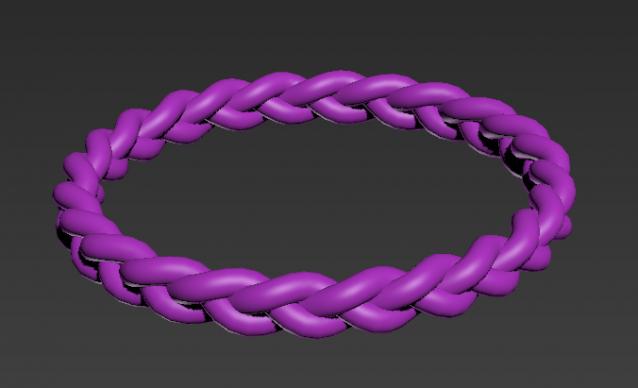
MCG Simple Braid

5 votes

MCG to make simple 3 strand braid.

If you want to do the inverted braid (Dutch?)...simply use negative Frequencies...or if you want to bend it 360deg and weld the ends (with an edit spline), use a WHOLE number for Freq.

Pro version available..see link below..please note video is for Pro version.

Pre-Render Script over network - Working method!

0 votes

For my specific reason I needed to send a render of a selected object. I've been trying unsuccessfully to send a job to render over the network using the "setRenderType #selected" active to render a selected item only.
(in combination with VRay's "renderers.current.imageSampler_renderMask_type = 2")

Problem is - once it gets to the network, my object is no longer selected.

So I delved into the Pre-Render script. However, even though I managed to create a small single-line script that selects my object and set it to run before the render (pre-render) - Max would constantly ignore it:

ctrlmaker

3 votes

dynamically creates scripted custom attributes...
sliders and spinner with linked values laid in a group with optional color tag and progress bars.

- update -
now with preset spinners for position/ rtation/ scale

FoldFx v1.0

8 votes

FoldFx is a 3ds Max motion graphics tool for creating poly folding animations. The user has almost endless possibilities since every aspect of the animation is controllable.

Available for 3ds Max versions: 2010 and newer.


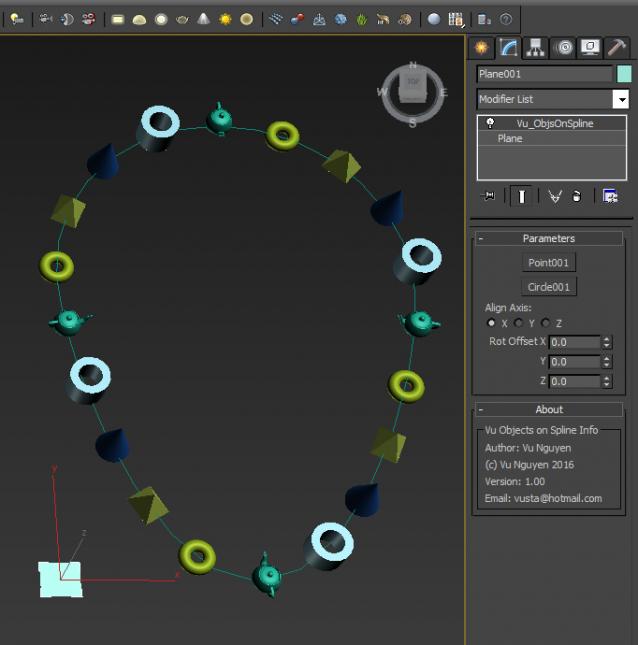
MCG Objects on Spline

0 votes

Simple MCG to put your objects onto a spline...no...too lazy to do spline with multi-curves...


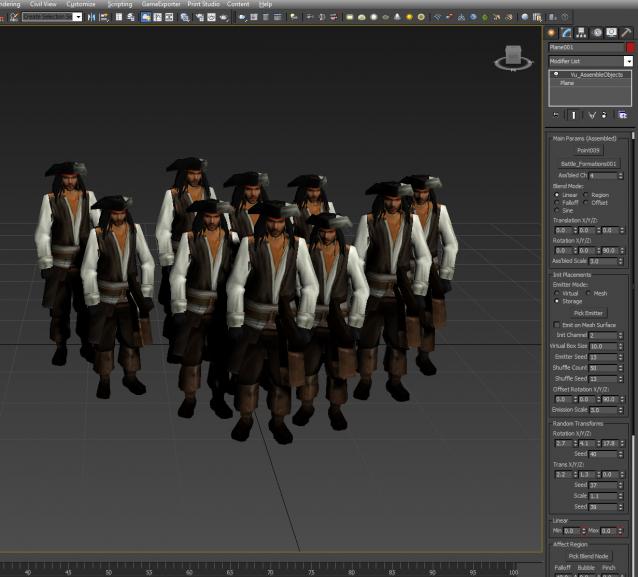
MCG Assemble Objects

2 votes

Assemble your objects from one state to another using Transforms. Please do NOT use this for skinned/character animations.

Syndicate content