3ds Max | All

MCG Clone On Verts

2 votes

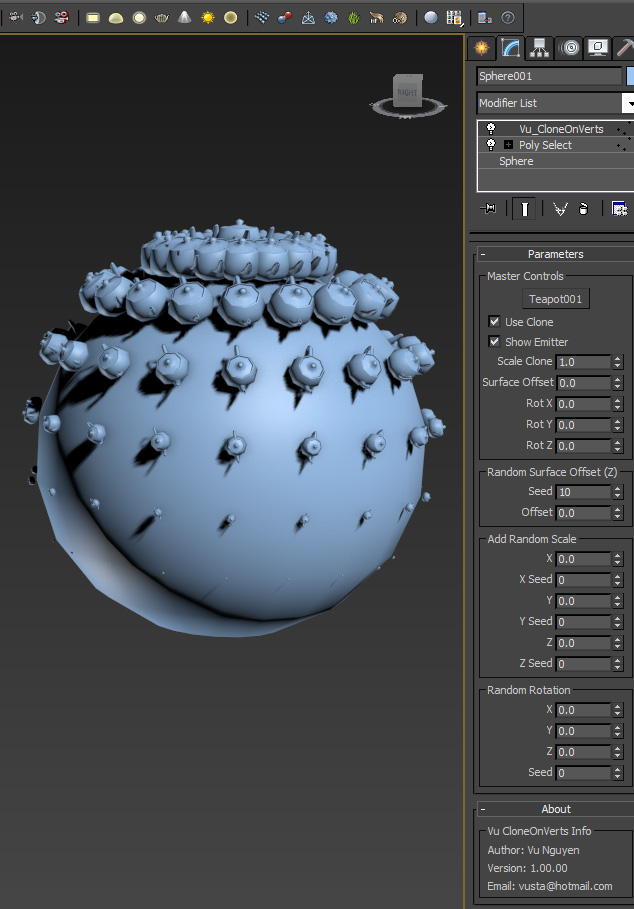
This MCG will clone on vertices of your emitter object. It will work with/without vert subobject selection and/or soft selection. With soft selection, it will auto scale the clone based on the feathering.

Yes I know it's ANOTHER cloner..but since I've been doing some exercises on MCG vertex stuff, seems a bit of a waste if I don't make something of it...

Ver 1.00.01: added Clone Step

Ver 1.01.00:

- fixed 1 unit offset off the surface

Instance-O-Matic!

23 votes

Converts copied objects into instances of the original. Note that this is still very much a WIP: there has been minimal testing; there is not UI - etc. Your mileage may vary...

Lazy Viewport Settings

13 votes

Bake Verts Animation

14 votes

Might work for one vertice, if not I'll put up another which works for just one as well.
There are probably already a dozen scripts like this up here, but this is one I wrote just to track a dummy to each vertice I specify. Lots of reasons to use it, track an object to some point cache animation etc.

ImagePlane For 3ds Max 2014

3 votes

Script for help the position create of objects in your scenes. With possibility of background, foreground or multiple planes. For still image or sequence of image with or without alpha channel.

One Click Albedo for Corona render and V-ray

6 votes

Script Description:

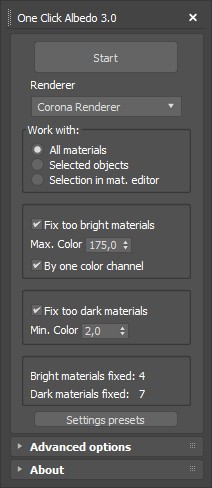
This script is made to automatically adjust the albedo of materials in the scene. Too high albedo may slow rendering process down and make the materials look unrealistic. Especially when an object with a high albedo occupies the most part of frame area. Corona Render developers recommend to keep albedo of your materials under RGB 180 (For diffuse color or texture).

RealSizeTB

26 votes

"RealSizeTB is made to view and edit exact size of objects - single and grouped . You can scale to exact size on one or all axes without tools or coordinates switching. Interactive. Auto-updating. Simple and easy to use.
view Screenshot"

Light Detictive

2 votes

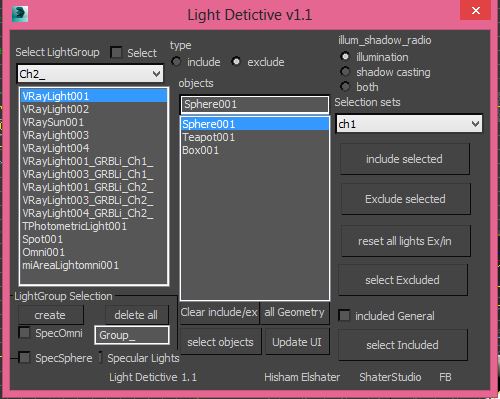
Light Detictive is a Tool designed to mange complex lighting setups. --not only control include and exclude by selection or sets fast , but olso investigate the lights on the scene see exclude and include lists , --olso investigate objects which light affect them of not. -- fast Group Lighting specific objects .
support Vray.


Expert Mode with Command Panel

8 votes

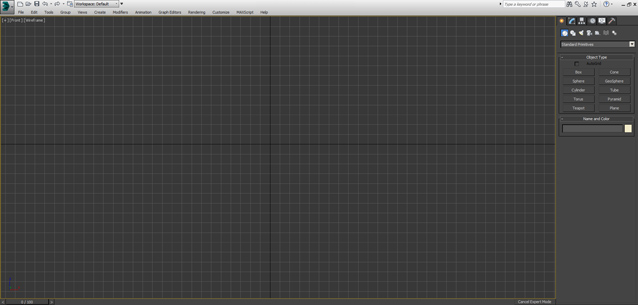
This is just small script - similar to Expert Mode (shortcut "Ctrl+X") but it keeps Command Panel visible

You can used as shortcut or toolbar button

MaxFlow2 Realeased - Big upgrade! State-Sets for Every Attribute—Own Every Parameter, Instantly. 

2 votes


New Release: MaxFlow — Node-based Scene Data Management for Effortless Scene State Switching

V2.0 Realeased!

The functions are fully upgraded and the experience is completely new!

1.Add attribute configuration function, freely combine parameters, lighting, geometry, camera, material, modifier and so on almost everything!

2.Add base state layer to optimize the state setting experience. All state nodes inherit the base state.

Syndicate content