3ds Max | All

String Lamp Generator

5 votes

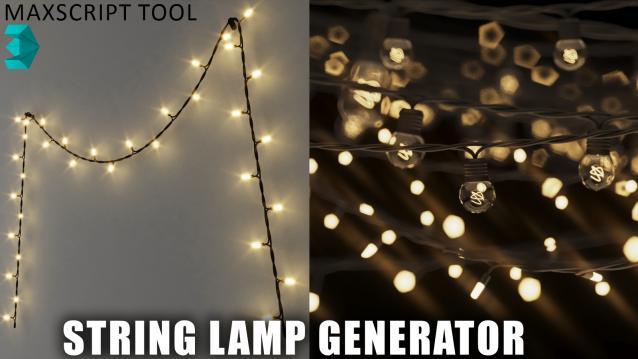
String Lamp Generator is a powerful FREE Maxscript tool that allows you to effortlessly create stunning string lights from selected line shapes in your scene. With a range of customizable features, this tool gives you full control over the appearance and style of your string lights.

AUTOUNIQUENAME

0 votes

Copy file to to C:\Program Files\Autodesk\3ds Max 20**\scripts\Startup\
And drop to viewport
Result:
If suddenly there is such a situation that in the scene there are objects with the same name, with this script the selected object will change the name to a unique name with increment.
Another situation: After 3d scanning an iPhone received objects have the same name mesh and just so import several files in a row is not possible, you have to change the name. This script solves this problem.

Quick Selection

1 vote

Quick Selection is a handy utility that provides several methods for selecting and managing objects within the scene, including the following:

  • Selection by Category
  • Selection by Stored Objects
  • Selection by Selection Sets (independent of any Max file)
  • Selection by Pathname literals (stored in a text file)


See online guide in links section. 


Draw Order Toolkit

0 votes

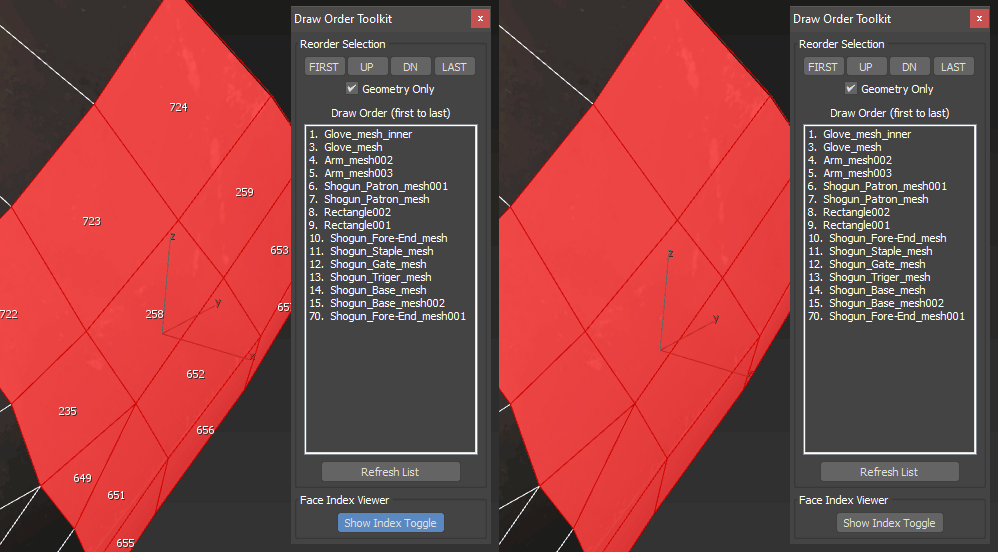
A set of tools for troubleshooting draw call or render order of items in your scene.  Particularly useful for game exports where transparency is involved and objects must render in a particular order.  Also includes a face index viewer.

Content Browser

2 votes

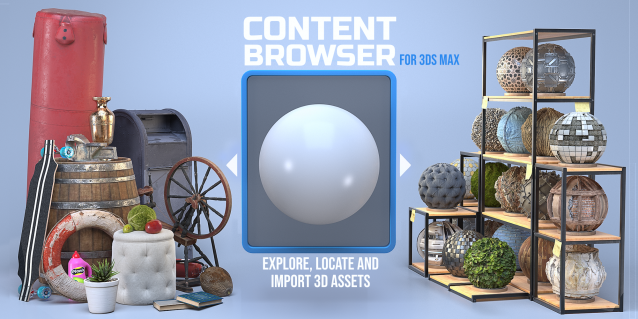
The Content Browser helps you quickly browse and import 3D assets on your computer.

Load any folder accessible on your machine and the Content Browser will find any materials, hdri’s, models, and max files. It will group, organize and display these files as assets, recognizing previews, LODs, mapping channels, resolutions and other important information automatically. 

It simplifies the importing and merging process for 3d models, max files, material creation and hdri environment maps by allowing you to directly browse, filter and drag all of your 3D assets from sources like MegaScans, PolyHaven, gameTextures, Poliigon, Arroway into 3ds max viewport or material editor. 

Main Features

  • Load any folder and find 3D models, max files, materials and hdri’s.
  • Show grouped files as assets, group matching assets and find preview images.
  • Drag and Drop asset into the 3ds max viewport or the Slate Material Editor
  • Import assets to Slate and Compact Material Editors
  • Default Merge and Import 3d files and max scenes, with automatic relinking filepaths
  • Choose LODs/resolution/variations and Import multiple assets at once
  • Folder hierarchy, File list and Preview Gallery

Mixamo To Biped Converter V1.05

0 votes

This is updated version from previous MixamoToBiped_Converter tools.
you can get the tools here : https://ishaksuryo11.gumroad.com/l/fj...

what's new:
-add new functionality to convert mixamo character into biped rig.
-batch feature to convert multiple characters.
-rework the UI using tab system .
-fix fingers orientation when converting animation
-improve accuracy when matching shoulder/clavicle and foot bones.

notes:
This tools is specifically made for FBX character or animation downloaded from Mixamo website. it will not work for FBX file from other sources.

Relink Bitmaps

501 votes

Relink Bitmaps is a script to easily relink all missing files (Bitmaps, VRayMeshes, Mental Ray Proxies, VRayHDRI, IES, etc) when they change directories or when you move computers, check out the short video tutorial below for more detailed information.

Unlike some other scripts of its kind, this is free!  There is a small donation link within the script if you choose to donate, I will remove the nag.  It is a simple licensing system, that does not force you to transfer network cards or be connected to the internet and will work with all versions of Max that are supported by the script.  If you choose to donate I'll be more than happy to license multiple computers as well.

Features:

[*] All 3dsmax supported Bitmap Texture types
[*] (new) Relinks Mental Ray Proxy files
[*] (new) Relinks VRay Proxies (.vrmesh)
[*] (new) Relinks VRayHDRI files
[*] (new) Relinks IES files (including VRayIES files)
[*] (new) Automatically checks for script updates and new versions
[*] 250% speed increase from previous versions
[*] Command-line mode available for automating repetative tasks (see documentation on the website)
[*] Configurable default user options saving button clicks and wasted time

Relink Bitmaps webpage:

https://colinsenner.com/relink-bitmaps/

Supported Max versions: Max 2018+
(Older versions should work, but are not supported moving forward)

Vray To Unity OneClick Converter

1 vote

Script for automatic conversion 3ds Max scene with V-ray renderer to Unity Engine (HDRP and URP).

Documentation: https://docs.google.com/document/d/19XJjX2VO_rHNIj4ZDcKPlwhYR0FFi8a77FyG...

Скрипт по автоматической конвертации сцены из 3ds Max V-ray в Unity (HDRP и URP)

Документация на русском : https://docs.google.com/document/d/122-TyKZj-STQIXhajocWSvXzTZeeRxgscq3P...

https://u3d.gumroad.com/l/3dsmaxVray2unityPRO PRO version without texture size limit.

Telegram Support Channel https://t.me/OneClickExporter

TurboSmooth Pro

14 votes

No more annoying support loops

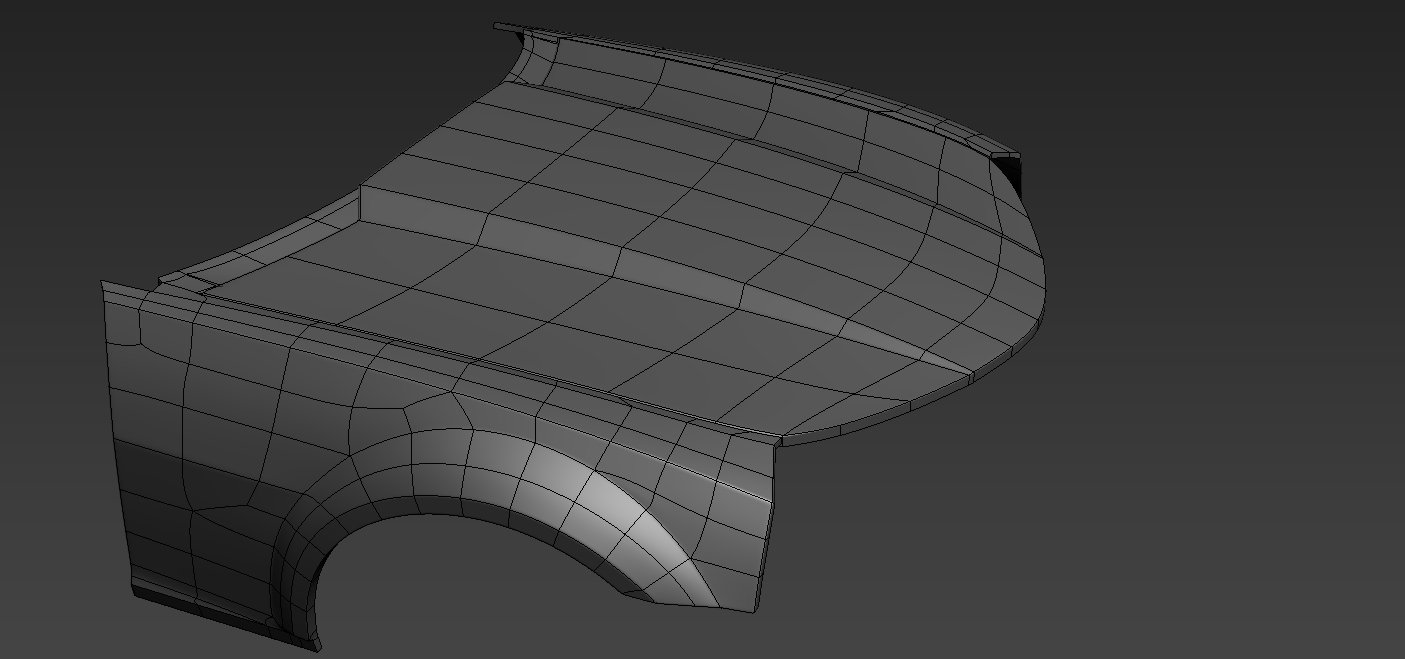
TurboSmooth Pro is a modifier plugin for 3ds Max which produces nice smooth semi-sharp creases on your models, unlike the ugly creases that the standard TurboSmooth produces. Get it from https://mariussilaghi.com/products/turbosmooth-pro

Duplicurver

2 votes

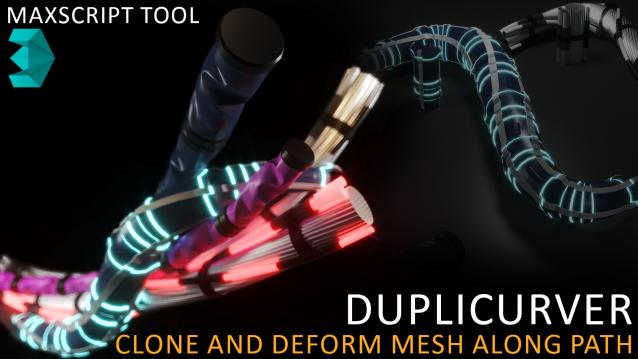
Duplicurver is a game-changing Maxscript tool that brings the power and versatility of ZBrush's IMM (Insert Multi Mesh) Curve brush directly to Autodesk 3ds Max. This tool serves as a highly beneficial asset for artists and 3D professionals, allowing them to replicate and deform meshes along a path with unprecedented ease and efficiency.

Syndicate content