3ds Max | All

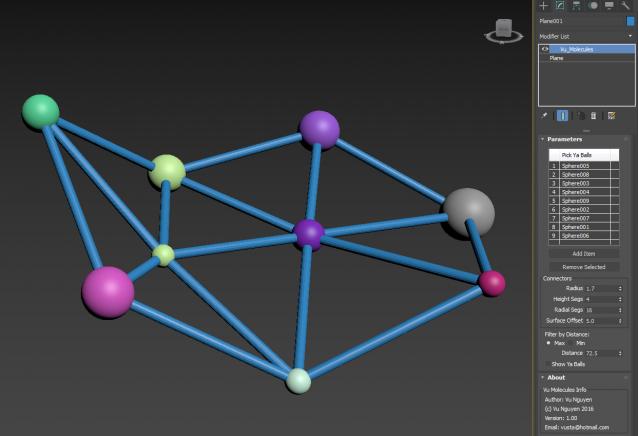
connect objects with splines

0 votes

DCP AO Maps

2 votes

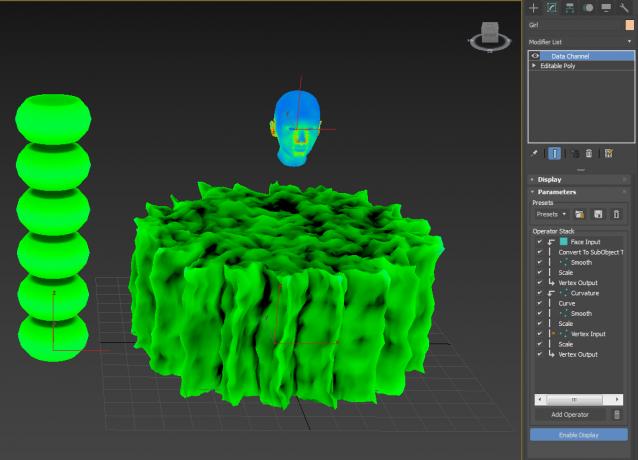
A couple of DCP, for AO maps. I don't claim to know what I'm doing...just click here, click there and see what comes up...

DCP Show Small Faces

0 votes

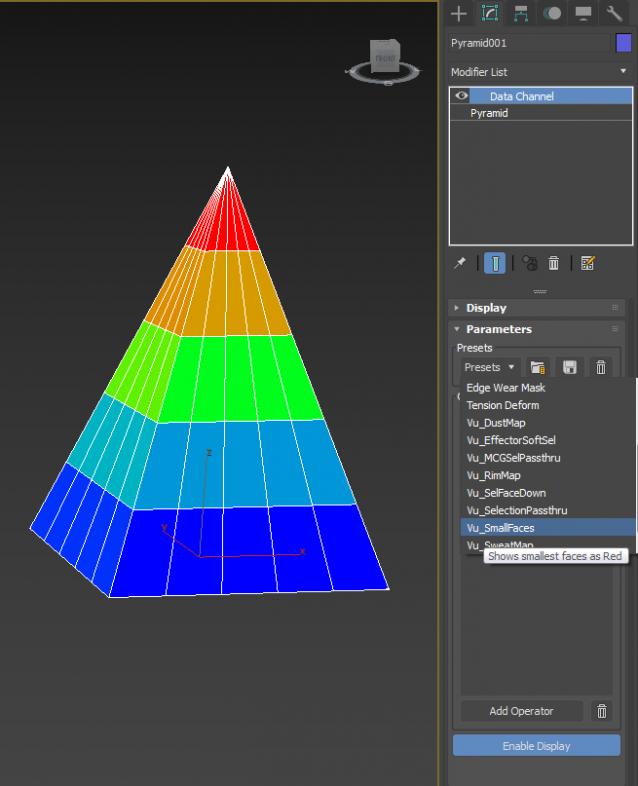
a little DCP to show small faces (...or big)

MCG Select Open Edges Verts

2 votes

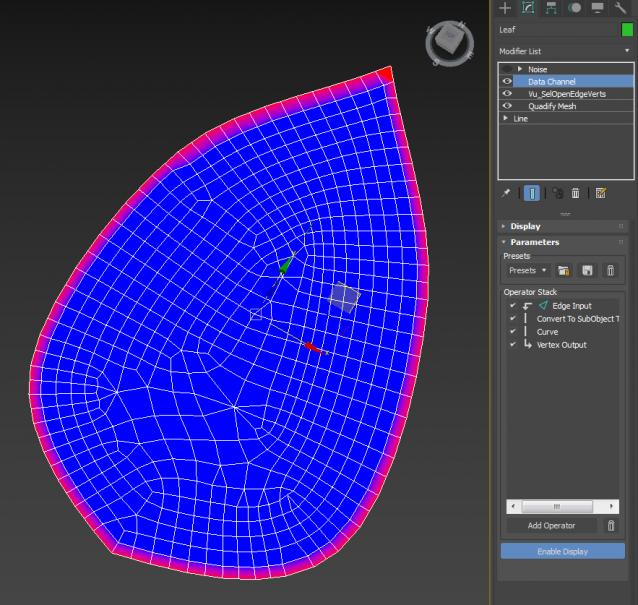
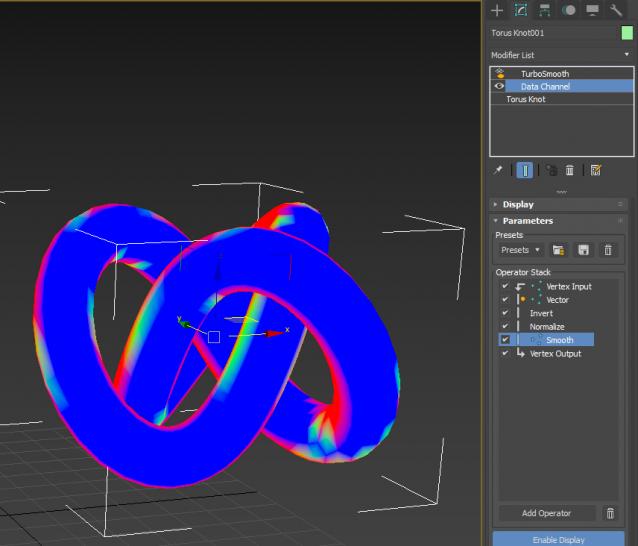
MCG to select Open Edges or Verts, then you can use the selection to do something in the DCM...like putting some noise on the edges of a leaf..or produce a map that affects only outside edges like transparency.

Video is a little tute on DCM, I didn't include a DCP coz it's way too simple...just do it yourself instead...

MCG Effector Meshes + DCP Sweat Map

0 votes

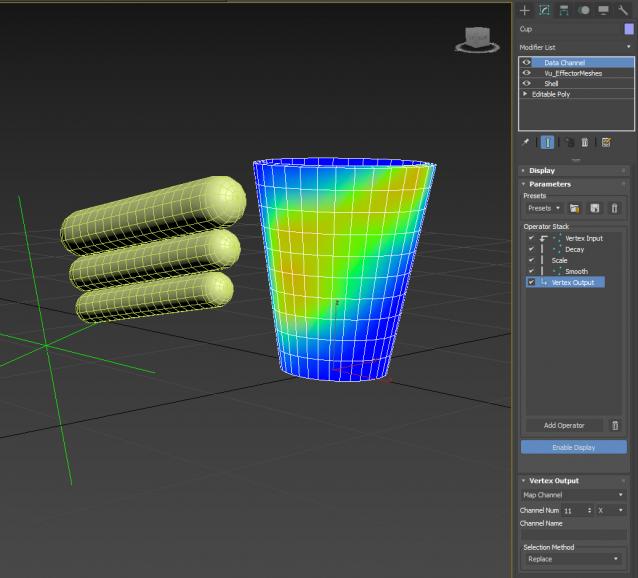
Yeah 2 in 1. By giving this MCG for free, it may compromise my other products that are for sale...so have a little respect and don't make me lose faith in humanity. The DCP Preset you should use is Vu_SweatMap (video used Vu_MCGSelPAssthru, it's the same...)

Extract Preset to:

C:\Users\xxx\AppData\Local\Autodesk\3dsMax\2017 - 64bit\ENU\en-US\plugcfg\DataChannelPresets

Then in your DCM, load it as a Preset.

DCP DustMap

1 vote


DCM - Data Channel Modifier

Produces a map for dust that settles on top of whatever faces that are top facing (world).

Extract preset to:

C:\Users\xxx\AppData\Local\Autodesk\3dsMax\2017 - 64bit\ENU\en-US\plugcfg\DataChannelPresets

Then in your DCM, load it as a Preset.

Of course, if you want your Dust 'fixed', simply change the Vector to Local instead of World...or if dust

is coming from a direction (rickety door in an old ghost town) then use Node Look At

DCP Rim Map

1 vote

When you have no backlights, fake it with Rim Map. Extract preset to: C:\Users\xxx\AppData\Local\Autodesk\3dsMax\2017 - 64bit\ENU\en-US\plugcfg\DataChannelPresets Then in your DCM, load Vu_RimMap as a Preset.

It is of course camera dependent, so make sure you pick a camera in the Vector Node.

MCG Molecules

2 votes

UVW Randomizer

2 votes


INTRODUCTION

Randomizer is a plugin to create UVW maps in several objects at the same time with the intention of randomize the position and rotation of them. It can be useful in the creation of objects with the same material but different pattern like tiled floors.

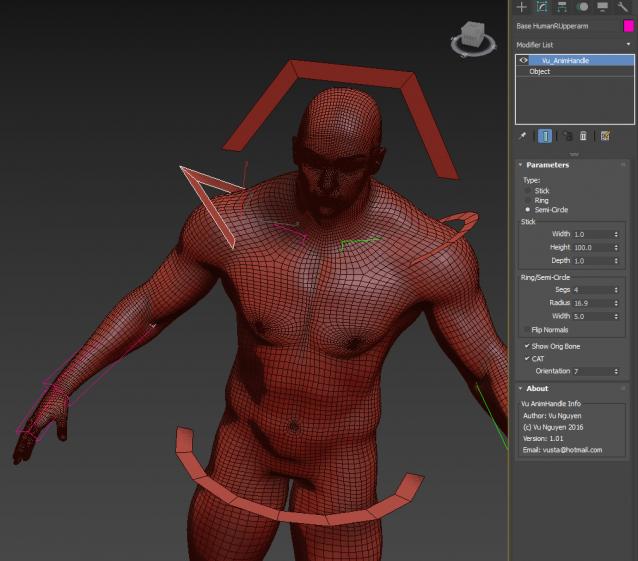
MCG AnimHandle

0 votes

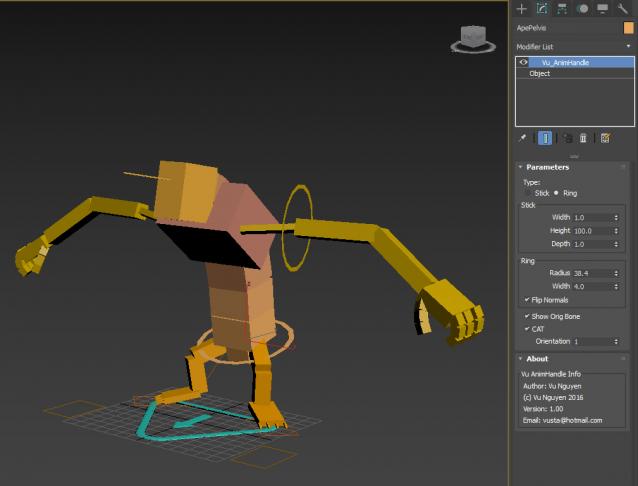
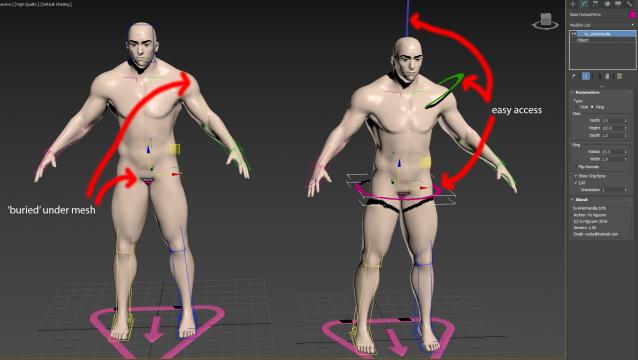
Use for easy access to bones that are 'buried' inside your mesh...

Naturally, do NOT use on Skinwrap objects as the vert count is altered.

ver 1.01: Semi-circle option, can get further different shapes by reducing the Segs of a Ring/Semi-Circle

Syndicate content