3ds Max | All

Mechanical Tool Set

13 votes

Assembly Animation Assistant - Script - For creating assembly animation quickly - great keyframe tool for general purpose though. Ability to render Assembly Schemes.

Combined with Mechanical Material Library for quick metal/transparent/color-coded material assignment.

Mechanical Tool Set Help File

Unwrap Pro

13 votes

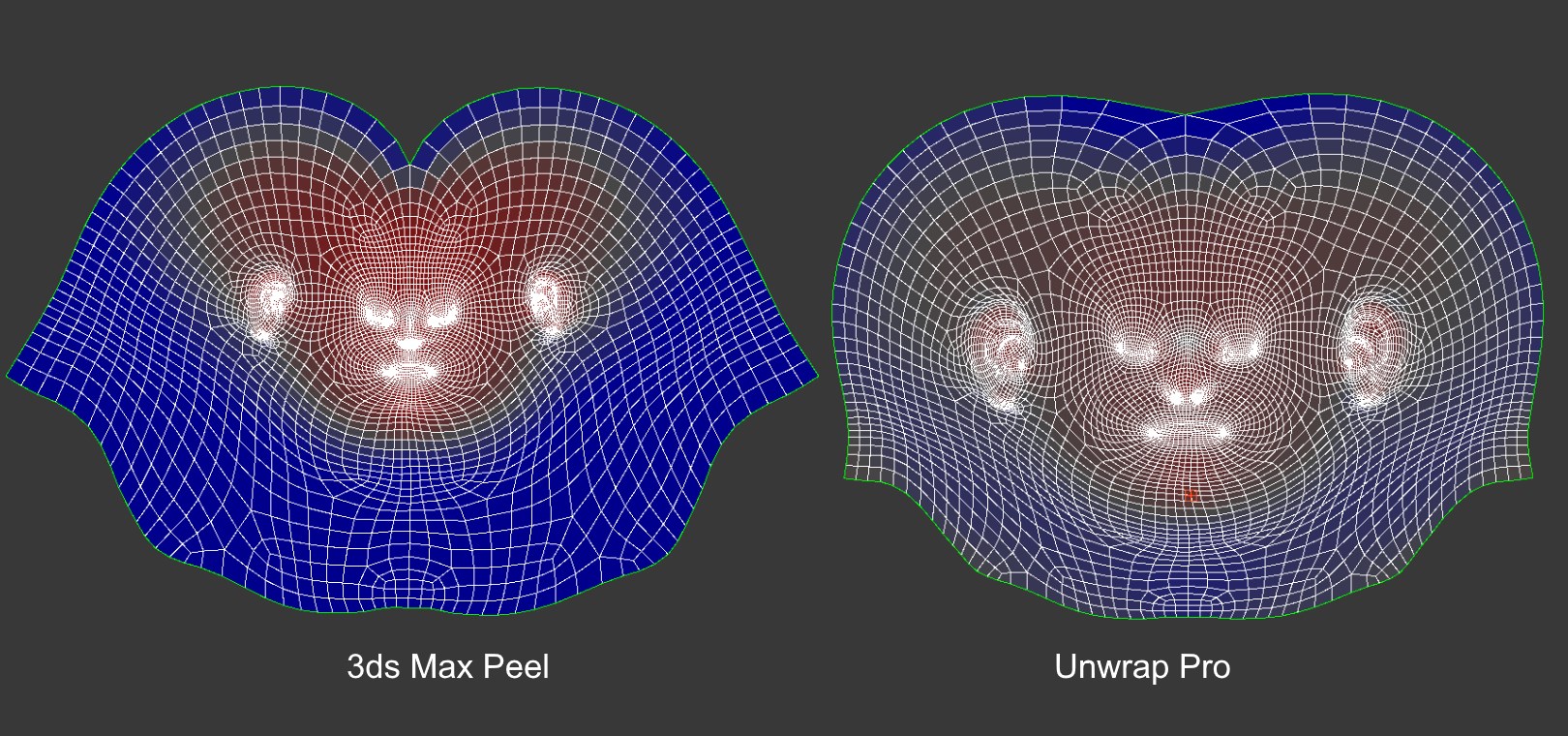
Unwrap Pro is a 3ds Max plugin which unwraps meshes while producing low distortion, overlap free, weighted density UVs unlike the 3ds Max Peel command which produces overlapping uvs with high area distortion. Get it from https://mariussilaghi.com/products/unwrap-pro

Hide and unhide all bones and helpers before Rendering

13 votes

Hi all.

These are my first scripts and are rediculously simple and obvious, but should be quite handy, if like me, on the odd occasion due to tight deadlines and final renders having to be sent, you forget to turn off the bone objects of your character studio bipeds and they render in the scene. A re-render is required and there's no time left.....doh!

Here begins my MaxScripting journey.....wish me luck!

Close Infocenter in 3dsmax

13 votes

no infocenter

If you don't use Infocenter there is a way how to close it. Just download this script and put it to your ..\Scripts\Startup\ folder. (usually c:\Program Files\Autodesk\3ds Max 2012\Scripts\Startup\). Enjoy!

Tyre Tire

13 votes

NOTE: Requires VRay (Uses VRay Displacement modifier).

This is intended as a 'head start' when creating Tyres (Tires), for vehicle wheels.
Still experimental and very much open to suggestions.

Rename

13 votes

Rename objects with options to renumber sequences - pre/post-fix - and search and replace.

Kingpin MDX Importer

13 votes

"gmax script for importing Kingpin .MDX model files. features:

  • Either single base frame or full animation import
  • Automatic texture import
  • Muti-object properties Modify tool

    13 votes

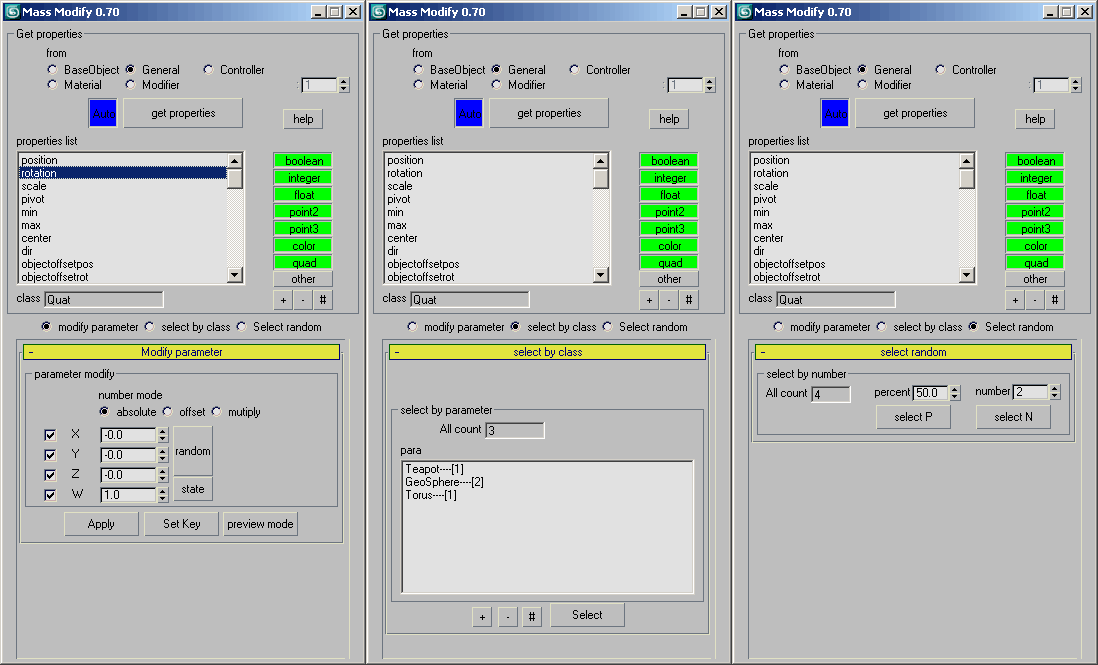
    select objects ,this tool will get there valid properties[radius, height,etc..], then you can modify those properties by this tool.

    verson 0.7 features:

    1. Added "Auto" button, can auto update the parameter list
    2. Added "Select by class" can select object by class
    3. Added "Select random" can select object random
    4. Auto hide UI element which not used


    ThinkingParticles MasterDynamic Control

    13 votes

    shortcutter

    13 votes

    This useful little script combines commonly used macros for modelling into a single context based macro. So you need to remember only one key instead of many shortcuts (I recommend spacebar). The idea: Most actions will only be called in certain conditions. If you select open edges you probably want to bridge, if you select one vertex target welding is a good guess, and if nothing is selected you might want to add geometry by using cut or swift loop...

    Syndicate content