3ds Max | Scripts

And yet another Randomizer

1 vote

creator: Philipp Hellmann
Date: 2012-03-02
www.pixhellmann.com

This Script opens as Floater Window. You can randomize within min max ranges the position/rotation/scale of one or more selected objects.
You can work in absolut or relative mode for the Position and Scale Values.
The Rotation works in absolut with Quaternions around the local axis and in relativ with euler angles set as properties for each axis.

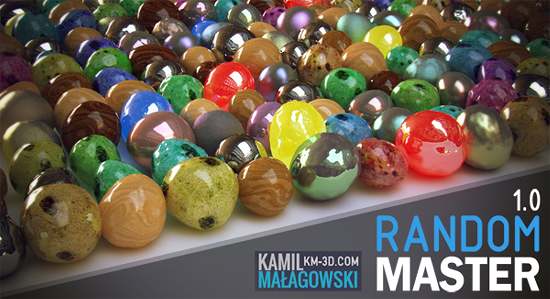
Random Master 1.0

7 votes

Random Master is an interactive and realtime tool for randomization in 3ds max.
Everything you need in one place, with just a few clicks you can create thousands of unique objects!

The tool allows you to randomize:
-Position
-Rotation
-Scale
-Material maps
-UVW Mapping gizmo
-Keyframes
-FFD modifier points
-Noise
-Selection of objects
-Selection of faces/vertices/edges
-Material ID

PowerCoreTools: 3ds Max's CPU management tool

8 votes

PowerCoreTools:

Just released version 1.2 of my PowerCoreTools CPU managment script for 3ds Max

A tool to control CPU usage while 3ds Max is rendering. Automatically sets process priority and affinity ( the number of  CPU cores the render process uses) at render start. Restores the initial settings when the rendering is done. Can be configured to run in a complete transparent  No-UI mode, which is launched right after 3ds Max has started.
This keeps your workstation responsive for other tasks while rendering. A second 3ds Max session stays responsive and can be used to continue work on different tasks.

A look at the following screenshot will probably tell more than thousand words:
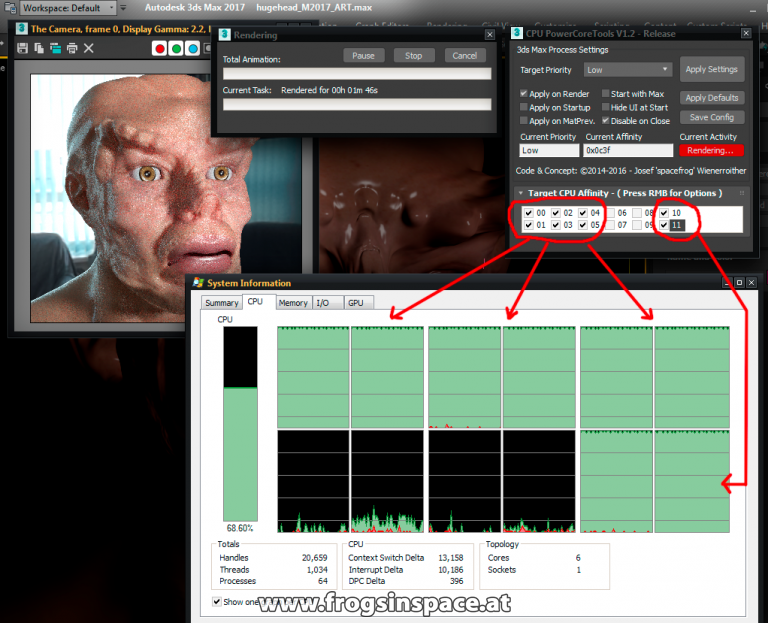
PowerCoreTools in Action

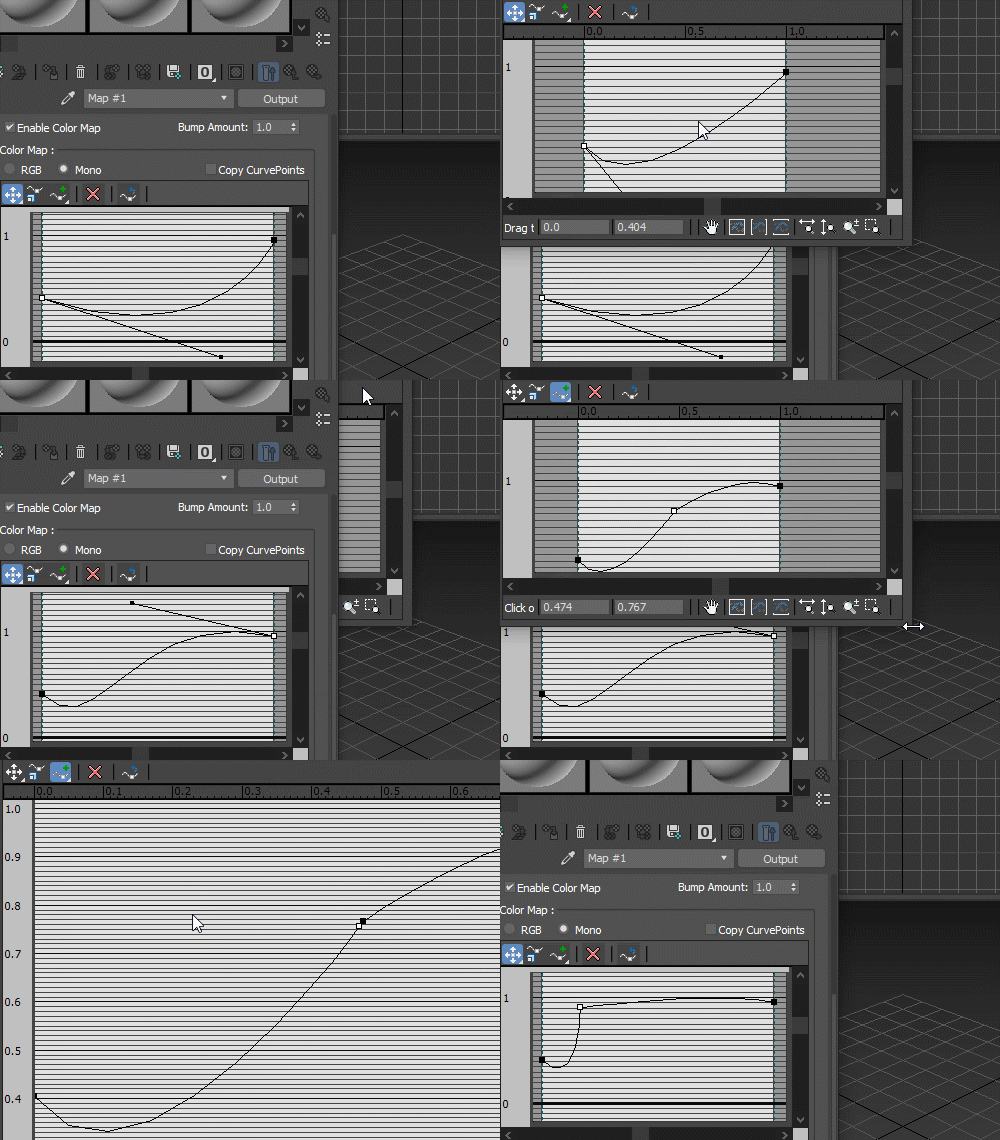
Edit curve control

6 votes

Edit curve controls in bigger, resizable window:

Curve edit

miauu's Edge Cutter

79 votes


Version 1.6 - added installator. Now the script is properly installed in OS: Windows VIsta, 7, 8

Version 1.5 - added Compact UI mode - idea by @Silix

Version 1.4 - added support for 3ds max 2012.

Pivot Manager

3 votes

Toggle Material

0 votes

Toggle Material is used to toggle material in viewport just by using 1 click.
It will show selected object material or toggle all scene material if there is no selection.

How to use:

  1. Run the script
  2. Select Object/s or Nothing
  3. Toggle Switch

Installation: Drop The file in max viewport and go to Customize > Customize User Interface > Toolbars > Category: .timo > .timo Toggle Material

Spline Control

14 votes

While working on a small fun project that involved animating splines (Montpellier Tramway Map morph), the limitations of Spline IK and general hostility of spline animation forced me to create my own simple animation-friendly spline control.

Multi Scatter

10 votes

With this tool you can Scatter object on top of other object up to 8 level,
you can use different object for each level and you can record face to use
for each level.

Smooth Manager

27 votes

This script helps you to manage Mesh/Turbo Smooth modifiers in the scene for all as well as selected objects in the scene

Syndicate content