3ds Max | Scripts

Sweep Profile

563 votes

The new version of Sweep Profile PRO has been released

version 1.01.36

  • Adds support to 3Ds Max 2026
  • New Demo Molding profiles
  • Drops support to 3Ds Max 2014/2015

version 1.01.30

  • Adds support to 3Ds Max 2025

version 1.01.27

  • Adds the "Assign" button
  • Adds German and Japanese localizations
  • Better zooming to profile on rendering preview
  • Adds an ability to add multiple directories with profiles using the checkbox "Include Subfolders"
  • Fixes an issue with changing profile dimensions in 3ds Max 2023-2024

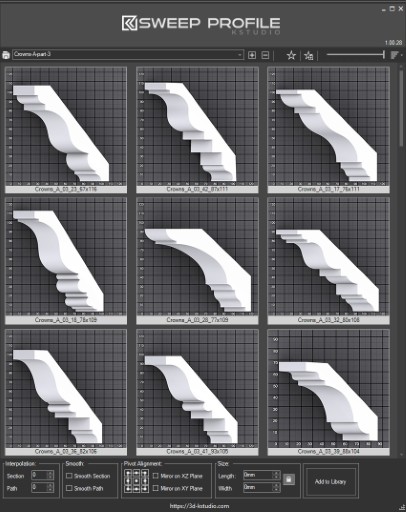
The main functionality of the Sweep Pro lies in its ability to offer a quick and convenient way to build architectural profiles using the Sweep modifier.

The pack includes pre-made architectural profiles (10 for the free version and 37 for PRO version), providing users with a solid base to start from.

However, the functionality doesn’t stop there; users also have the option to add new profiles from the scene or add profiles from a specific folder.

Also, the tool has a very convenient option for changing the profile size on the fly.
 

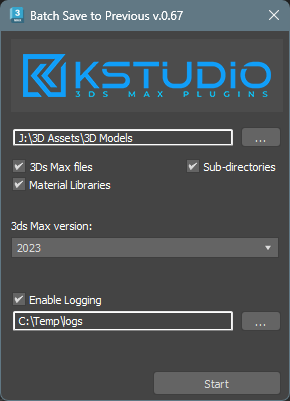
Batch Save 3ds Max Files to Previous Version

4 votes

Script for saving 3ds Max files and Material Libraries* to the previous version in batch mode

*Batch saving Material Libraries to the previous version requires 3ds Max 2023 Update 1 or newest


Copitor

120 votes

Copitor allow you to quick copy/paste selected objects to another Max scene or in another Max if you have 2 3dsMax open. I also like to use it like as a "quick backup" for try something, and to be sure to loose nothing :)

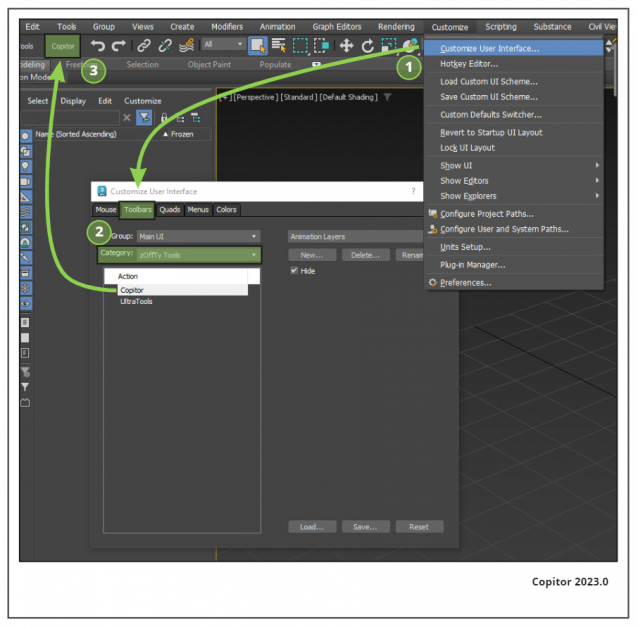
Installation: Drop The file in max viewport and go to Customize ==> Customize User Interface ==> Category: zOffTy Tools ==> Copitor

Copitor installation

EasyIncludeExclude

1 vote

This Script will simplify the process of including or excluding objects from lights.
Instead of choosing objects from the list as usual, you just need to select both objects and lights and click the corresponding button (include or exclude), for each action you can either add to the current list or replace it completely or even remove selected objects from the list.
No more endless scrolling to find the objects you need to include or exclude!
Also works on multiple lights selected.
Tested With Standard,Vray and Corona Lights, might work with other renderers...

SubMaterial Picker

3 votes

Hi All,

That's a small tool that allows you to pick a sub material from viewport instead of the multimaterial. It automatically loads the material in SME or CME (depending on what you have open). Holding "Shift", will act similar to default picker and it will load the source material.

This tool request came from Krešimir Jelušić on the Facebook group Stack (for more visit the link below). Dave Wortley (aka fb.me/MaxMadeEasy) also contributed with ideas and code. There is still some room from improvement but I'm not sure if I will have the time.

SolidRocks

569 votes

SolidRocks V2.4 is out !!  Support for V-Ray 6 (hotfix 2) and  MAX 2013-2023 ! 

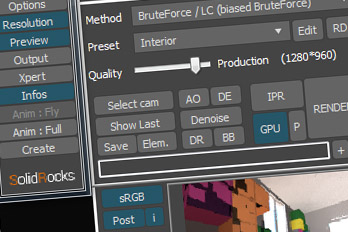
SolidRocks adjusts and optimise all needed Vray parameters to reach the best rendertime/quality ratio.

Learn Vray progressively, see in realtime changes made by SolidRocks when you change resolution/quality.

SolidRocks includes new tools for both VrayMasters and Beginners:

miauu's Work Plane

11 votes

PBR Material Generator

3 votes

The PBR Materials Generator is a powerful add-on for Project Manager and Materials Manager designed to expedite the creation of high-quality PBR materials.
It empowers users to batch generate materials using custom settings and presets, all within the familiar Project/Materials Manager interface.

Easy Spin

2 votes


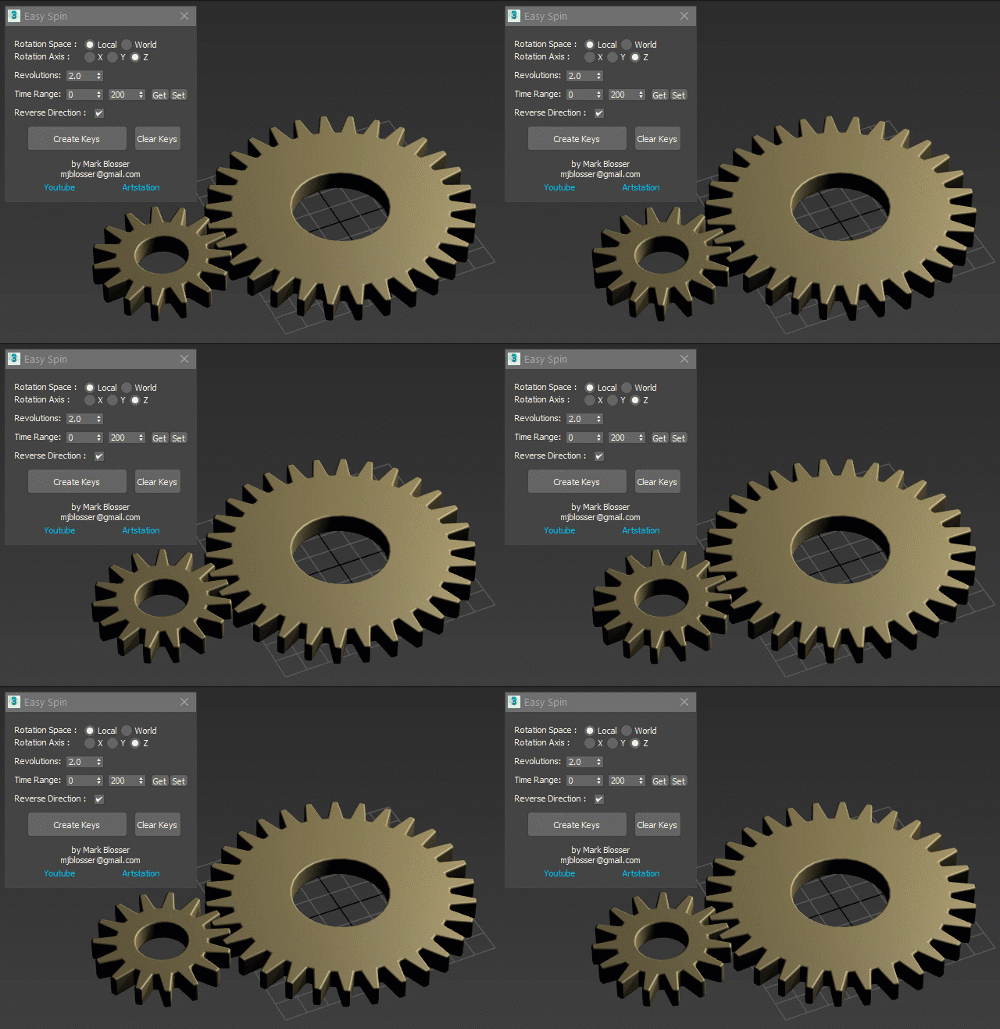
Easy way to animate linear rotations, for things like propellers, fans, and gears.  Works on multiple objects simultateously. Works on objects in heirarchies.  Works in both local and world space.  Simply set your desired amount of revolutions/rotations and time range and click "Create Keys". 

Duplicate Post

1 vote
Syndicate content