3ds Max | Scripts

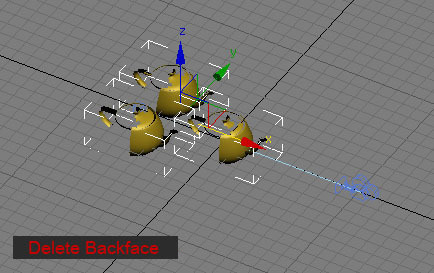
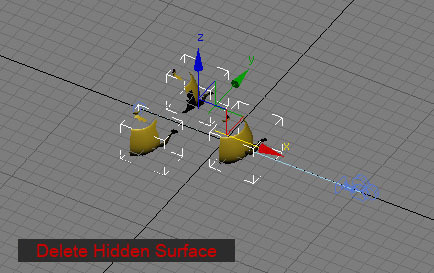
Hidden Surface Deleter

2 votes

Hidden Surface Deleter 


Hide and unhide all bones and helpers before Rendering

13 votes

Hi all.

These are my first scripts and are rediculously simple and obvious, but should be quite handy, if like me, on the odd occasion due to tight deadlines and final renders having to be sent, you forget to turn off the bone objects of your character studio bipeds and they render in the scene. A re-render is required and there's no time left.....doh!

Here begins my MaxScripting journey.....wish me luck!

Hide By Category

3 votes

Hide objects by their ctegory.

It will hide objects based on their class. For example if the spline object is selected the script will hide all  spline objects. If the light object is selected the script hide all  spline objects.

Installation: drag and drop the mcr file in max viewports. Go to Customize - Customize User Interface - "miauu" category and search for "Hide By Category" script.

Hide By UVW

0 votes

This script hides editable polygon's faces by unwrap UVW modifer's face selection

Hide Layer By Pick

33 votes

Hide Layer By Pick v1.0

The idea behind hide/freeze layer, was to
be able to hide/freeze a layer quickly on
screen by picking an object rather then
opening the layers tab and picking the
corresponding layer.

Hide Longest Edges

22 votes

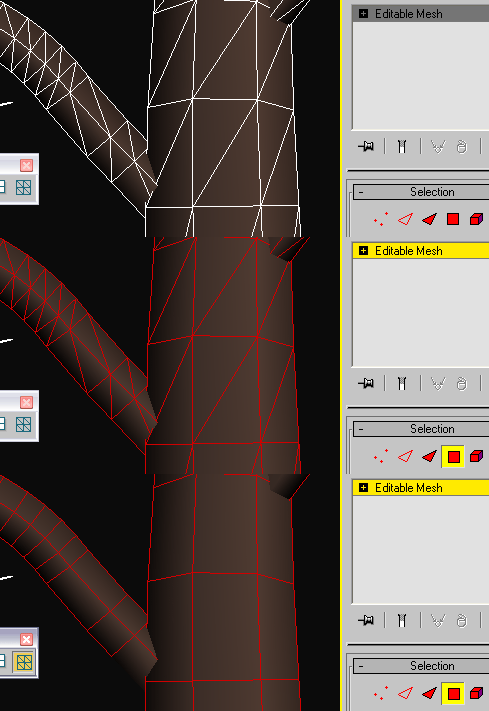
This script helps you to hide diagonal, oblique edges in regular patterns to make mesh consisting of the rectangular polygons.Script just hides the longest edge of the face. In most cases it's the diagonal edge if your mesh is more or less regular and was made of rectangular polygons.

hide object's layer by one click

30 votes

with this script you can hide object's layer by one click like in autocad, it scans your mouse position so you simply move your mouse over the object an clik to hide appertain layer also display currently "mouse over" objects name and layer in status bar

i hope you will like it :)

p.s. excuse my bad english

Hide Trajectories

3 votes

A simple tool that hides all of the trajectories in the current scene.

Hide vertices on hidden faces

9 votes

Hides vertices that are part of faces you have hidden in sub-object mode.

Hide | Unhide MtlID Faces

3 votes

••••••••••••••••••••••••••••••••••••••••••••••••••••••••••••••••••••••••••••••••••••••••••••••••••••• VERSION 1.2

With this tool you can easely hide-unhide, set-get or select E-Poly object faces by material ID.

Syndicate content