3ds Max | Scripts

Gtools_RenderCameras

20 votes

Render a
selection of cameras.

GTVFX-SCA_createLightSelectElements_perLight

2 votes

Creates a VRay Light Select Element for each light in your scene.

Elements are named with prefix of the nameTag variable. You can change this variable if necessary for your pipeline. To do so you will need to open the script and modify the variable within the struct.

Default nameTag = "lgt_"

GTVFX-SCA_VRproxiesReplaceWithMesh

2 votes

Brings in the geometry mesh of the VRay Proxy at the same position and with the same hierarchy as the proxy container.

Hair Tweaker

54 votes

A simple UI for making hair tweaks much faster. All selected objects you can create guides with one click. Turn on/off dynamics on multiple objects at once. Adjusting viewport spline percentages. Great for tweaking hairs while working.

HDR Rig

3 votes

Hi there!

I've put together another small script, this time to quickly add HDR environments to your scenes. It's got a simple and intuitive interface, but I'll quickly go over some of the functionality. (There's also a video if you prefer, see below.)
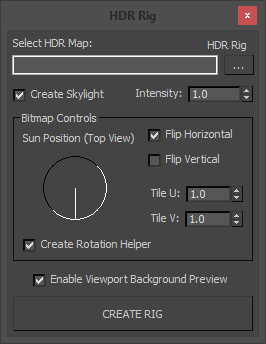
Select HDR Map:
Here you can specify which map to load in to your scene's environment.

HDRI Material Override Toolbar

6 votes

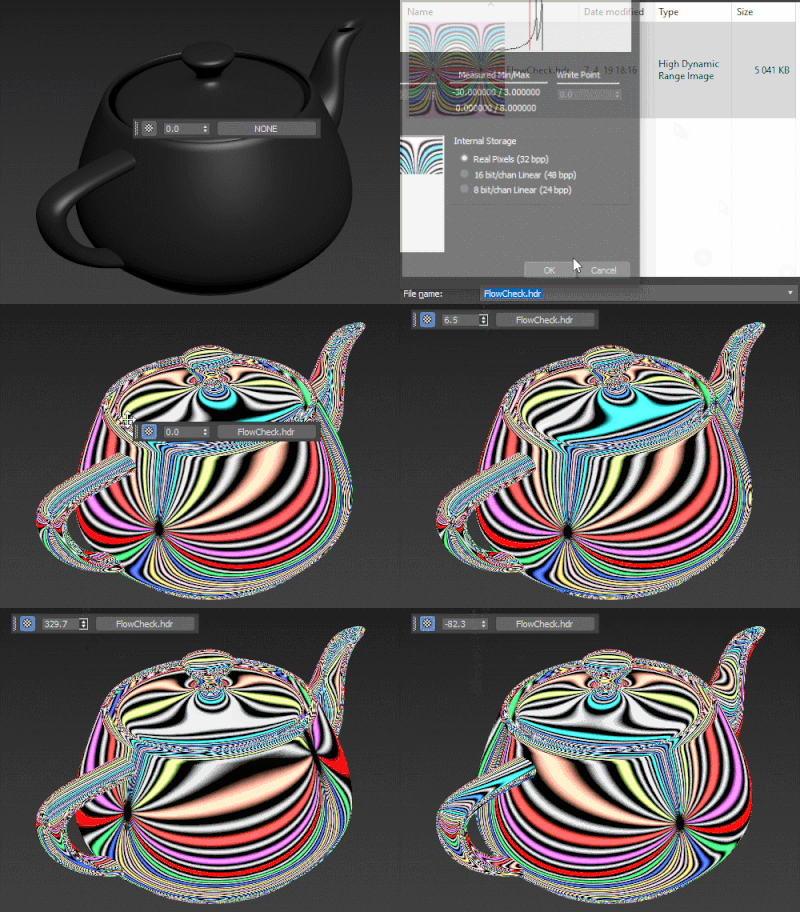
Simple floating 'toolbar' example where you can quickly toggle reflection override for the current viewport (any custom picked hdri map will work) and set its rotation. Since it's just a viewport override, all the materials applied to the objects will be left untouched. Comes in handy for example when checking for shading errors.

Helper Train

0 votes

A simple script that takes a selection of helpers, or any object really, and applies a path constraint to them in relation to the selected spline. It then applies the appropriate wire parameters so that all the helpers are 'driven' by the first helper, like a train engine and its cars. I find it useful for creating vehicles with treads.

Henriqvist's Hand Poses

0 votes

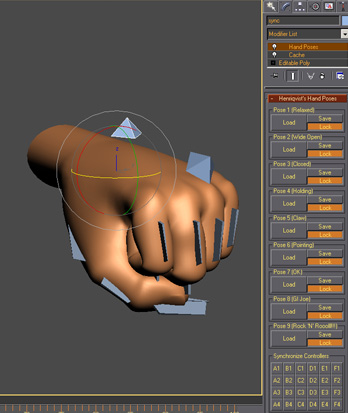
Script developed to enhance the speed of animating hands. You can save a lot of poses and then load it anytime you want. OBS1: It only saves position and rotation, scale information is not stored. OBS2: You cannot use position or rotation list in the controllers, but you can use float list.

Hexasphere

6 votes

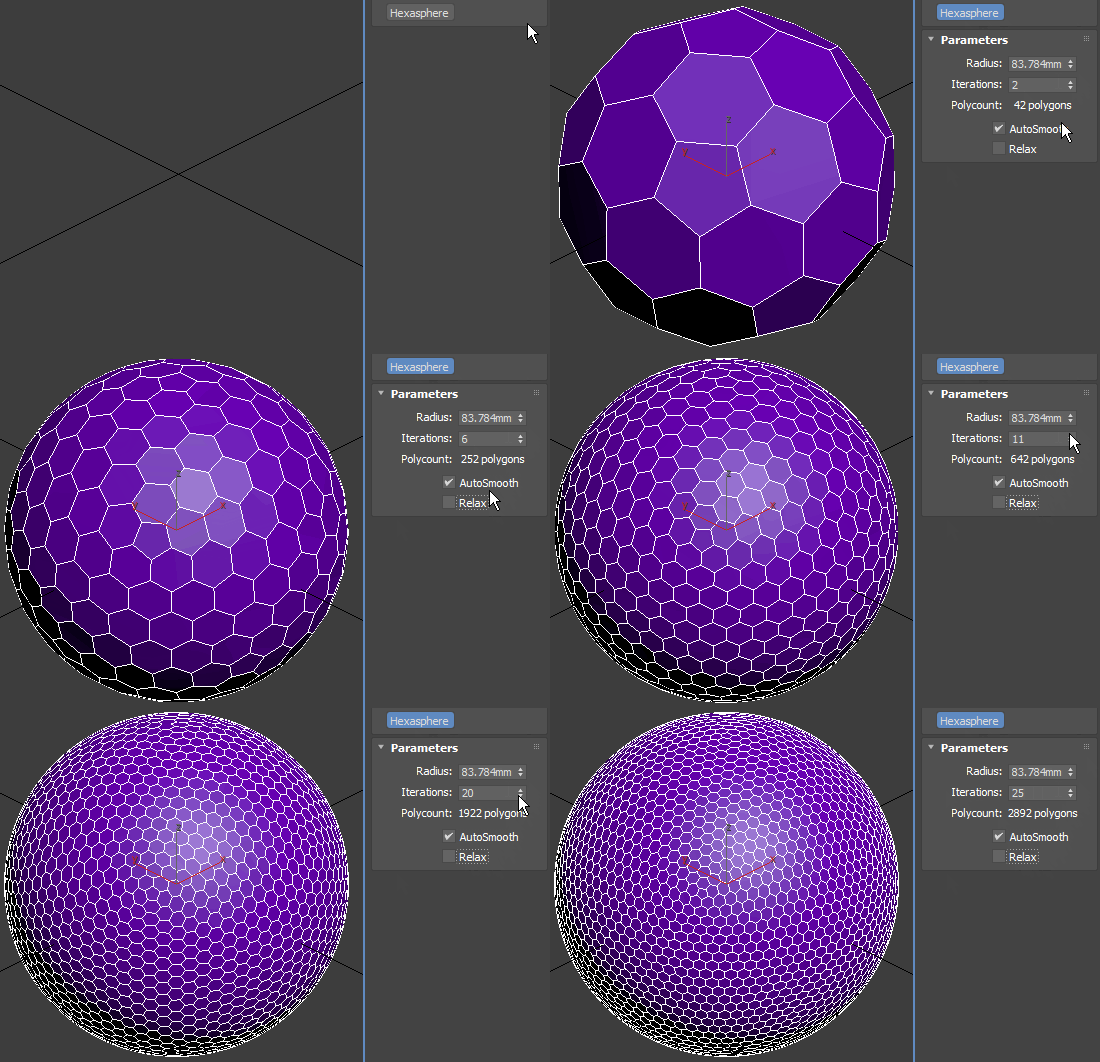
Truncated icosahedron-based geosphere – there are always 12 pentagons, all the other faces are hexagons. If you prefer polygon regularity over area uniformity, switch on Relax. Gets rather slow after 20 iterations, especially with AutoSmooth and Relax on.

Truncated Polyhedra

Hide Layer By Pick

33 votes

Hide Layer By Pick v1.0

The idea behind hide/freeze layer, was to
be able to hide/freeze a layer quickly on
screen by picking an object rather then
opening the layers tab and picking the
corresponding layer.

Syndicate content