3ds Max | Scripts

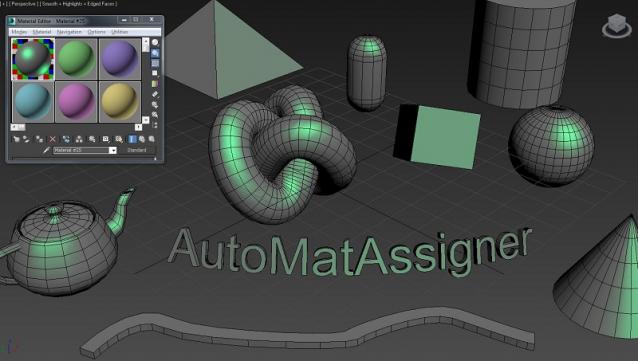
AutoMatAssigner

3 votes

GuideLines
AutoMatAssigner script assign material and black
wire color for each new object created.
The material assign is the material editor first slout.
The script is designed to help the artist on the creating process
by emphasize the wirecolor and polygons from the objects.
To use it - run the Automat.ms and it will run as long as 3ds max open.

Test on 3ds max 2014

enjoy,
l-nio

Position to VertexColor

2 votes

This script can convert vertex position XYZ to vertexcolor RGB.
useful with 3d texture map UV or some.

idea from

http://youtu.be/HKA1kjewMvA

Condense by Material

2 votes

This script condense objects with the same material, convert them into Editable Meshes, optimize the geometry and rename it as its material. If you select a large number of objects (+5k) it can take some time but it is crash-proof (so far). Specially useful in case you import architectural files from .3ds or other format and the file contains Material information. At the end you will have the same number of objects as the materials you had (e.g. Brick, Glass, Frames, Wood, etc.) Enjoy :)

v1.25 -Objects without material now receive a "Default_Material".

CPAnimation (Copy/Paste Animation)

0 votes

This script copies the animation of the move, rotate and scale from one object to another.
Script Installed in category: "GregoryMaxScript"

Sanitize Object Names

2 votes

Removes special characters from object names which can cause issues with network rendering. These often appear when bringing in a model from Revit.

- Inch and feet characters (" and ') are replaced with in and ft.
- Both 's and s' are replaced with s.
- Most other common special characters are currently replaced with underscores.

Pro Bezier Assist

6 votes

Now freeware!

MAXScript mobility

1 vote

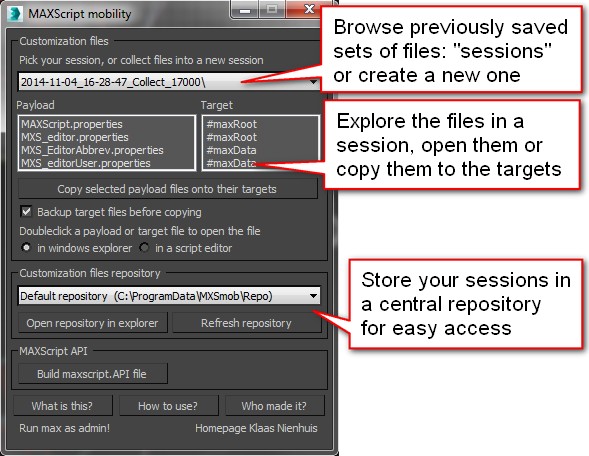
MAXScript mobility helps you manage your maxscript properties files. This is convenient if you want to copy a maxscript editor colorscheme or maxscript abbreviations from one version of 3ds Max to another version. You can also use the script to create backups of your maxscript properties files.


Lazy UVW editior - Procedural UVW layout and texture baking tool for 3dsMax

9 votes

The Lazy UVW editor is a way to procedurally create seamless textures without having to unwrap uvs. It accomplishes this by using multiple uvw channels to cover pinching, stretching, or seams of the basic uvw mapping options, and the resulting map may be baked down to one channel if desired.


miauu's Mini Transform Type-In

4 votes


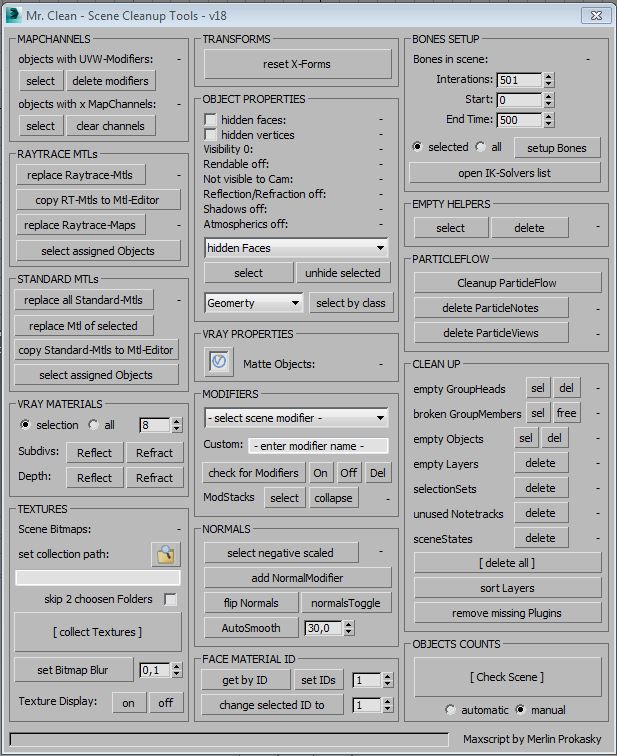
Mr. Clean - Scene Cleanup Tools for Max and VRay

7 votes

Syndicate content