3ds Max | Scripts

matReplace

1 vote

This script will allow you to replace the materials in your scene with materials from a library or max file in mass. Use the match name button if the names of your materials are similar.

Paint Pot - A database of common paint codes and name.

6 votes

Paint Pot

Updateds!

Quick Naming

1 vote

A simple script, useful when your scene have a lot of objects and you want to match the material name to your object's name. Simply download and run maxscript *Terms of use: The use of the script is an "As is". The author assumes no liability with regard to any kind of damage (hardware and software) caused by the use of this script. Are not responsible for any damage or cancellation or modification of the work, files, crash and or any problem in 3dsMax or computer.

miauu's Texture Dropper Pro

4 votes

3DS Max- Freestyle Rigging Toolkit

8 votes

I created this script for my Masters project at Bournemouth University. It allows you to create almost any rig in a modular fashion by simply drawing points and creating rig modules in between them.

It also has features for space switching, animation geometry and some hard coded deformation systems for the hip and shoulder.

MotionFX

73 votes

MotionFX is a powerful tool for motion graphics and visual effects in 3D MAX.

Align Pivot to Direction

8 votes

 Align Pivot to DIrection(vector) allows you to align the X, Y,Z or XYZ axis of the local pivot of each of the selected objects to the direction(vector), defined by two picked in the scene points. SNAP will be turned ON automatically.  If the Shift key is down when the axis is choosen the pivot will be moved to the first picked point.

Version 1.1 should works properly with Pen(tablets).

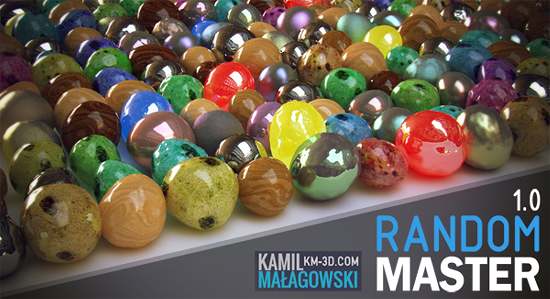
Random Master 1.0

7 votes

Random Master is an interactive and realtime tool for randomization in 3ds max.
Everything you need in one place, with just a few clicks you can create thousands of unique objects!

The tool allows you to randomize:
-Position
-Rotation
-Scale
-Material maps
-UVW Mapping gizmo
-Keyframes
-FFD modifier points
-Noise
-Selection of objects
-Selection of faces/vertices/edges
-Material ID

Align Objects To Direction (vector)

4 votes

Align Objects To Direction allows you to align the X, Y or Z axis of each of the selected objects to the direction(vector), defined by two picked in the scene points. SNAP will be turned ON automatically.

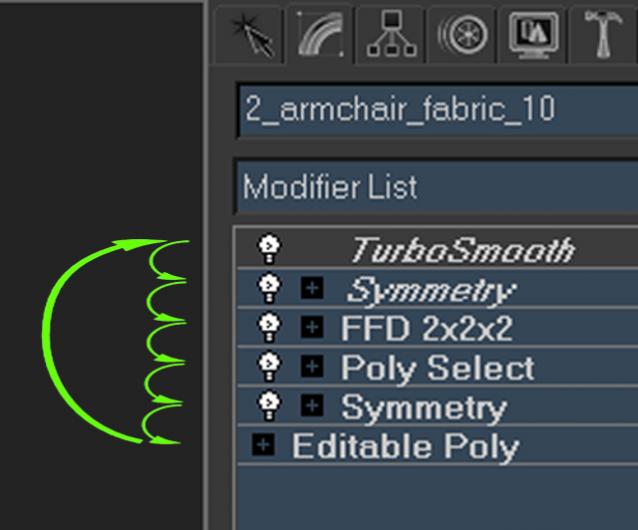
shortcut - Modifier Stack Jump and Loop

7 votes

It is a small macro script to be added as shortcut.

Syndicate content