Tagged 'fbx'

Stretchy Bones Converter

1 vote

Script for automating the process of getting 3dsMax's native stretchy bones into any game engine: creating a separate de-hierarchized bone structure that follows the motion of the base bone structure and automatically migrating skin weights on a mesh to those new bones.

USAGE:
Select the bones that you want to be affected with "Pick bones" button.
Select the affected mesh with a skin modifier with "Pick skinned object" button.
Press "Convert and reskin" button.

IMPORTANT:

FBX to Biped

4 votes

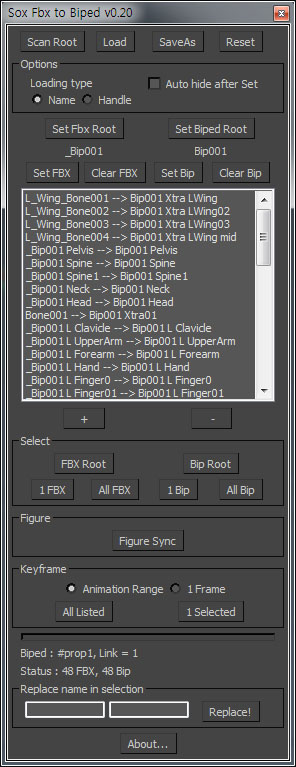
You can convert FBX animation to Biped with this script

FBX Saver

0 votes


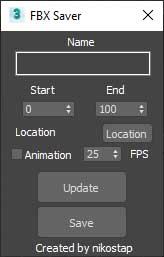
Just help you fast export to fbx.

Quick Collapse

34 votes

QuickCollapse is a maxscript Struct with a few functions to speed up collapsing large numbers of objects, it provides feedback in the listener window so you can see progress as it goes.

Run script will trigger ‘CollapseSelected’ on your current selection. there isn’t much Error Checking involved, so filter your selection for meshes, and remeber that it SHUTS UNDO OFF for the collapse so that we dont have RAM overruns on large objectsets, so save/hold first eh?

BIPPY

66 votes

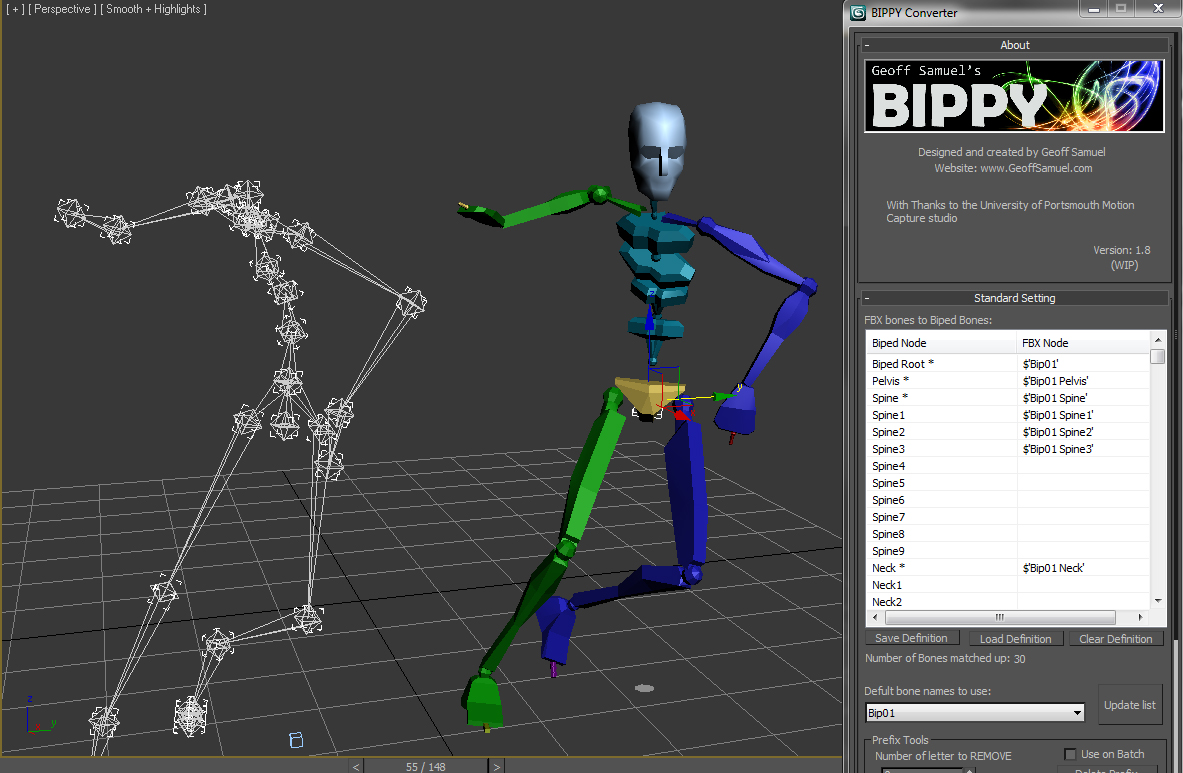
Bippy is a tool for converting FBX bone data onto a 3ds Max Biped and offeres serveral tools to help optimize this conversion pipline.
Its perfect for motion capture data when the client needs the data in a biped format.

The script in action:

The script in action


The Script's feature list includes:

3ds MAX to UE4 FBX Scene Export

6 votes

Here's a script that I've had tucked away for a looong while now.

Batch Export Any Format

1 vote

To Batch export use it script with "Batch It Max" script. "Batch It Max" can run any script on multiple files with single click.

Link for Batch It Max : http://paulneale.com/scripts/batchItMax/batchItMax.htm

Biped (.bip) Animation Batch Retargeting & FBX export

4 votes

This script was made to retarget animations so that changes could be made to the biped's proportions throughout production.

I made this for making my life easier between Max and Unity (though it could be used in any max-based pipeline). Unfortunately Unity has no native retargeting, unless your team is using Mecanim.

Export Camera to UE4

0 votes

Just select cameras(without target) and run the script. Script will create "Bake Cameras". Then you will need to export all cam in fbx(-z) and import in UE4.

--Support Target Camera, Free, and animation FoV

Script is free

Max to Fusion

4 votes

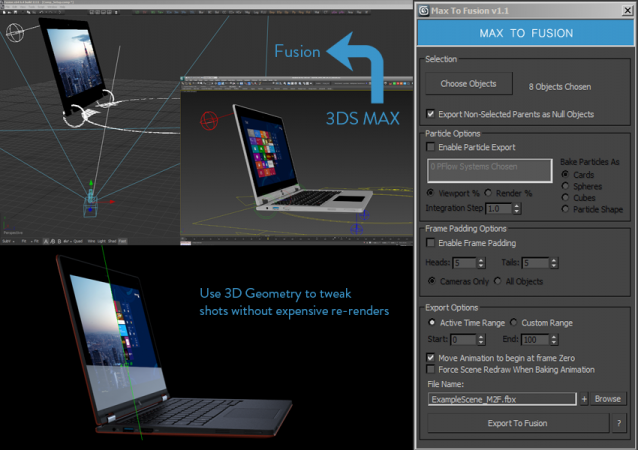
Bake selected scene objects and export an FBX file which can be loaded into Eyeon Fusion to assist with compositing. Offers greater control and flexibility than the standard FBX exporter.


UPDATE LOG

v1.1

New Features suggested by Colin James at Blur Studios

Syndicate content