Tagged 'max'

NukeOps

39 votes

A set of functions wrapped into a minimalist single-click button to help 3ds Max and Nuke artists to bring the 3ds Max 3d scene assets into Nuke's powerful 3d compositing scene.

This tool allows:

1) Copy cameras and any other objects (as points) and their animation into clipboard for an easy Copy+Paste action inside Nuke.

2) Generate .chan files from selected cameras and any other objects (as points) and save them either many at once or one at a time to selected destination.

Batch Preview Renderer

4 votes

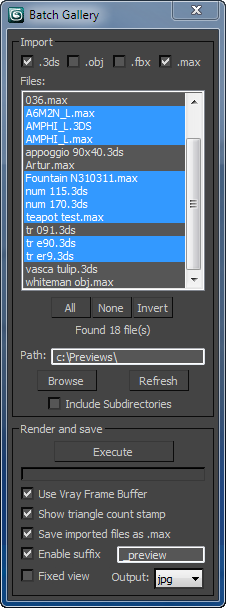
The script searches for files in a given directory and renders a preview from the files found.
Ideal if you have a lot of model library and you dont know the content of the files.

Lattice

7 votes

Uses selected object to creates lattice/blob like objects.

Updated!

--V2.0--

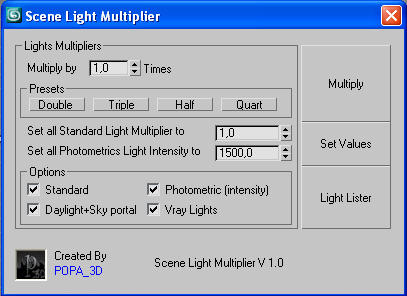
Scene Light Multiplier By POPA_3D

2 votes

Scene Light multiplier let you manage all your scene lights by multiplying their multiplier by a defined value or set all light multiplier to a defined value...

you can chose which lights will be taken in consideration

#Standard will affect:

 target Spot 

free Spot 

Target Directional ight 

free Directional light

Omni light 

Skylight 

mr area omni

JJTools

30 votes

I have used 3DS Max on a daily basis for almost 10 years now and I took an interest in MAXScript almost immediately. The learning process was slow but I was able to pick the brains of my very talented colleagues. I began by studying 3ds Max’s ‘Listener’ and with time and confidence I tentatively created short scripts of my own. Many years later, and with a lot of help from my friends, I am in the fortunate position of being able to create my very own 3ds Max tools.


http://www.jimjagger.com/Pages/Tools/index.htm

Most of my scripts are workflow improvements in an effort to avoid repetitive tasks. With any luck, they may save you some time too.

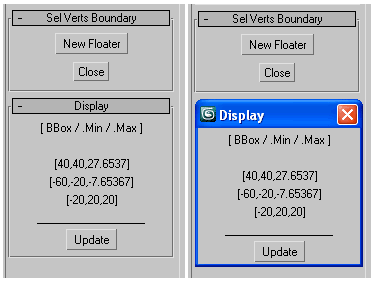
Selected Verts Boundary

3 votes

a mini utility show the boundingbox of selected vertices,
as well their Min/Max boundary in world space coordinates.

GUI

measure single selected node (selection[1])
works with any geometry node that has .mesh value
allows one floater rollout at a time

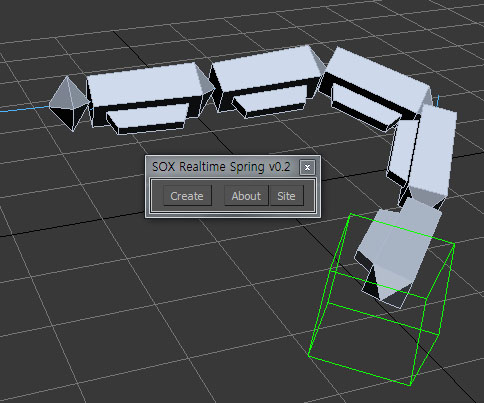
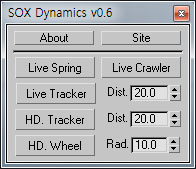
SOX Dynamics

3 votes

Sorry, The management of the tool will stop temporarily.


ScriptSpotter

201 votes


This is a little tool to get the scripspot rss feed directly in max, displayed on the viewport. It of course only shows max related stuff, updates every 7 minutes and thats about it for descriptions.
have phun

Slate - View Selected

21 votes

This free MaxScript instantly displays the material of the selected object (or objects) in a new view in the Slate Material Editor. Currently, Slate does not have a quick and easy way to do this. Slate View Selected allows you to create multiple views as well. You can close the script dialog box and the script will continue to run until you re-run the script where you can stop it. In the dialog box you can also set a "display max" so that if you select a large number of objects, Slate won't waste time collecting and displaying all the materials used by objects in the selection.

Maxscript basics #2 - loops, strings etc.

20 votes

Another introductory basic maxscript tutorial

Syndicate content