3ds Max | All

Free Helper Tool: Object Inspector for MaxScript beginners

3 votes

Hi,

so you want to learn more about MaxScripting?

Then you should know about the kind of objects, their properties, methods and interfaces.
It can be quite time consuming to search about this everytime or type  showProperties $ on selected objects and switch between the Listener and your editor.

Entering: My little MaxScript Object Inspector.

I was tired of typing and have cluttered output in extra scripts for properties, interfaces the class and superClass of objects.

Custom Attribute Editor

7 votes

This one allows you to fairly easily edit your custom attributes. It also allows you to build a rollout using VMS and then use that as your custom attribute rollout so layout is in your hands. On redefining a CA stuff like wired parameters etc. are preserved (as long as you don't change Paramblock and UI control names - editing captions as seen in the rollouts is fine).

The REZN8 Productions MAXScript Control and Function Library

33 votes

The REZN8 Productions MAXScript Control and Function Library is a 3dsmax script plugin extension. This extension exposes a slew of methods and UI controls to the MAXScript language.

- Tab Control. Allows adding individual rollouts into a tabbed control.
- Splitter. Allows dragging and tracking both horizontally and vertically.
- CoolButton. Mouse over button with image support.
- Dialog Structure. The dialog structure is a wrapper struct for controlling createDialog with auto saving and loading of dialog positioning.

...

Border Fill

36 votes

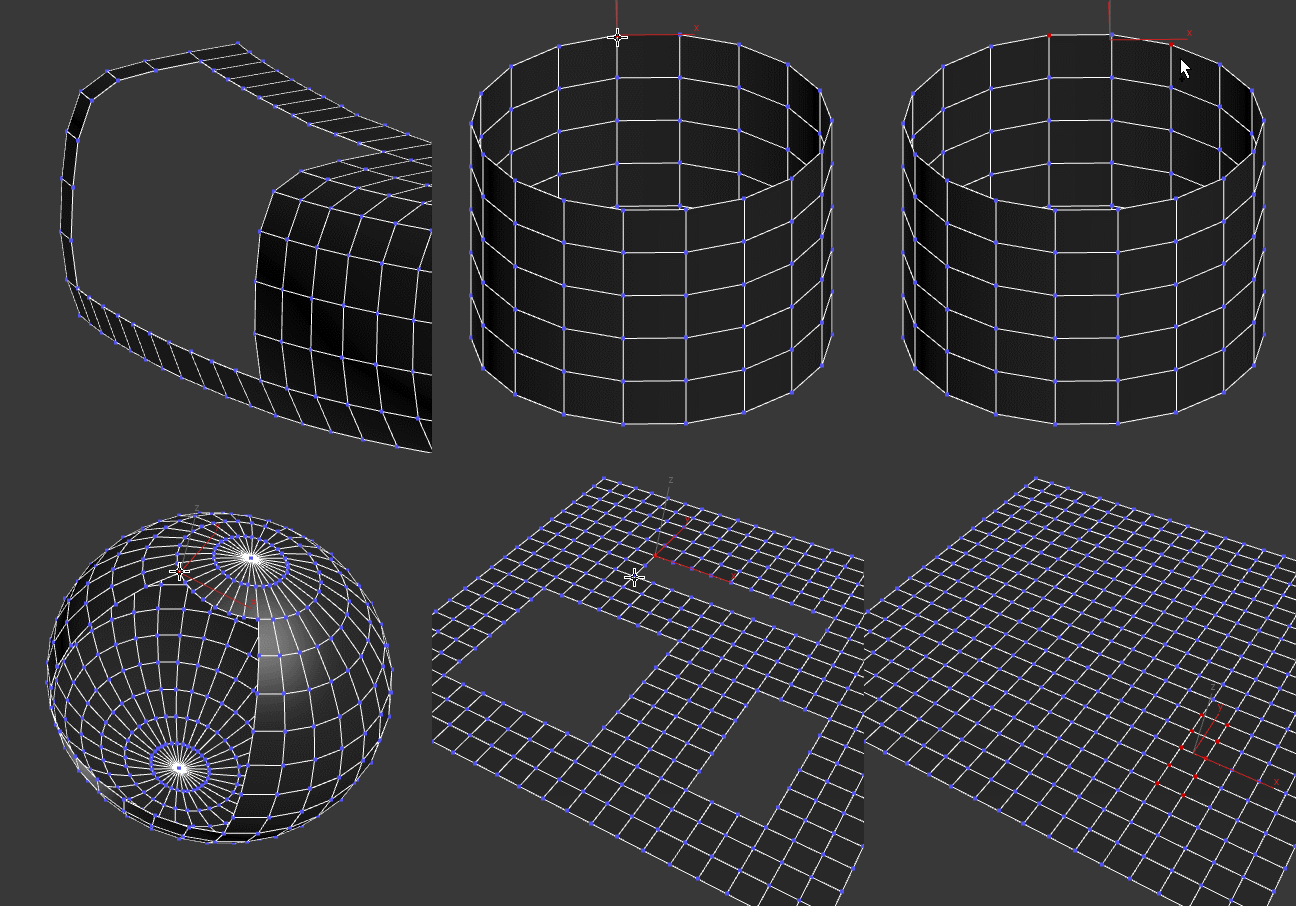
Fills a border with quads. Selects the newly created faces (sometimes you want to do an inset afterwards) and verts (sometimes you might want to relax them)

Grid Fill

Kloner - a Handy Cloner

3 votes

This is a handy cloner that i made for a job. Max has the MCG Cloner and the built-in Clone tools, but this one goes straight to the point for fast interaction.A with the cool feature of auto-offset the copies using the BoundingBox size.
And you can change this offset + Make group clones in any 90 degrees direction.
You can change it to transform/move mode to only move objects around, not cloning, which is handy too for building blocks when you have modular parts to build structures...

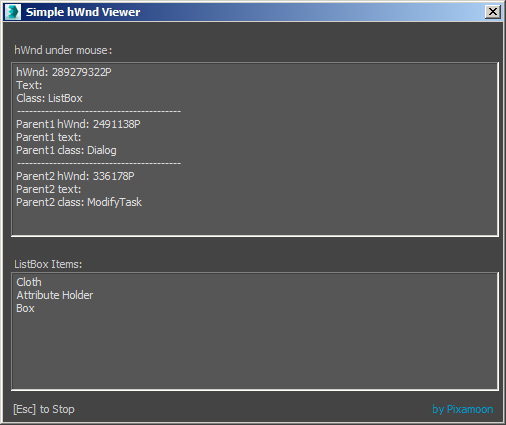
Simple hWnd Viewer

8 votes

This is just simple tool to check window element handle - hwnd under mouse pointer.

I did it some time ago to test reading info from ListBox but it can be used it to inspect UI elements you need to work with later.

Note: This tool is can be useful only for people who writes maxscripts.

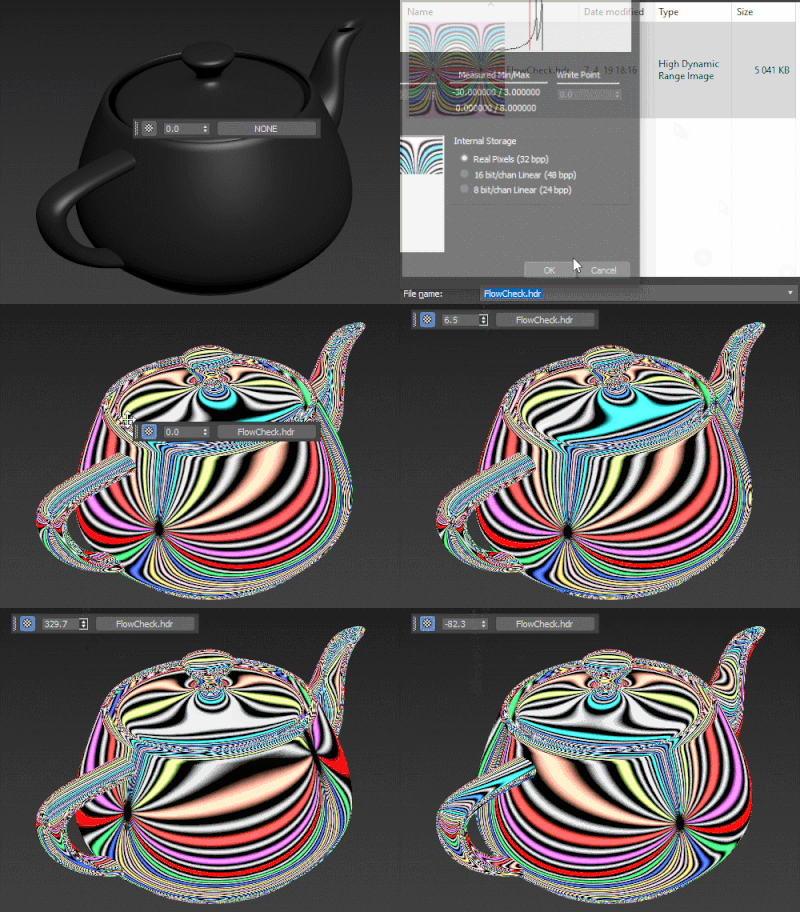
HDRI Material Override Toolbar

6 votes

Simple floating 'toolbar' example where you can quickly toggle reflection override for the current viewport (any custom picked hdri map will work) and set its rotation. Since it's just a viewport override, all the materials applied to the objects will be left untouched. Comes in handy for example when checking for shading errors.

3DS Max - V Ray - Change The V-Ray Frame Buffer Default Position

1 vote

If you don't like the default position of the V-Ray frame buffer, or, if for some reason you lost the VFB and it's not appearing on your screen, this video will show you how to control the X and Y coordinates of the VFB on the screen.

MCG BraidGen

5 votes

Long story short, Braid tute from Kevin John, maxscripted by Trebor777, mentioned on MCG FB by Swordslayer....I reinterpreted it with my own eyes and MCG...cos I couldn't understand much maxscript...

Because of lots of twists and turns, I found the best way is to set the BraidGen Interpolation to 0, then use with a Sweep with Banking OFF, then TurboSmooth on top.
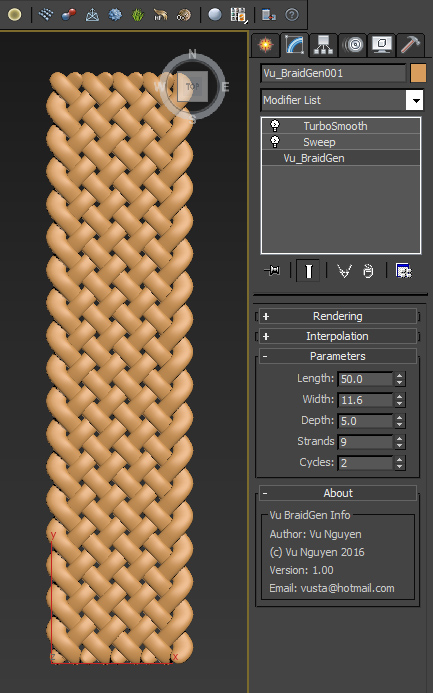
Ver 1.01: added Grow options, please see video.

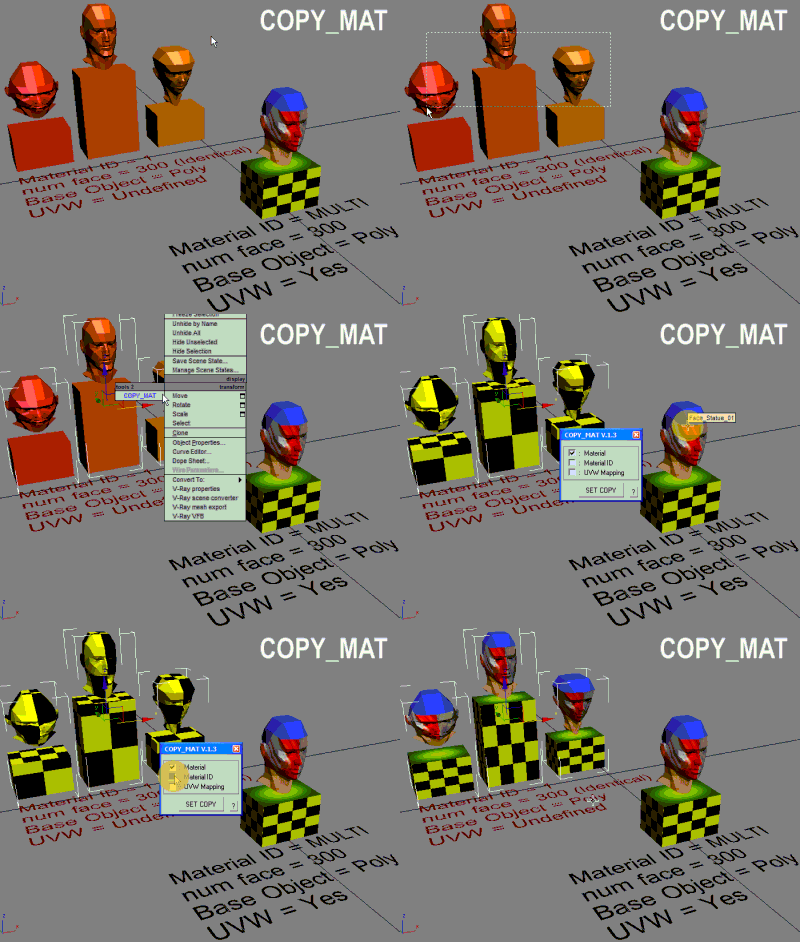
COPY_MAT

31 votes

Quick copy-paste object material to another object.

Syndicate content