3ds Max | All

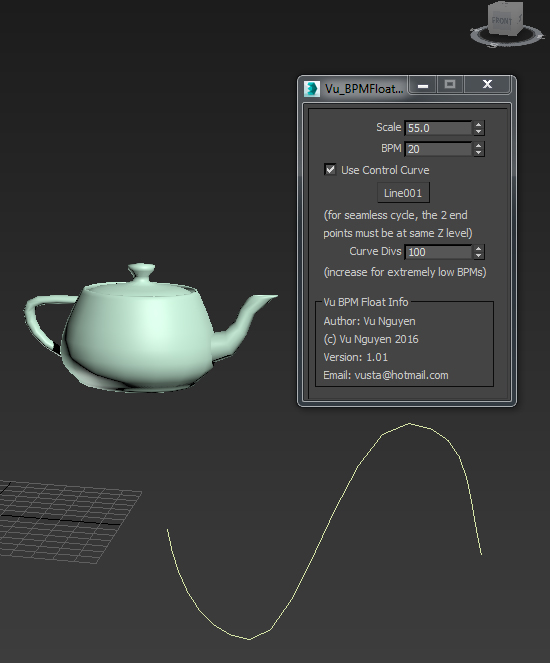
MCG BPM Float Controller

0 votes

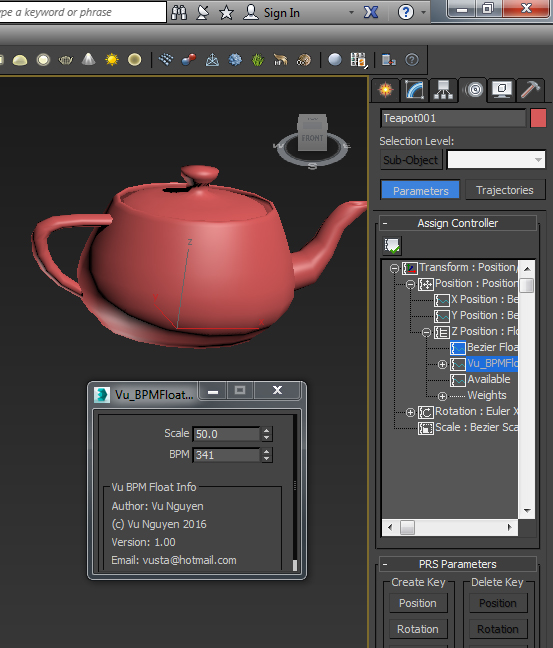
BPM Float Controller so you can directly control something

ver 1.01: added control curve

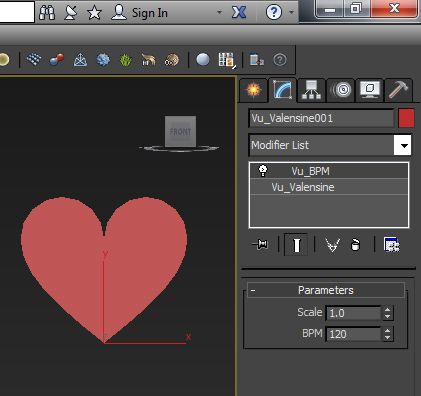
MCG BPM Visualiser

0 votes

This is to help animators visualising BPM (beats per minute).

Modifier can be applied to any mesh object (or splines too). Will work independent of frame rate, ie. NTSC, PAL whatever...

Milyan's object cleaner

1 vote

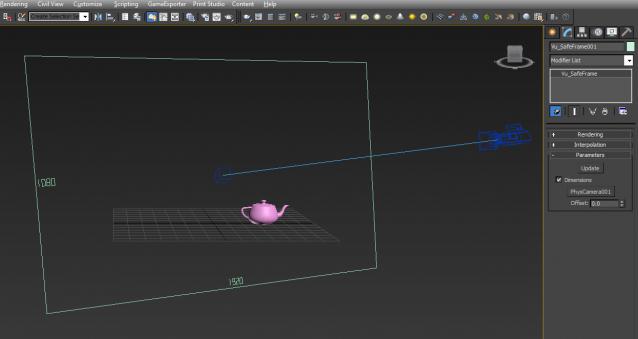
MCG Safeframe

2 votes

Dave Wortley requested this so here it is...how it is intended to be used I do not know so you'll have to ask/wait for Dave to do something with it.

I based my MCG on this if you'd like to see the orig setup.

http://www.scriptspot.com/3ds-max/mcg/mcg-imageplane

Top Gun version: say no more !!!

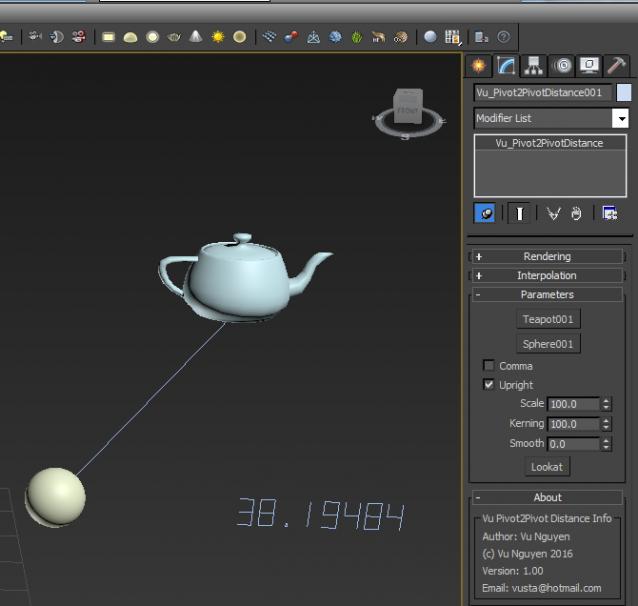
MCG Pivot2Pivot Distance

1 vote

This screams...."me too" as Distance has been done to death...but I simply want to show how to use my MCG Spline Float Number display utility, is all.


Ver 1.01: fixed whole number display bug

There is no change to the tool, the fix is in the compound Vu_GetSplineFloatArray so if you're lazy, just rename the mcg to zip and extract manually.

MCG RPMSpin

1 vote

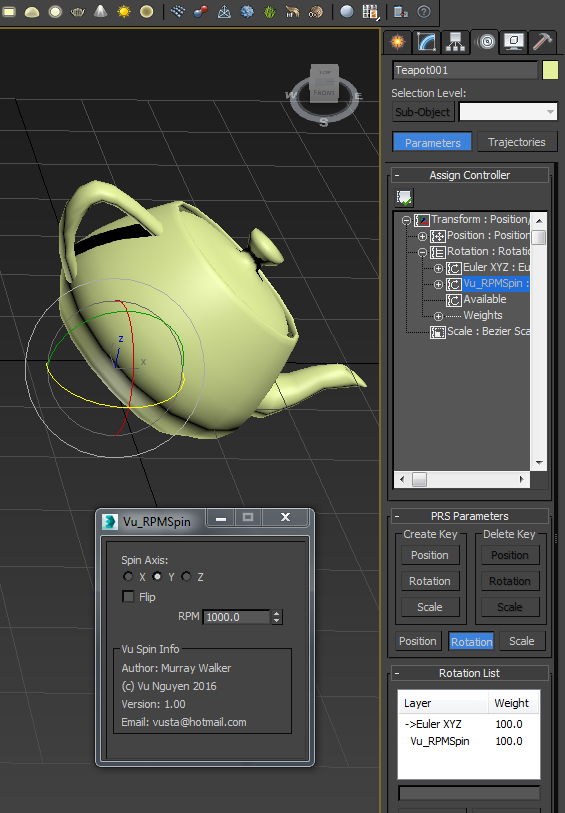
A user requested this...so here it is...simple RPM controller.

Note: it works in Rev Per Minute, so it does not matter if you work in NTSC, PAL or whatever...


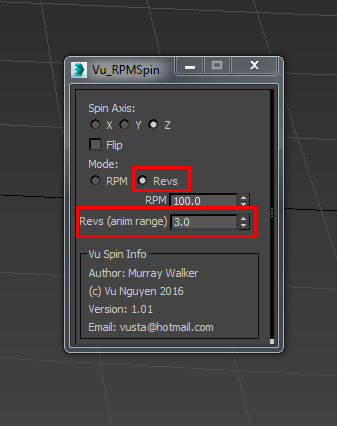
Ver 1.01: added Revs mode for the Revheads. This will spin your object N times for whatever the animation range is...Start time does not have to be at 0...

MCG VertID

2 votes

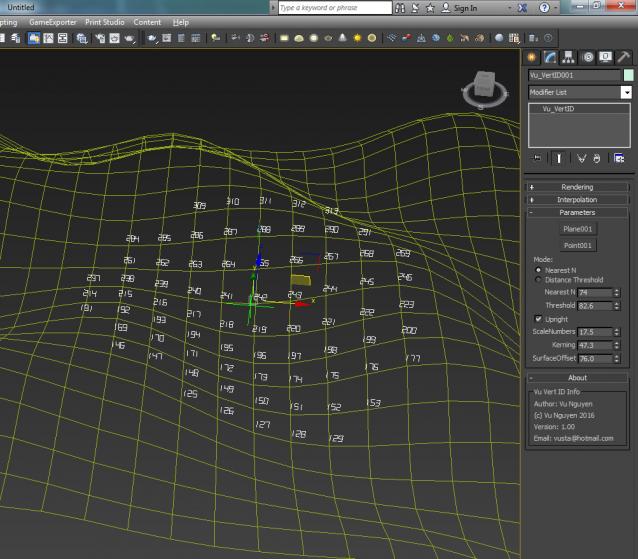
Displays your geo's vertID.

rs_VrayProxy_replace

1 vote

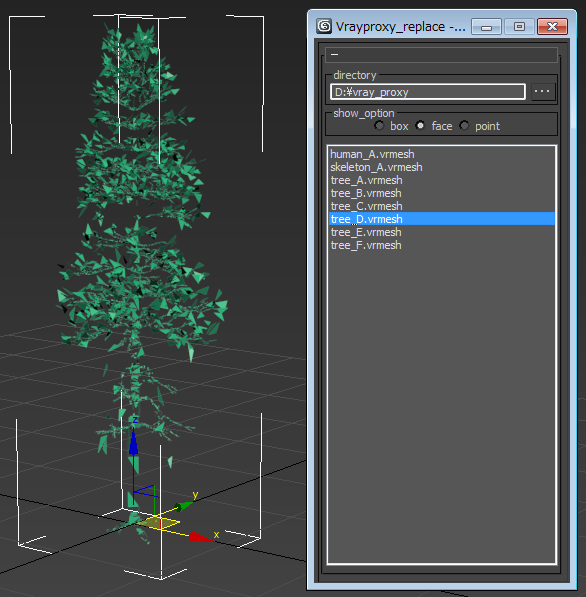
It replaces the selected object to Vrayproxy

AP ParaLlax

0 votes

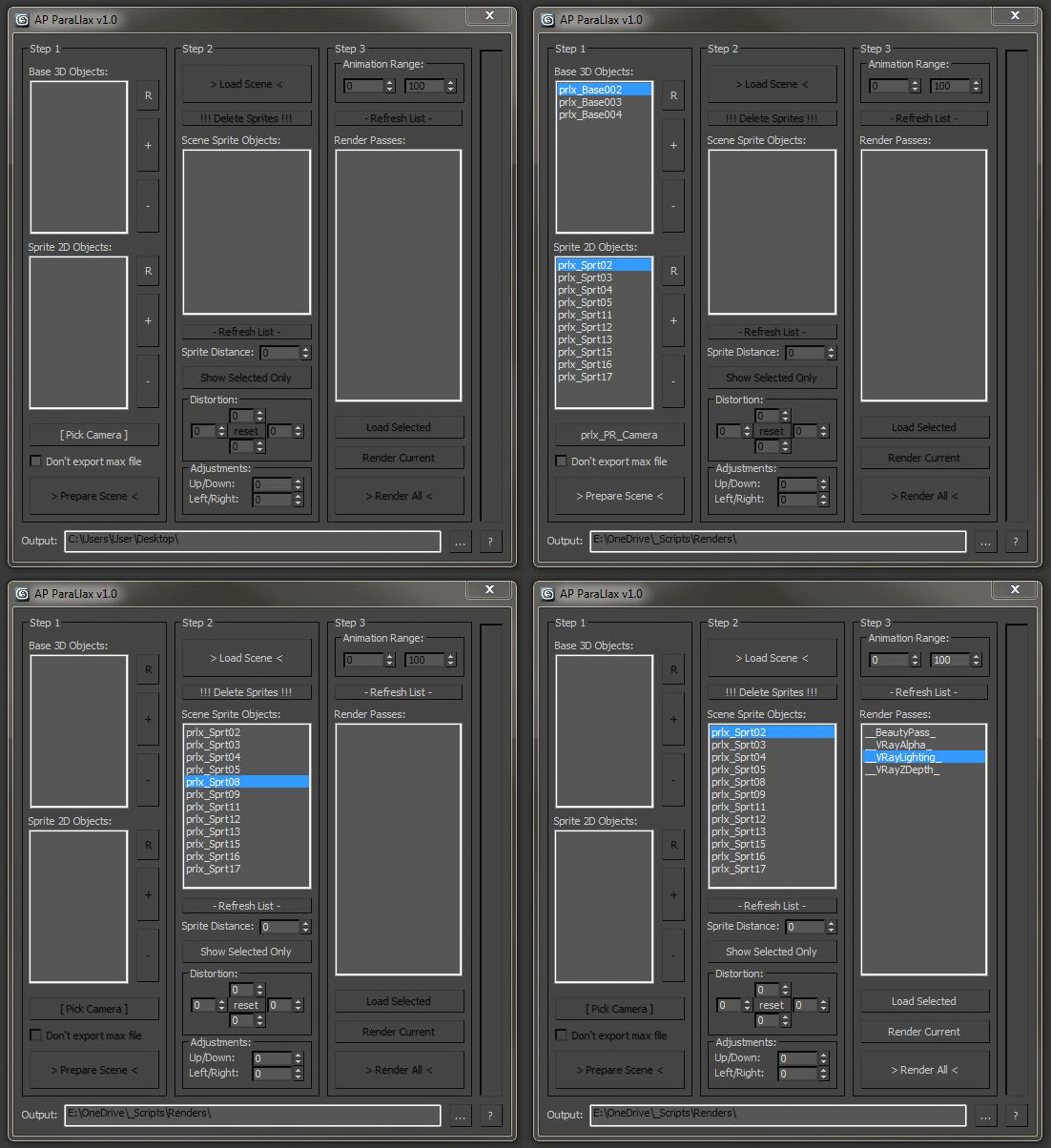
In short, this is a projection mapping tool.

This script allows you to breathe some life into your scene without a lengthy rendering process.

Divide your scene into groups of objects and then use the script to batch render them and automatically apply camera projection mapping onto the original geometry (or 2D sprites).

Camera Manager

1 vote

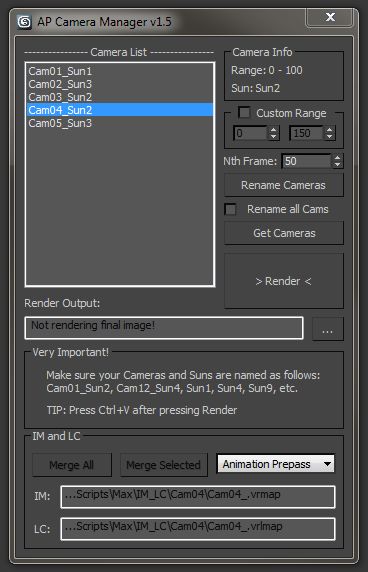
There are quite a few fly-through camera management tools out there, but i needed something that could automatically change the time output range, sun, output file name, etc.

Also, very important, use Free Cameras only (not target). The script uses the position and rotation controllers of the camera to determine it’s range.

Syndicate content