3ds Max | All

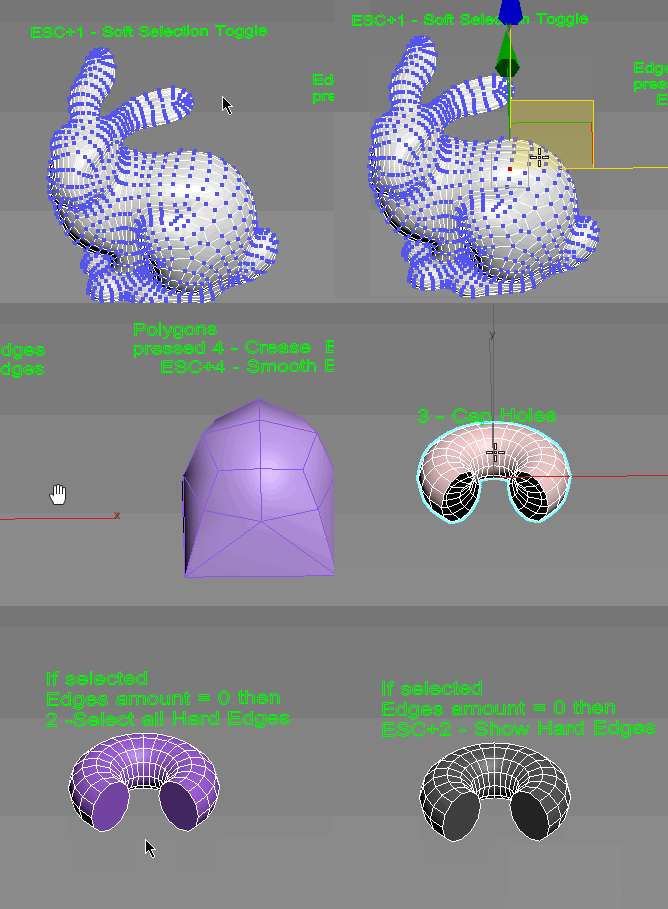
Subobjects Converter

9 votes


v3.07
Fixed Shift+1 Shift+2

v3.01
If Esc+Key of script keyboard pressed and current subobjectlevel is 4 or 5 (Face or Element) and selected all faces then will run Smoothing Groups floater (a separate special window)
Если нажата Esc+кнопка скрипта и текущий подобъект 4 или 5 (Грани или Элементы) и все грани выделены, то будет запущен Smoothing Groups floater (отдельным специальным окошком)

Fixed bug of switch from subobject 5 to 4
Added Extended Subobjects:

All for UE5

3 votes

Description:
This MaxScript is designed to save time working with Unreal Engine 5.
For UE5.4 and newer, use the console command: Interchange.FeatureFlags.Import.FBX 0
For UE5.0–5.3, no console command is needed.

AllForUE5

Features:
- Create folder structures based on the layer names;
- Export objects from 3ds Max to Unreal Engine;
- Copy the Position/Rotation/Scale;

miauu's Script Pack vol.2

18 votes


dwHideUnderSkin

0 votes

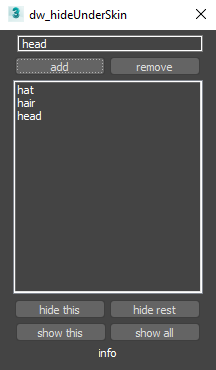
UI screenshot

Allows you to hide/show elements while working with skin for example.

First you need to create poly groups by selecting them and pressing Add (switch to Editable_Poly in stack).
Then you will be able to hide/show those groups.

You can also use fast way to control visibility:
Double-Click : hide group
Double-Click + Alt : hide everything else
Right-Click : show all
Only downside is that you can't work with multi-selection like that.

3D R.n.D |MCG | Easy Escalator

2 votes

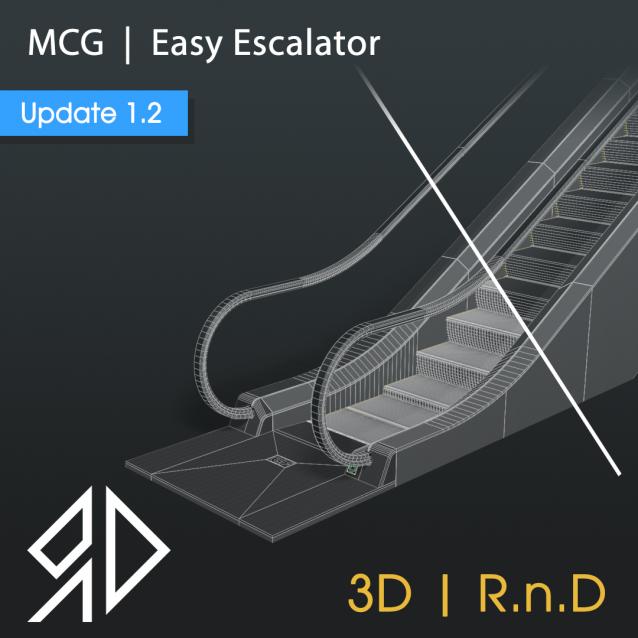
This MCG Tool will procedurally Generates an Escalator based on some inputs by the user.

Supported with 3dsmax 2016 - 2026

 Update v1.2:

Added a Low-Poly feature.

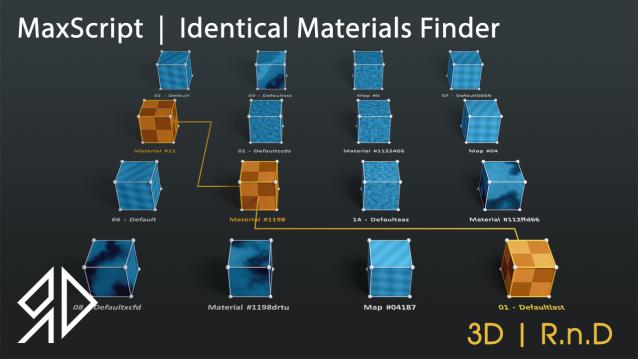
3D R.n.D | MaxScript | Identical Materials Finder

5 votes

Update Notes Version 3.18:

included slate material compatibility

automatically opens material editor when pressing "Put similar to the material editor" button


Update Notes Version 3.21:

included option to instance all scene material

included option to search within selected objects

 Update Notes Version 3.31:

Bug Fixes For Newer Versions of 3dsmax


Update Notes Version 3.36:

Improved code and much faster resaults

fixed unmatched materials issue

Bug Fixes For Newer Versions of 3dsmax

Update Notes Version 3.37:

added abilty to cancel search

clear the ram of arrays after closing the script dialog


Installation : Run script or drag and drop to 3ds max, then go to customize user interface and assign "Identical Material Finder" as keyboard short-cut or quad menu under  "3D_RnD"  Category

miauu's Tab Panel

1 vote


miauu's Tab Panel allows you to organize all of your toolbars into tabs.

What you can do:

dwDupFaceCleaner

0 votes

UI screenshot

Script to find duplicate faces. It was made for specific task of removing inner faces of a model made from voxel-like boxes. Don't expect it to be a universal solution.
Though also has an option for finding duplicates of outer faces.

Sweep Profile

563 votes

The new version of Sweep Profile PRO has been released

version 1.01.36

  • Adds support to 3Ds Max 2026
  • New Demo Molding profiles
  • Drops support to 3Ds Max 2014/2015

version 1.01.30

  • Adds support to 3Ds Max 2025

version 1.01.27

  • Adds the "Assign" button
  • Adds German and Japanese localizations
  • Better zooming to profile on rendering preview
  • Adds an ability to add multiple directories with profiles using the checkbox "Include Subfolders"
  • Fixes an issue with changing profile dimensions in 3ds Max 2023-2024

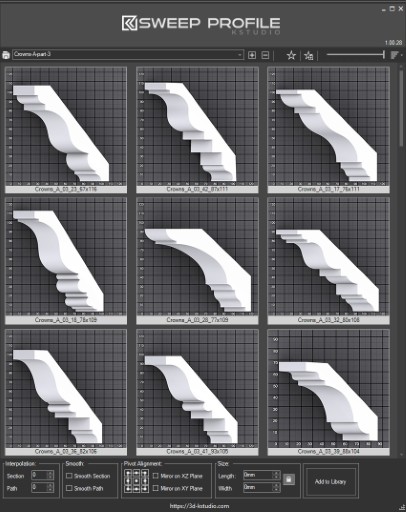
The main functionality of the Sweep Pro lies in its ability to offer a quick and convenient way to build architectural profiles using the Sweep modifier.

The pack includes pre-made architectural profiles (10 for the free version and 37 for PRO version), providing users with a solid base to start from.

However, the functionality doesn’t stop there; users also have the option to add new profiles from the scene or add profiles from a specific folder.

Also, the tool has a very convenient option for changing the profile size on the fly.


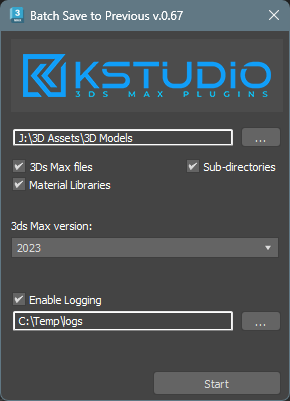
Batch Save 3ds Max Files to Previous Version

4 votes

Script for saving 3ds Max files and Material Libraries* to the previous version in batch mode

*Batch saving Material Libraries to the previous version requires 3ds Max 2023 Update 1 or newest


Syndicate content