3ds Max | All

Archicad Importer

35 votes

This script lets build a parallel workflow with Archicad, in the same way as Artlantis.
You can import and update the AC model in 3dsMax while keeping materials, UVWmaps, and VrayDisplacementMaps.

NB: This script is now replaced by the Mirza Link manager

SketchUp Importer

25 votes

This script lets build a parallel workflow with SketchUp, in the same way as Artlantis with Archicad. You can import and update the AC model in 3dsMax while keeping materials, UVWmaps, and VrayDisplacementMaps.

NB: This script is now replaced by the Mirza Link manager

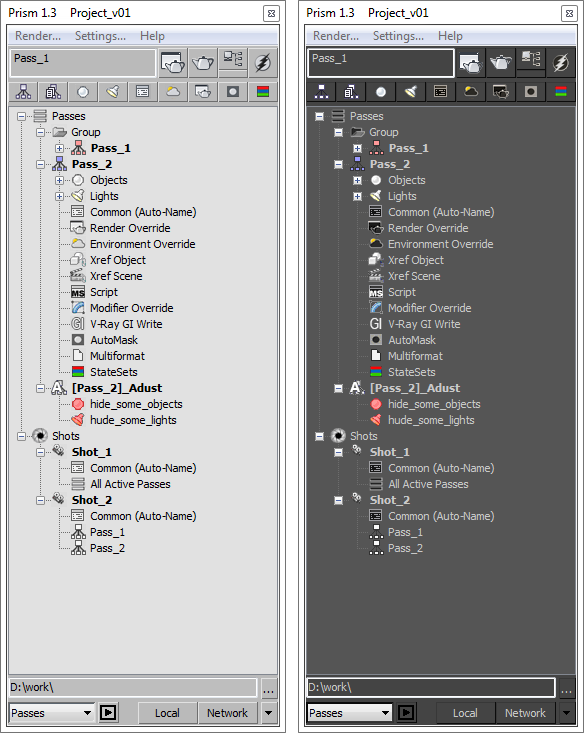
Prism

10 votes

Poly Stitch tools

1 vote


       The Stitch tools  work on editable polyon object ,and create new faces between selected open edges(borders),which are mainly used to connect roads and terrain.

      In this update,stitch algorithm has been improved and enhanced,error probability is reduced greatly,no longer need to clear jags of borders but final triangluation is much better.

IES from Caustics Generator

4 votes

The script for easy render of the caustic from the lamps. Calculation of caustic takes a long time.

I have decided that you can bake a caustic in IES-files and thus make the caustic effect it deceptive for a large number of fixtures in the scene.

Toggle Material

0 votes

Toggle Material is used to toggle material in viewport just by using 1 click.
It will show selected object material or toggle all scene material if there is no selection.

How to use:

  1. Run the script
  2. Select Object/s or Nothing
  3. Toggle Switch

Installation: Drop The file in max viewport and go to Customize > Customize User Interface > Toolbars > Category: .timo > .timo Toggle Material

Delete Random Elements

2 votes

Modifier which deletes random mesh elements by percentage.

MCG LaserRayser

1 vote

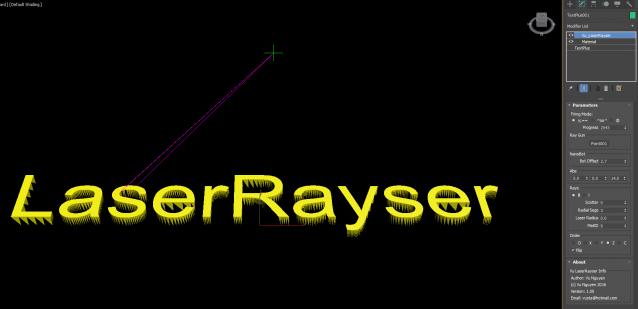
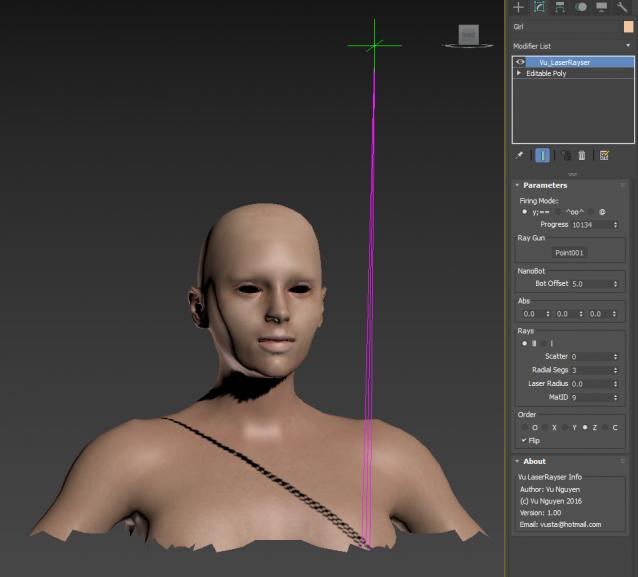
This MCG creates a laser printing effect...no not on paper method...but more like a 3D printer.

Z Manager

2 votes

SORRY, BUT THIS SCRIPT IS CURRENTLY NOT AVAILABLE.

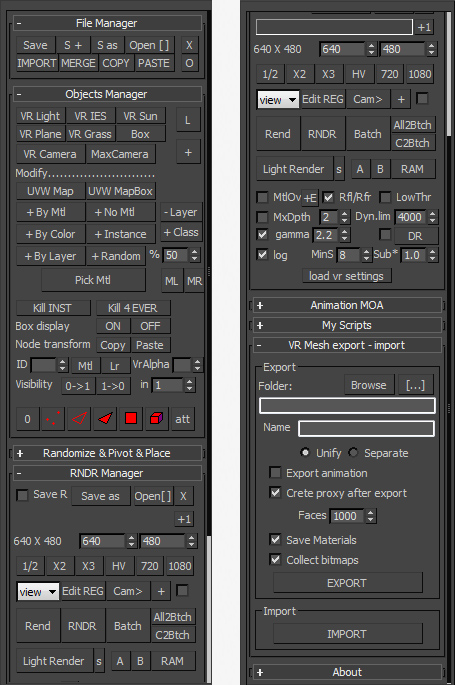
This is a 3dsMax manager tool, preferably for Vray users, very useful for editing architectural models created with other software (eg. ArchiCAD) and fast scene setup. Very useful tools for Selection, Rendering, Incremental Rendering, Copy/Paste objects from other scenes, Material Replacer, Animation with Moving Objects, Exporting/Importing Vray Proxy with material and so on...

Facial Animation Widget

1 vote

When animating characters you will most likely want your skinned mesh to be frozen for that the animator does not unwillingly move it or select it all the time. But then you won't have access to the morpher modifier to do your facial animation. If you don't have time to build a Face UI this tiny script might come in handy. It creates a button on your head controller (for example) to get access to your morpher modifier.

Syndicate content