3ds Max | Scripts

Edge Loop Regularizer EditPoly

15 votes

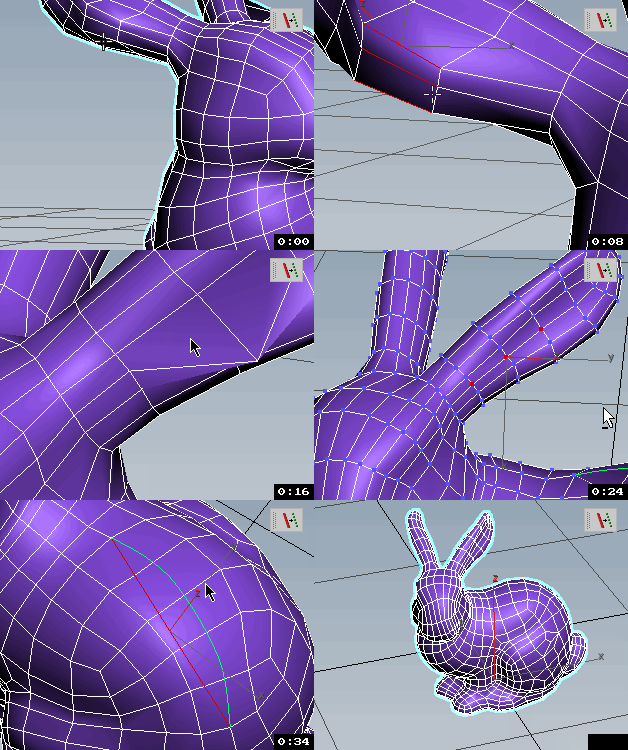
Edge loop regularizer for Edit Poly. This script is an extended version of the well known edge loop regularizer script. This version has a ported part of the original script that can handle edit poly objects. The only drawback is that it can be slower when you are planning to use it on an edit poly object, because how max is handling edit poly modifiers. If you are planning to use it on an edit poly modifier, it might better to detach the part you want to regularize, and than attach it back when you finished the modification.

Edge Loop Straighten with Constraints

4 votes

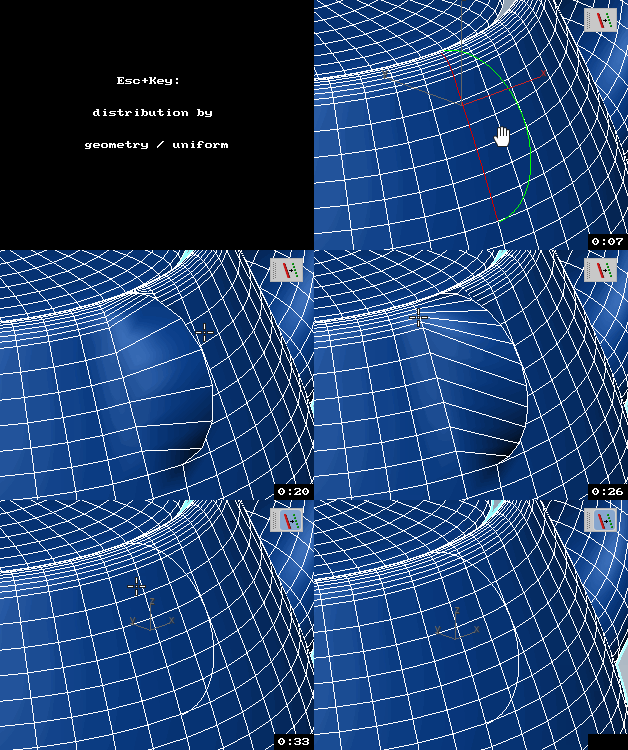
Edge Loop Straighten with Constraints works like this:
Selected one or more partial loop(s) of edges, run the script, and it will straighten all the verts between the end verts of the loop(s). What makes this script different from others of its kind is that it fully supports all three geometry constraint modes; edge, face, and normal constraints.

Edge Selection from SmoothGroups

5 votes

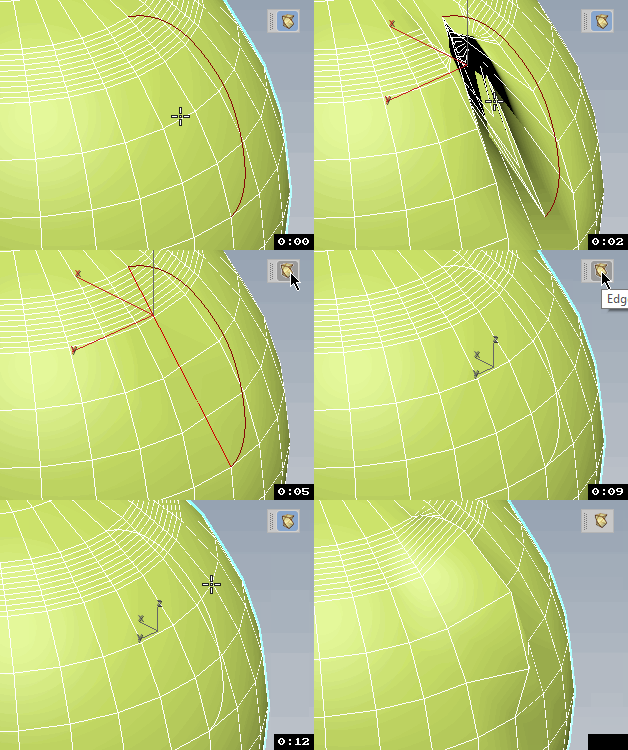
Modifier that converts smoothing group borders to edge selection. If you want to display the result, put a Mesh Select modifier below this one and make its edge mode active.

EdgeFinder

52 votes

Example

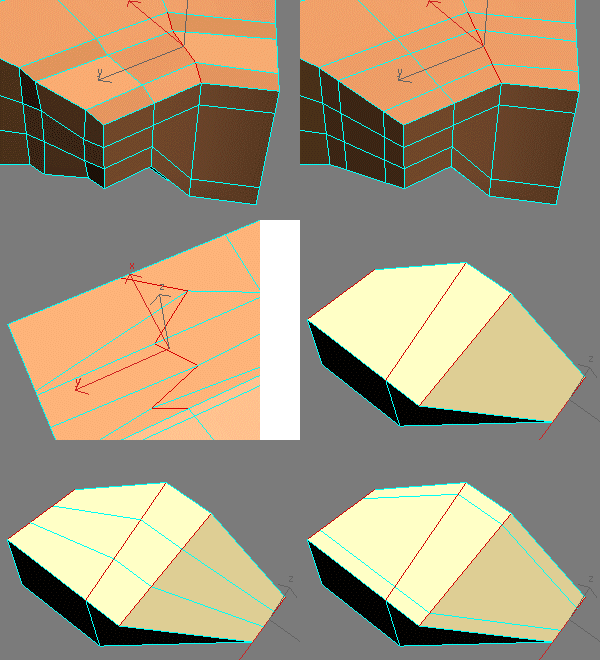
I wrote a script that finds the edges of a mesh and creates an edge map and/or creates roughed up edges on the mesh. Just pick a mesh and choose your settings and the script will render out a map for you. The script tessellates the the mesh and colors the vertices black where ever it finds corners, so you can choose if you want the high poly mesh or just bake a edge map to use on the low poly mesh.

Updated!

Edgelizer

4 votes

Lets you autoedge all the editable mesh objects in your scene

EdgeLoop

4 votes

Automates the selection of edge loops around your model. For example - a forearm should be built with nice clean contour rings. With EdgeLoop you can select just a part of that ring - and it will select the whole ring. Works great for character modelling.

Edges From Vert To Vert

11 votes

Tool for edge selection from vertex to vertex(point to point)
Has interactive update so when you move the mouse over the selected object you can see what would be the edge selection. By clicking you add the current vertex. By clicking + ALT over selected vertex you deselect it. The red vertices are the selected ones - the blue is the currently selected vertex. When you click RMB the tool stops and the edge selection from the SELECTED vertices stays - if you click the RMB with ALT you clear the selection.

Edges To Curve / Rectification

4 votes


EdgeSmooth

14 votes


EdgeSmooth is a free, open source plugin that makes smoothing in 3dsmax a lot easier. It allows you to smooth an editable poly by setting edges to "hard" or "soft". A "hard edge" means that the faces using the edge share no smoothing groups, a "soft edge" is the opposite. This will probably feel familiar to Maya users!

Remarks:
-The plugin uses smoothing groups, so you can mix it with using traditional smoothing. It may however change the smoothing groups on all faces in the object!

EdgeStraighten

24 votes

Syndicate content