3ds Max | Scripts

ExportPrep

3 votes

You should use Version 2
http://www.scriptspot.com/3ds-max/scripts/export-prep

If I could delete this post I would.

Expose Table

1 vote

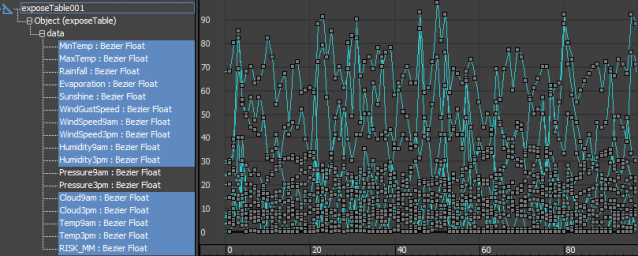
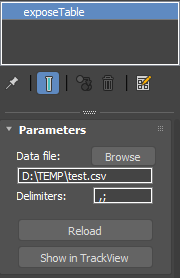
Expose Table is a helper object which can load a CSV file and expose its columns as tracks that you can use copy-paste or use for parameter wiring and anywhere you would use a controller. First row of the CSV file is used for the track names, which means the headers have to be unique, all the other rows have to contain numbers.

 Expose Table 

Expression Benchmark

4 votes

ExpressionSetRanges and IK_SetEndTimes

5 votes

These scripts were developed back in September - I just forgot to put them on the list. Both set the respective controllers' ranges to fit the current animation range. You can use them whenever you add frames to the end of an animation and want those contr

EXR Network Render Fix

10 votes

Trying to add more channels than default when network rendering out files to the .exr-format is a scourge. They get lost somewhere on the way. This little collection of script forces the channels to be there even on the computers on your farm as they render.

Extcircle and Semicircle

3 votes

A small script that creates extend circles for use in mechanical modeling... Small modifications made by dejawolf

Extend Borders

25 votes

[UPDATE!] See description below for more

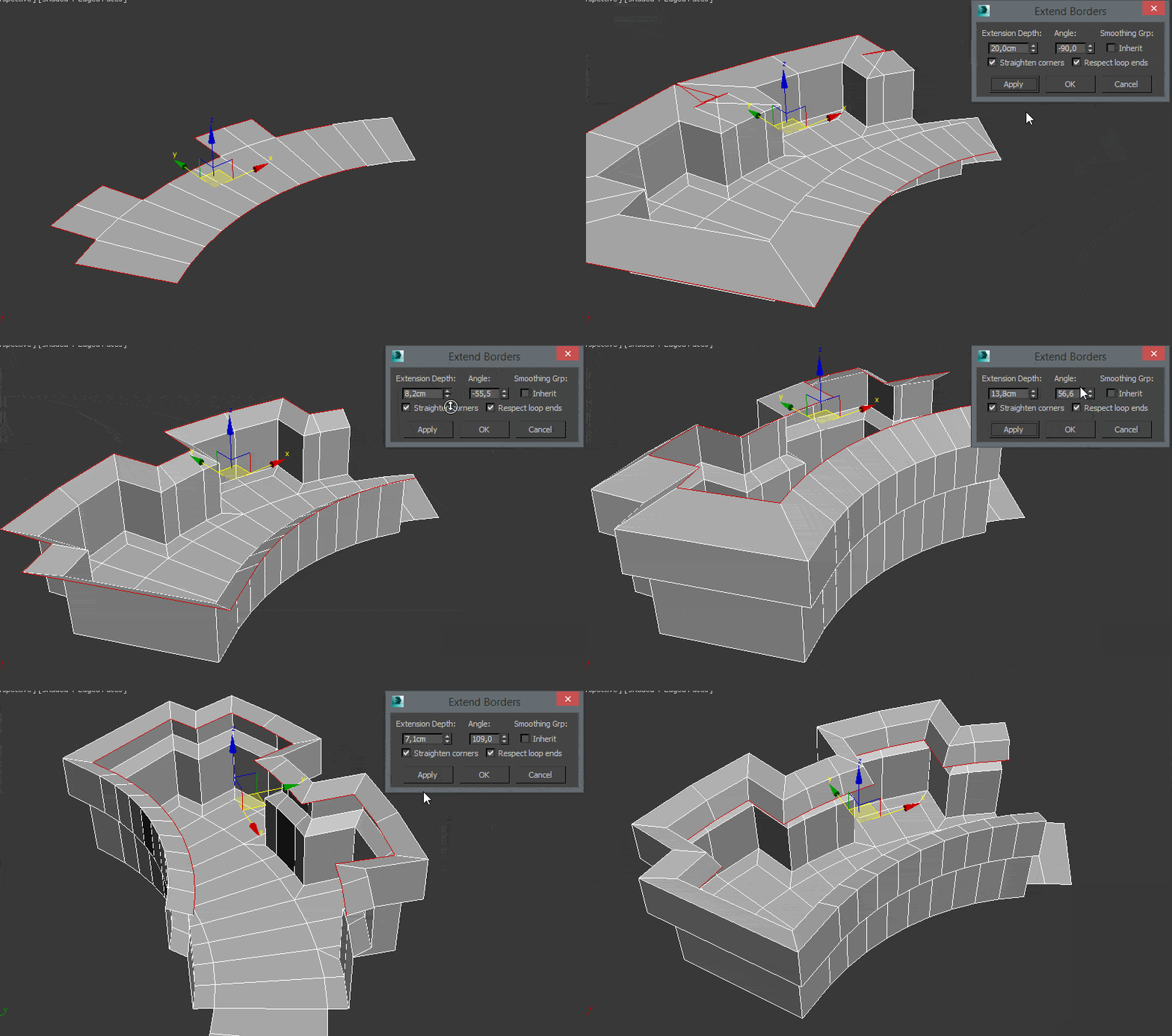
This Tool is useful for extruding border edges of an editable poly. You can also add a tilting angle and choose to use corrected corners.

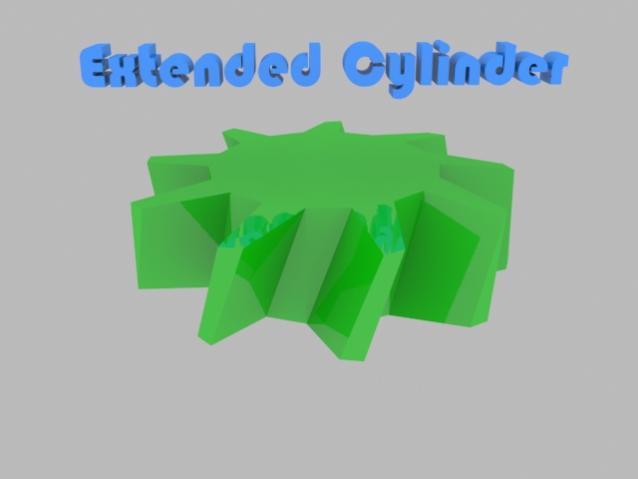
Extended Cylinder+Cog

4 votes


3ds max scripted plugin's

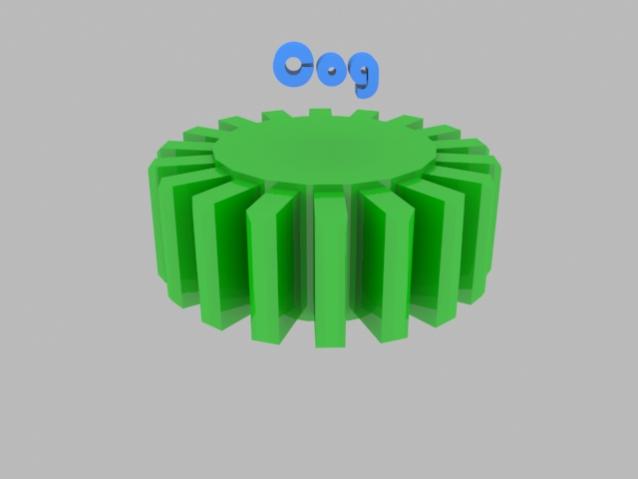
Cog:

Creates cogs, with easy to use settings:

  • Radius, Height, Sides
  • Gear Height-Scale
  • Gap
  • Inset, Chamfer
  • Angled
  • Smooth edge-top/bottom (!)Removed in latest version, hopefully will be added back soon(!)

E-Cylinder:

Extended Dummy

8 votes

A non-uniform shape dummy with Width-Length-Height parameters.

Extended Timeline

15 votes


This free script allows you to easily navigate in timeline. You can change the active time segment by dragging the slider, or zooming with your mouse wheel.

Bug report: [email protected]

Version info:
1.6.1 (2013. Apr 7.) Error in new scene fixed, callback event error fixed, zoom to selected keyframes works with biped objects.
1.6 (2013. Mar 19.) Available to Zoom to selected keyframes.

Syndicate content