3ds Max | Scripts

Visibility Ranger

17 votes


This small script is intended to simplify setting keyframes for object visibility. 

Features 

-Define Visibility or Invisibility area for single or multiple objects at the same time

-Define fade in and fade out values to fade in and out objects

Copy-Align-Link

8 votes

Copies aligns and links an object over multiple objects.

1. Select the Source object.

2. Select Destination objects. 

3.  Check "Unrenderable Targets" if you want to make parent objects unrenderable.

4. Give rotation offset values if necessary.

5. Press copy-align-link button. 

Cylinder Rigger

13 votes

Cylinder Rigger is intended to be used in animations of cylindirical objects on hard surfaces.

Mr.Studio

20 votes

mrStudioMr.Studio is a tool to simulate studio lighting with Mental Ray. It has some features to simplify the control of lights and provide previews.

Voxel Animater

11 votes

This script takes an image sequence, creates selected primitive type for each pixel, adjusts its length according to the pixels value, and animates it.


Flipper Mechanism

26 votes

Flipper Mechanism

This
Script creates a rigged flipper mechanism with all textures and
materials. With this script you can easily do old style airport
flipping boards, flipping clock, signs, etc.

Geometry Sequence Exporter

9 votes

This script enables you to export geometry data as a sequence. Especially for workflows like Flame/Inferno workflow where point data is not supported it is possible to export mesh deformation through object sequence.

Features:

- Export .obj .3ds .fbx and any other 3ds Max supported Geometry data format as a sequence
- Export only selected range
- Selection based export. Exports only selected geometries.

Installation:

- Run the script. (MAXScript => Run Script)
- Customize => Customize User Interface. Under the Category: Tik Works you will find the script.

Spline Curve Control

12 votes

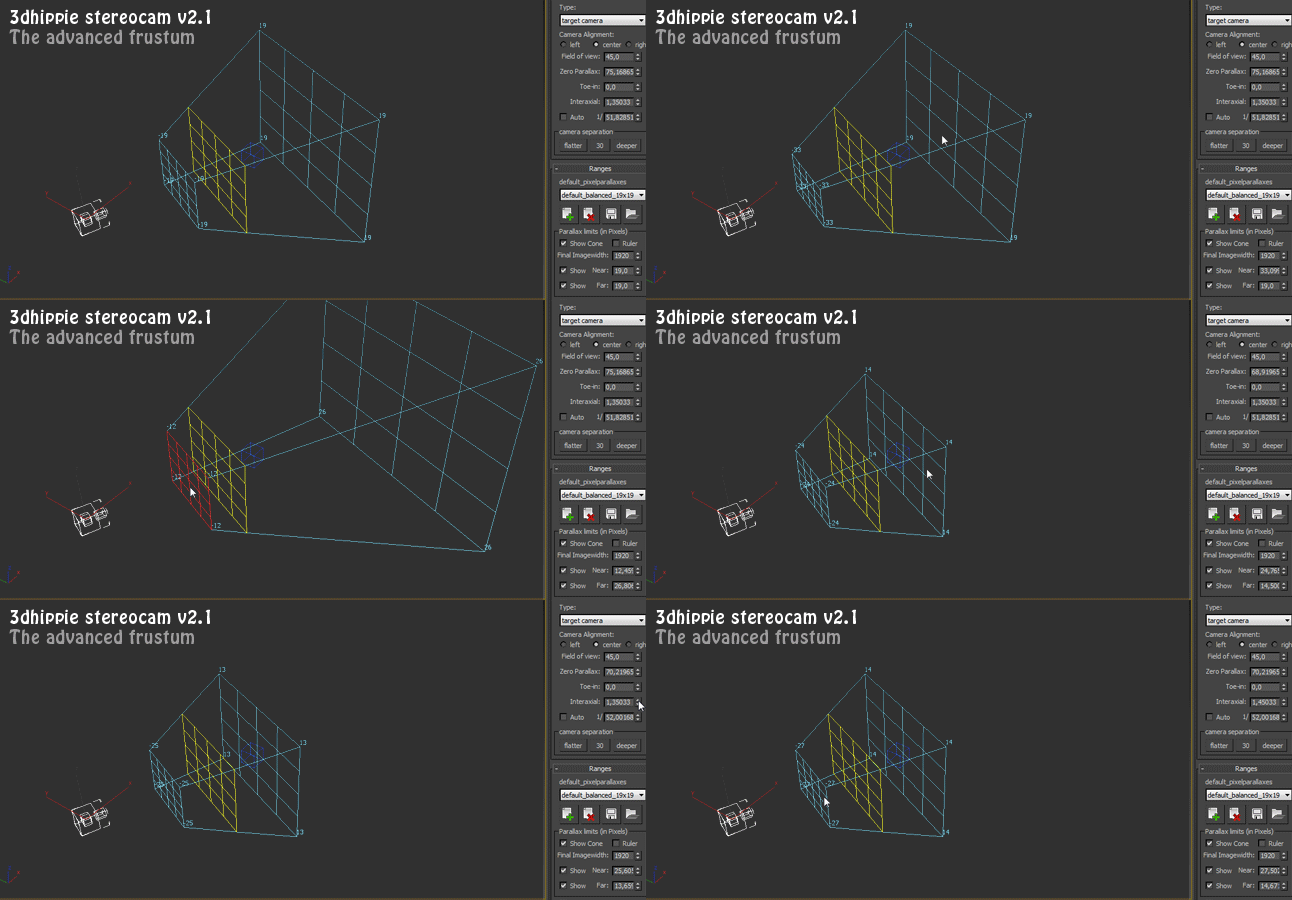
3dhippie_stereoCam

50 votes

VERSION 2 AVAILABLE:
Get 3dhippie stereocam v2

ADDED in 2.1.2
Camera Clipping.
Bugfixes.

ADDED in 2.1.0

wireBundler

12 votes

Creates a number of wires that travel through various target objects. Useful for making bundles of wires for robots or other mechanical devices in a few simple clicks.

Tutorial:
Make 3 spheres anywhere in the viewport. Select all 3 spheres. Run the UI version of the script. In the wirebundler interface, click on "Add select to target list". Click Apply. It will make 10 splines, each the vertex of each spline will exist inside one of the 3 spheres. Play with the settings to get different effects.

Syndicate content