3ds Max | All

Apply UVWMap by Layers

0 votes

Hello,

This is a script i created as a solution to a post in the Autodesk Forums. When executed it creates a list of the Layers in the scene, takes options about mapType and realWorldMapSize of the UVWMap modifier and applies or updates the modifiers on the objects of each layer.

Enjoy,
har1sf0x

SimpleSlicer

2 votes

A simple script to slice a selection of objects in X, Y and Z. Keeps the original materials.
It doesn't care if the geometry is watertight or not. Super simple, select the objects you want to slice, and press the button.

v0.31 fixed a stupid bug, sligthly optimized thanks to Arthur Leao

v0.41 MASSIVE speed improvement (around 4x) mainly thanks to Arthur Leao. Added a trick to fix problematic/corrupt geometry before cutting (was lucky enough to find a problematic model during my testing)

v 0.42 now slices material is working again, was broken during the optimization for speed

InstancesToVRayProxy

6 votes

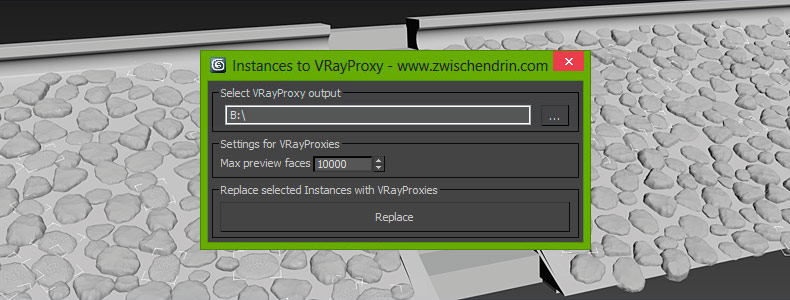
Select as many objects as you like and let InstancesToVRayProxy find any instanced objects and convert those instances to VRayProxies. InstancesToVRayProxy automatically outputs VRayProxy meshs (*.vrmesh files) to a given folder, creates VRayProxy objects and replaces the selected instances with instances of those VRayProxies. This may sound difficult but InstancesToVRayProxy will optimize your scene to do faster renderings and all you have to do is pick an output path and hit a button! Instanced VRayProxies only need to be loaded once per proxy mesh. This will cut down the setup time of your renderings.
Scale Populate Crowd Skin

0 votes

sporadicstudio_maxscript


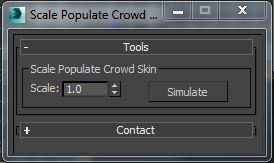
This tool will allow you to scaling populate people and simulate it in one click.

Find and Select VRayFastSSS2 Object

0 votes

This script will help find and select object which have assigned VRayFastSSS2 material.

Thanks to jahman who helping me to make this script work.

*Terms of use:

The use of the script is an "As is". The author assumes no liability with regard to any kind of damage (hardware and software) caused by the use of this script. Are not responsible for any damage or cancellation or modification of the work, files, crash and or any problem in 3dsMax or computer. So if you installed the script,you accept the above conditions and declines any my responsibility.

Selecting objects in a layer

I am currently trying my hand at MaxScripting and have currently pulled most of my hair out. I am trying to automate some of our processes. The script I want to write would do the following:

Select a Layer
Select all objects on that layer
Apply a material
Add a UVW Map to those objects.

And then repeat the steps for 3-4 layers

Any advice or direction would be greatly appreciated.

Thanks!

MCG Curl a Spline

8 votes

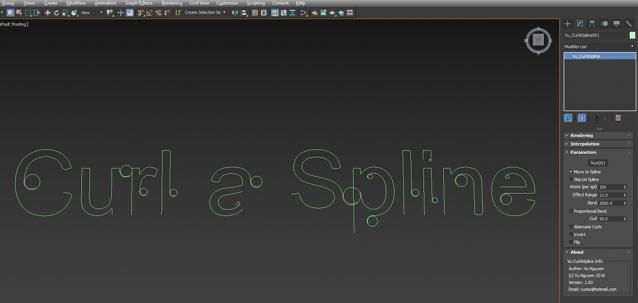
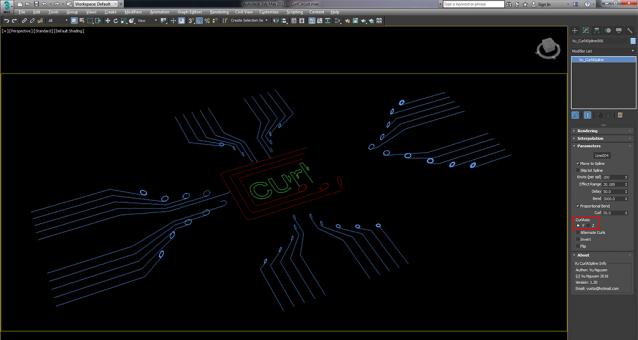
REQUIREMENTS: Max 2016 + SP3 +EXT1/2, Max 2017 Installation: Scripting, Install Max Creation Graph... This MCG will curl a Spline, multi curve splines. Works with both Max 2016 and 2017, although in 2017 you'll get deprecation messages, it will still compile and run.

Ver 1.10: added Delay option

Ver 1.20: added Curl Axis so you can curl vertically (Y) or flat (Z)

Skip Every N-th

61 votes

Skip every vert/edge/face. In Loop mode, you can skip edges and polygons. In Ring mode you can skip vertices,edges and polygons. To make poly loop select 3 faces(the middle one is starting face), check PolyLoop checkbox, set "Skip V-E-P" spinner to value greater then 2 and start skiping. You can't skip one face, only 2 or more. Ring mode does not have this limitation. "For Steps" spinner works only with edges. If you want to skip every 2 edges five times, set "Skip" spinner to 2 and "For Steps" spinner to 5. Instalation: Drag-n-drop SkipEveryNthVEPRingLoop.mzp to 3ds max.

MCG ScrewMe

1 vote

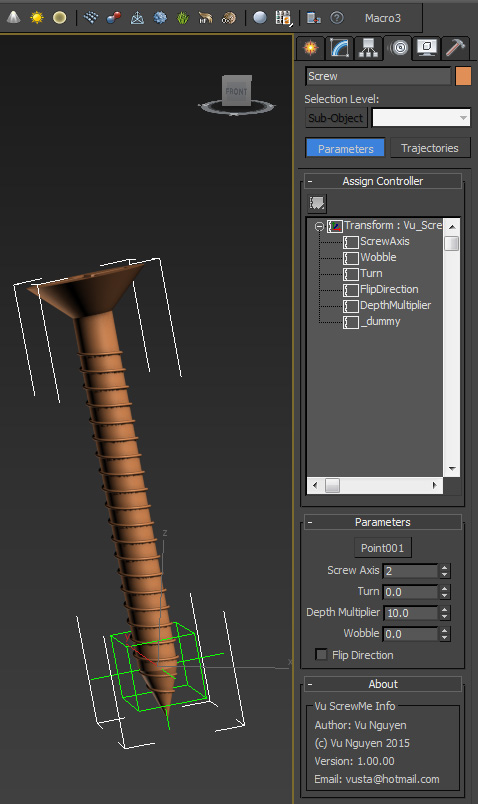
This Anim Controller creates linear (and rotation) transformation as you rotate your screw/nut. Can also be used to wobble bullet/shell

ver 1.01: ahh screw it....I added Offset

FumeFx to Deadline submitter

1 vote
Syndicate content