modeling
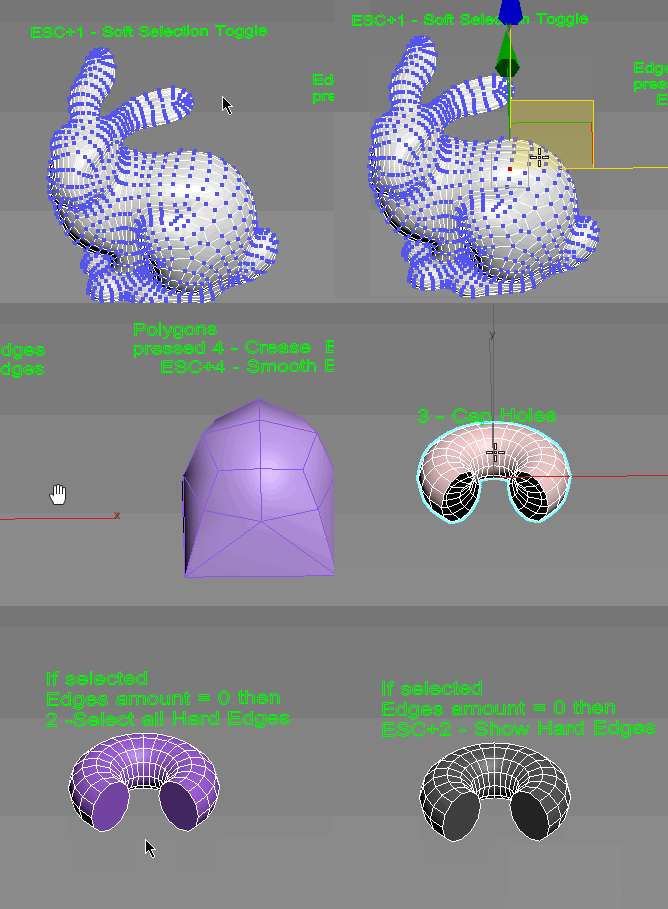
DBC PolySelector V1.0 (RC1)
Submitted by Dabai on Fri, 2008-08-15 07:37.DBC PolySelector V1.0 (RC1)

Simple Window Maker
Submitted by martinskinner on Thu, 2008-07-17 06:39.Simple Window Maker v1.1.ms
Simple Window Maker allows the user to
generate simple windows on mass across
the facade of a building, rather having to
model each one, or duplicate from elsewhere....
SuperExtruder
Submitted by MarTroYx on Tue, 2008-07-15 11:50.
This tool will extrude the selected face on a editpoly object with a spline that you can easily controls.
--all feature will be available in the next update--
PaintDefValUpDown
Submitted by Matt Rapelje on Tue, 2008-07-01 20:57.Respectively makes Paint Deform Push Pull Values bigger or smaller by
20% (20% because every four times the size roughly doubles/halves).
Only for editable poly objects. I have assigned these to my shift and
ctrl up and down arrows.This is really use full when I do terrain work.
Make parallel edges
Submitted by IN_human on Tue, 2008-05-06 12:07.
This macro will produce parallel edges along selected edges, may be useful for subdivision modeling.
To set distance print plDist = <number> in MAXscript listener.
DO NOT expect to much, it's still in development but may be helpful.
DO NOT ask me how to install it, read here, http://www.scriptspot.com/script-installation-in-3ds-max
selectionHighlighter
Submitted by Neil Blevins on Thu, 2008-02-21 05:49.This script simulates the Selection Highlighting mode from Silo in max. The idea is if you hover over an object, the object is selected, if you hover over a vertex, it selects the vertex, if you hover over an edge, the edge is selected, etc. No need for extra mouseclicks. Autodesk has half added this feature, this script goes all the way to adding full silo style selection highlighting. Note: This only works in max 2008.
Detriangulator
Submitted by IN_human on Sat, 2008-01-05 03:58.
This tool is intended to remove diagonal edges from triangulated editable poly.
Optional features are:
- keep edges that have angle between faces more then specified (set 0 if this feature is not needed)
- keep UV border edges (only 1st UV channel used)
Orionflame 4
Submitted by Yunus Balcioglu on Wed, 2007-09-05 16:44.Orionflame 4 is the successor of the acclaimed production-proven modeling toolset for 3ds max, featuring a completely redesigned and rewritten core architecture, along with several new powerful modeling tools.
Experience the difference yourself.
Note: this is a commercial script
Morphix
Submitted by Martijn van Herk on Mon, 2007-07-16 08:39.Morphix reorders the vertices of one model to match the vertex order of another model. This obviously only works for models which share the exact same number of vertices, edges and faces. Also, the topology of both objects have to be the same.