3ds Max | All

MCG SpacingTool

3 votes

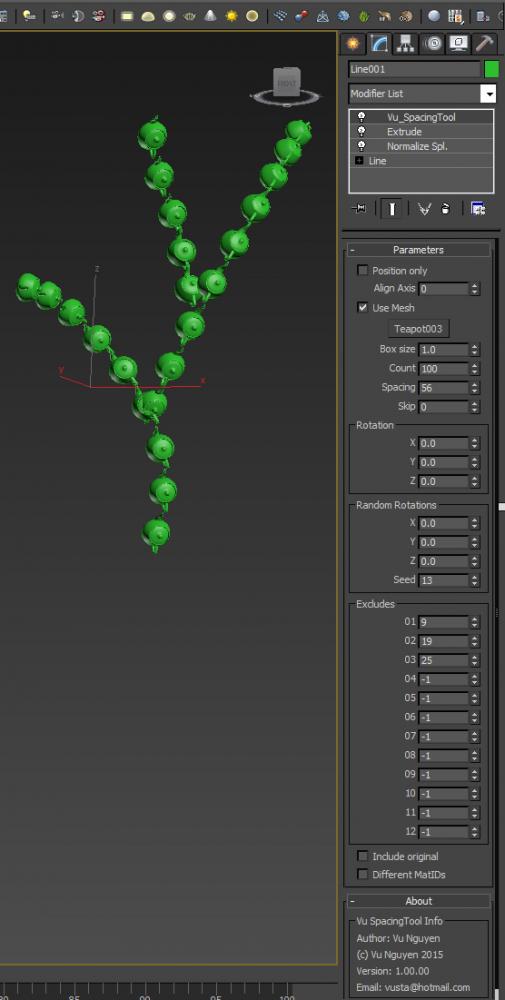
This MCG is a Spacing Tool for splines. Unlike the default Max one, this does NOT intermittently disappear from your viewport !!! And it gives you rotation controls as well.

(You can use it on a mesh as well but it's best for curves)

Convert any Camera to Vray Physical Camera

3 votes

This is a script to convert any existing camera in your scene to a Vray Physical Camera that matches its position, orientation and FOV. Works with Max Standard and Physical, and doesn't matter if they are Free or Target cameras. Just make sure the camera you want to convert is the active view when you run the script.

Parameters Collector

2 votes

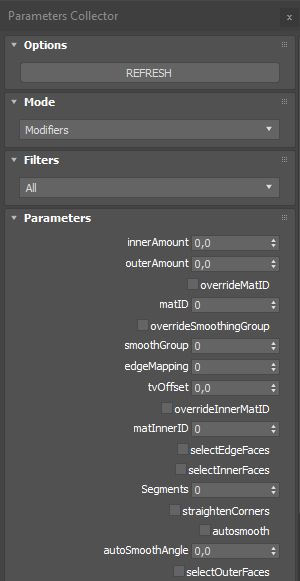
Collects all parameters within selected objects, modifiers on objects or slate nodes (materials) so you can mass change their values.

Installation:

just drag&drop to max and the you can find the script inside ProgressiveFX category

Changelog:

v1.2.1

- added exception if nothing selected in slate material editor

Transfer Materials

1 vote

Transfer materials, object properties (standard and Vray) and modifiers between objects based on names, vertex count or transfom. Can work between multiple Max instances. Handy for transfering materials from lookdev to lighting scenes with caches.

Installation:

just drag&drop to max and the you can find the script inside ProgressiveFX category

Changelog:

v1.2

- bugfixes

- possibility to remove string from object name before copy

Vray Mass Material Editor

1 vote

Simple script, that walks through all Vray Materials (including Sub Materials of Multimaterials, VrayBlendMtl, Vray2Sided, VrayBump etc. including Sub-Sub...and Sub-Sub-Sub Materials) to make mass-changes like adjust Glossy Reflection Samples, Enable/Disable Bump Maps, change Trace Depth etc. ----New---- Added checkbox "Affect selected objects only". Please remember, if selected and not-selected objects share Materials/Material Instances, also the materials of the not selected objects will be affected, of course. Have fun, use at your own risk!

The Cave Mans Dream

27 votes

EDIT: I have uploaded a newer version of the script with a simple change. I just tested it with Max 2012 64bit. The only major change is you can now add names to the different systems that are created.

This is my first script that I wrote while learning MaxScript. It creates a particle flow system that creates a fire effect on a selected object in a scene. This is my first pass so I figured I would post it up here and get some feedback and if it helps some people that's cool to.

MCG BifoldPlanes

0 votes

Bifold 'rig' for opening windows, doors procedurally.

Video you see is of BifoldPlanes.

Bifolds_Free:

- does NOT have Circular arrangement.

- does NOT have Alternate Hinges, ie. all are either top, bottom, left or right, instead of top+bottom or left+right combination.

- Effectors will use only pivot, not actual mesh.

To get BifoldPlanes to open up your windows, you'll first have to open up your wallet...

https://gumroad.com/candyshop
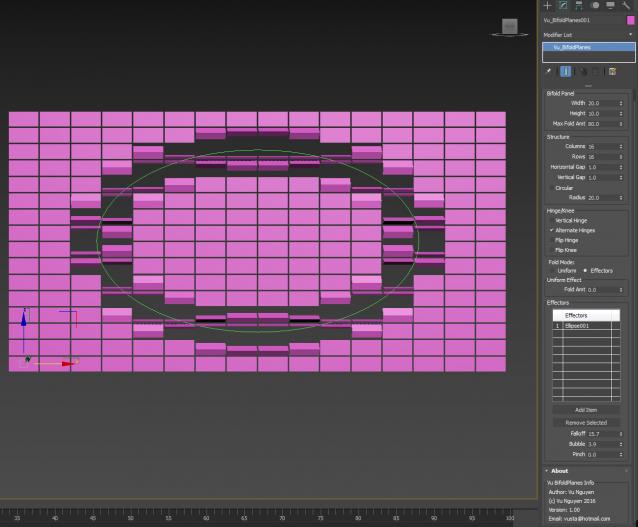
 

image to color

6 votes

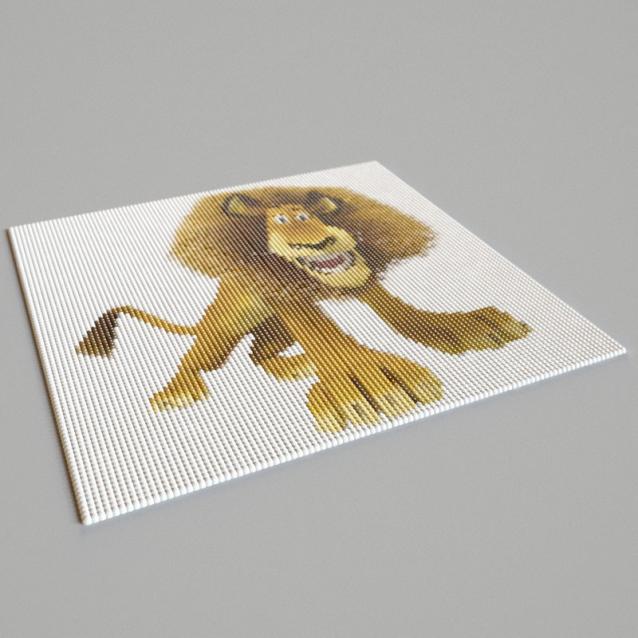
This simple script help you to convert image to colors.

 — Manage hundreds of colors by only one material

 — Define wirecolor by image

 — create gradient material by node distance

 — create gradient wirecolor by node distance

(youtube) How to use this script

Spline Data

1 vote

Spline Data 3dsmax script - banner

Splines overview instantly


VP | Walls & Tiles

10 votes

Walls & Tiles Header Image

Syndicate content