3ds Max | All

VP | Material Manager Pro

2 votes


VP Material Manager - Main

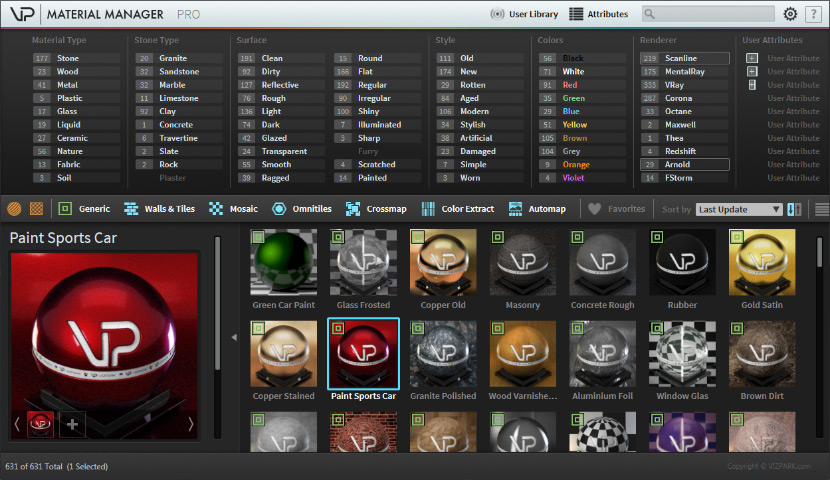
The VP MATERIAL MANAGER is the perfect tool to manage materials within 3ds max in ways never possible before. Material presets can now have ATTRIBUTES that can easily be filtered with the integrated attribute filters. The times are over where you needed to dig through folders to find the material you need. Just select the combination of attributes and the preset manager will just show you the materials that fit these attributes. Finding material was really never faster!

DevMaxwell Material Converter

0 votes

I just going to leave here the script that comes with the trial version of Maxwell Render 4.2.4 just in case someone need it

mipoll Placement

7 votes

QuickUVW

2 votes

This script will apply one 1x1x1 meters UVW-Map modifier in box mode to each selected object with a normal click.
Regardless of system unit type the size will always remain 1x1x1 meters.
If shift-clicked, it will apply a real world map size UVW Map modifier instead.

I use this frequently in architectural visualizations for applying a standard uvw map to most of the objects.

Only tested with 3ds max 2013!

I am not responsible for any damage caused by this or any other of my scripts to your scene, software or computer.

Biped and CAT Mass Markers

2 votes

A tool for visualising the projected lower and upper masses (pelvis and base of the neck respectively) in relation to the feet of a standard Biped or CAT rig. Markers between the feet show where the masses intersect, which may help with determining where the static weight is distributed when posing. It does not take into account motion dynamics and so is intended for use when standing still. Additionally, when a foot is raised above the ground the foot line markers turn blue. Likewise if lowered below the ground they turn red.

Scatter modifier

2 votes

Scatter modifier align mesh to each polygon(not triangle) center perpendicular.

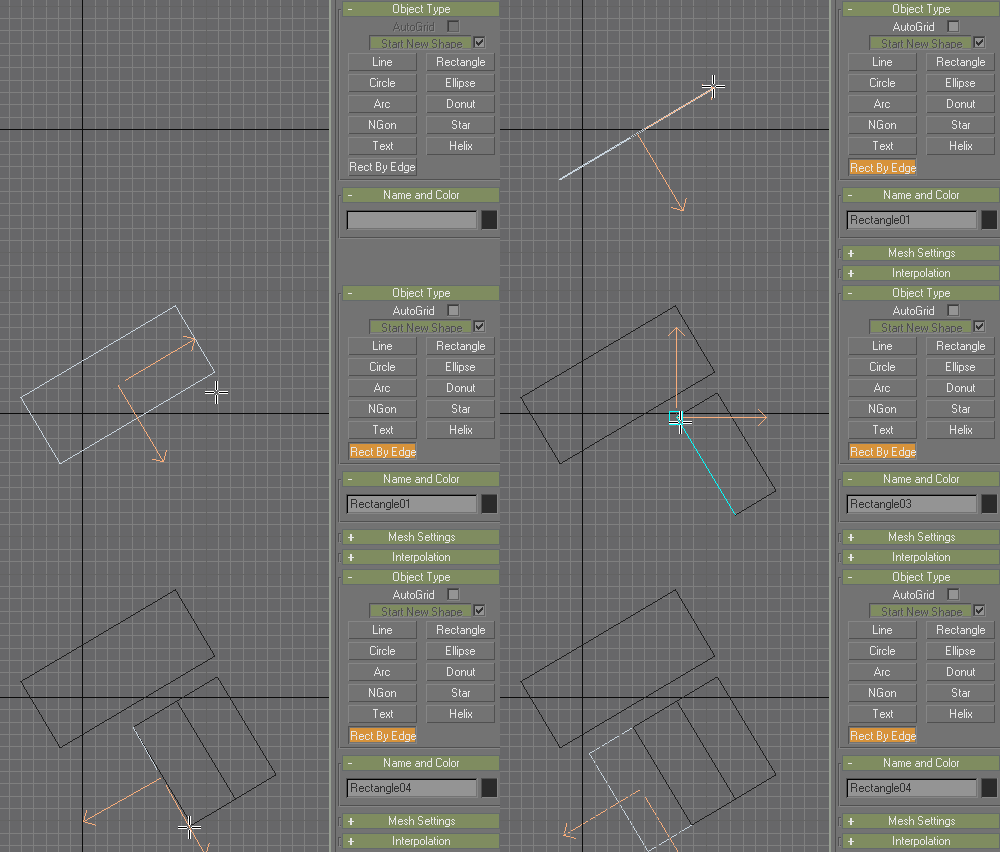
Rectangle by Edge

20 votes

Spline primitive that creates a rectangle based on the direction of clicked point:

Rotated Rectangle

See also NGon by Edge.

Center Pivot

7 votes

This script centers the pivot point for all selected objects. This is the same as Maya's center pivot command. Useful if you add it as a macro script probably.

Spread Objects

1 vote

This script provides a way to spread the positions of a selection of objects using either applied values, or interactively using sliders. The selection of objects can also be offset quickly to complement the spreading functionality.


Features:

- Allows both spreading of a selection or offsetting in any axis. Both spread and offset have a sensitivity setting to control the amount of effect the sliders have.

- Each axis is treated separately and can be set using either spinner values or sliders.

3DS Max - Remove Objects From Isolate Mode

1 vote

This little script will help the user in removing objects from the isolate mode.
After selecting one or more objects and choosing isolate, sometimes you want to remove one or more objects from the isolated objects group. So select one or more objects that you want to remove and click the script.
Another benefit is that when the script is grayed out and not available, the user will know
That 3DS Max is not in the Isolate Mode

Syndicate content