3ds Max | Scripts

Keyframe Align

21 votes

Key frame align allows you to align an object over time based on key frames instead of placing a key on every frame. It will also align one object to another on every frame if needed. It can separate the position, rotation, and scale transforms. This script also works with biped. This was inspired by Jim Jagger's animated align and advanced align tools. I fixed an oddity with the rotation, it wont require it to be run twice on certain occasions. Latest update fixes an error with biped. A biped object with a modifier can now be interpreted by the script.

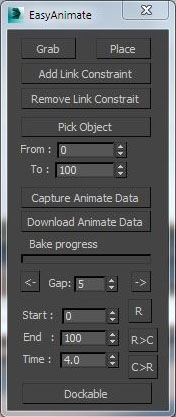
Easy animate

6 votes

Hose

3 votes

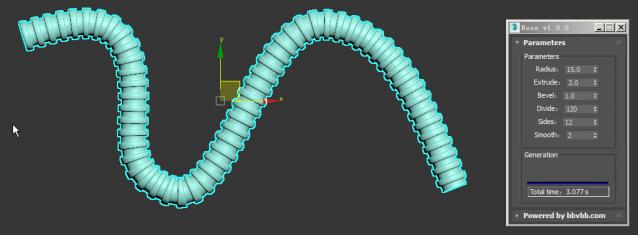
MAXScript for build hose model.

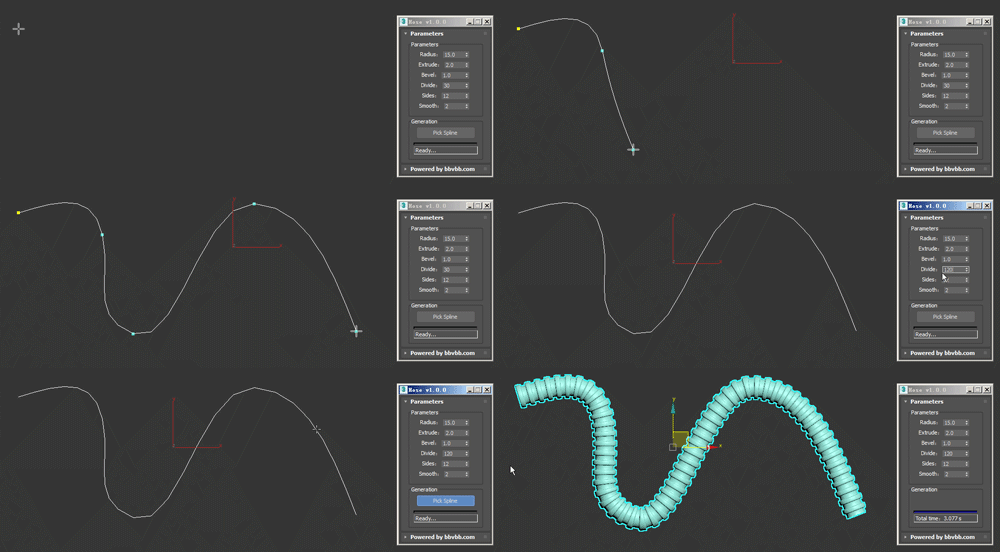
Usage method: 

1 run Hose-1.0.0-en_US.mse.

2 create a spline in the Max view.

3 Click the "Pick Spline" button, and then pick the Spline. 

Delete Faces Modifier

2 votes

The DeleteFaces modifier allows you to delete faces on a mesh without having to add topology dependent modifiers like Poly Select.

V2 is now a compiled C++ plugin for Max 2015-2018.

Changelog:

Version 2.1

* Added support for Max 2018.

* Fixed some problems with Delete Faces.

* Fixed isolated vertices not being deleted.

* Added button in Custom Attribute to delete the rollout when it persists after the modifier list has been collapsed.

Version 2.0

* Adds new options for how to handle smoothing groups: match any, match all, match none.

Timeline Zoom

1 vote

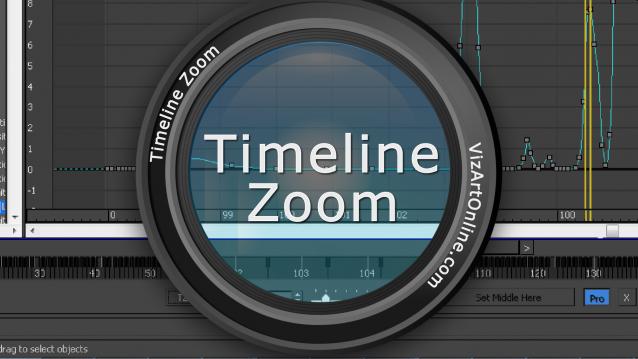
Time Zoom is a custom code extension for Autodesk 3D Max software in a script form. It elliminates the limitations of original editing components and makes usage of sofware much easier. LE version of script is FREE and provides basic elements and settings to user. Pro Version allows more precise and flexible settings and gives more possibilities. Enjoy!

Stacker game

4 votes

This is a stacker game for 3DS Max that I created just for fun.
Enjoy ;)

If you have any requests or feedback, feel free to contact me on [email protected]
or in the comment section down here ;)

QTools progressive Morpher

0 votes

Small contribution, giving back to the good community here.

This Script helps with rigging setup and export of progressive morphs from Max to Real time engines such as Unreal or Unity. Since traditional Progressive morph setups from Max or other such methods of in-betweens from other 3d apps are incompatible with Engines.

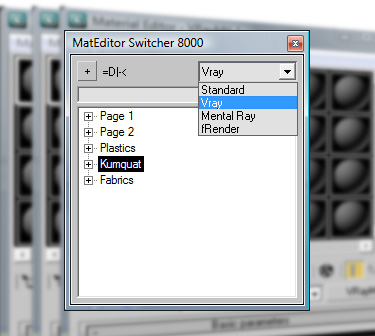
SMES - Super Material Editor Switcher

47 votes


Having a way to compensate for the (stupid) 24 material limit in 3D Studio is always a big request, so here's a script to do just that.


Modifier Auto-Select

51 votes

This is a tool I put together because sometimes you have to work with modifiers on multiple nodes and the modifiers aren't at the very top of the stack. You’re constantly having to select the node and then selecting the proper modifier. Prime example of this is when you have a turbosmooths on top of all of your geometry while you are either skinning or modelling. It would be much easier, and save quite a bit of time, if every time you selected a node you just automatically were on the skin modifier or edit poly modifier.

Multi Slicer Pro

19 votes

Multi Slicer Pro is a maxscript file that cuts your object with slicer modifier on any number of slicers, retaining at the same time the modifiers stack and providing you with an interface to control the parameters of the modifiers added to an object. As a result you have a setup that allows creating complex and unexpected animations of your object. Have free version.

Syndicate content