3ds Max | Scripts

KISS Utility Suite

0 votes

Utility List
1. Common Tool Rollout
Creates a window list of commonly used tools that includes:
Extrude: Creates a new set of mesh connected to the selection that can then be manipulated.
Bridge: Creates a face connecting two selected edges.
Connect: Creates a bridging edge between two vertices.
Reset X Form: Removes all Rotation and Scale values from selected objects and places those transforms in an X Form modifier.
Bevel: Adds thickness to a selection of edges.
Convert to Poly: Turns objects into an editable polygon.
Delete Selection: Removes whatever is selected.

Layer Tools

14 votes

This MAXScript was coded to add some easy to use and quite needed layer management tools.

3DS MAX lacks some very simple to program commands that will allow the user to work much quicker than by using the layer manager.

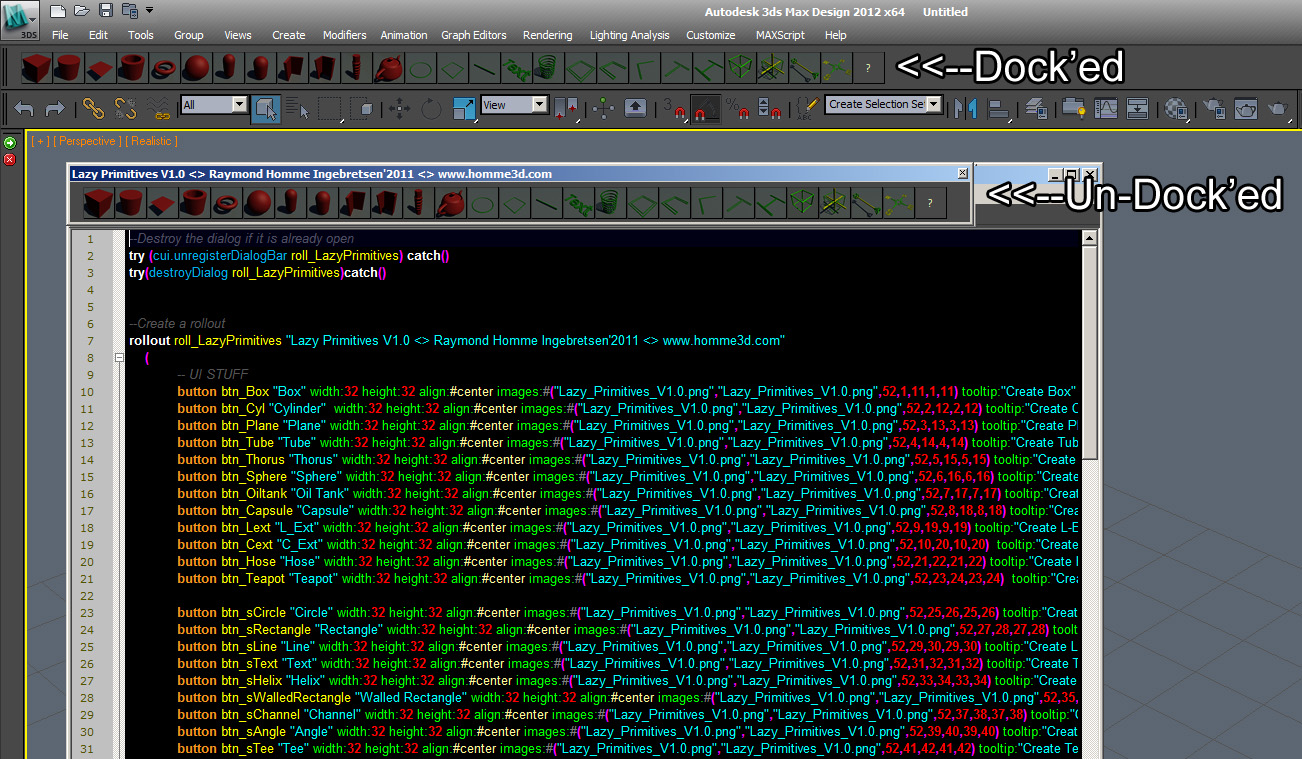
Lazy Primitives

0 votes

LH | Auto-skin

4 votes

Complete assistance to skin any 3ds Max rig !

LH | Auto-Skin will automate all the heavy skinning, leaving only finition to make manuelly, or even, in somes cases, skinning will not need editing! To make this operation, the tool will generate a "sliced" character/object, animators will be able to use this low character/object to animate more faster!

library collector

17 votes

A simple script that can be used to merge individual .mat files (material libraries) into one big file. Pretty lame interface, but it gets the job done. Feel free to modify as needed.

LightsOn - LightsOff

1 vote

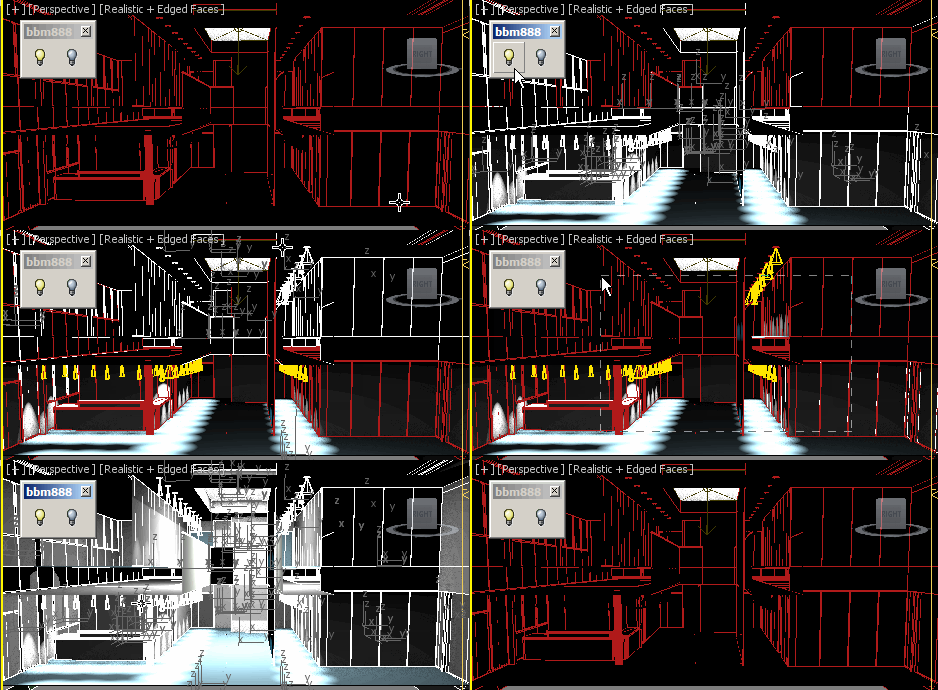
Hi, this script turns lights in selection ON or OFF.
You can make a quick selection regardless of object classes. 

Enjoy :)


Load AutoBackup File

37 votes

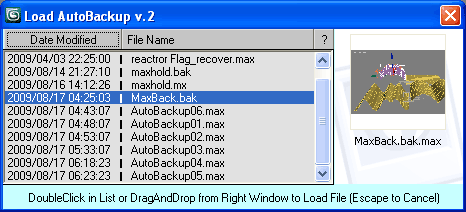
Inspired by Jordan Walsh script AutoBack File Loader Zorb
to make an autoback file loader with option to sort by date modified.

Load AutoBackup File

Update: new version 2 added

Lock and Unlock objects and Cameras

1 vote

this is a very sipele one but usefull.
This script allow you to lock and unlock transforms for any object and camera in one click.

Menu 1 - "Lock All Trasform For Selection":

- Lock and unlock all transforms.

Menu 2 - "Separated Trasforms":

- Lock and unlock Separated Trasforms: Transform, Rotation, Scale.

Menu 3 - "Cameras In Scene":

- Lock and unlock all the transforms for all the cameras in the scene.

note: in menus 1 and 2, if you select a camera and lock or unlock it will apply on the target as well.

Lost textures

1 vote

Short script to correct the path of the texture files that have been lost.
After saving the scene, the error messages of missing external files will not show anymore.

LSGardener

3 votes

The outdoor areas in Driving Force required extremely large numbers of trees to be added to the terrain. Hand placing hundreds of external references in 3ds max wasn't considered viable. LSGardener was created - based off of Blur Studios' simple scatter script with Neil Blevin's blessing - to facilitate the random scattering - scaling - rotation - and planting of the tree objects.

Syndicate content