Tagged 'Animation'

After Effects transforms exporter

7 votes

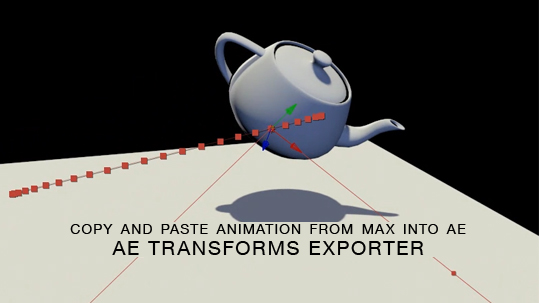
Here is a free tool for copying animation from 3ds Max into After Effects via the clipboard, and the native AE clipboard data. You will be able to copy and paste keyframe data for position, rotation and scale from 3ds Max onto objects in AE.

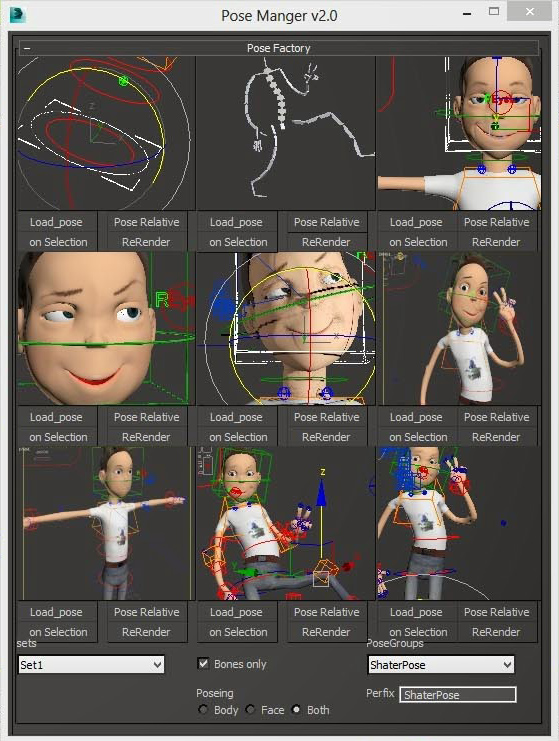
Pose Factory

3 votes

Pose Factory is an easy to use Pose Manger for saving loading unlimited number of poses for any custom made characters .

Pro Bezier Assist

6 votes

Now freeware!

Copy/Paste transforms

13 votes

Copies the transforms of selected objects to a
buffer and then pastes them onto a new or existing selection.
It has the option to paste the position and/or the
rotation
and can paste it flipped around a world or custom object's
axis.
Handy for mirroring poses or animation rig components.

CAT Pose Grabber

1 vote

A panel to support CAT rigs which allows temporary storage and retrieval of a single or muliple poses. Poses are not named and there is no management of them. The idea is that you simply want to grab a pose (or several) and use it immediately, without dealing with names or folder structures for fluid workflow. Poses saved are stored as files and are thererfore persistent unless overwritten using the script store functions.

Features include:
- Supports multiple CAT rigs in the same scene. You can even transfer poses from one rig to another.

Multi-PhysX

29 votes

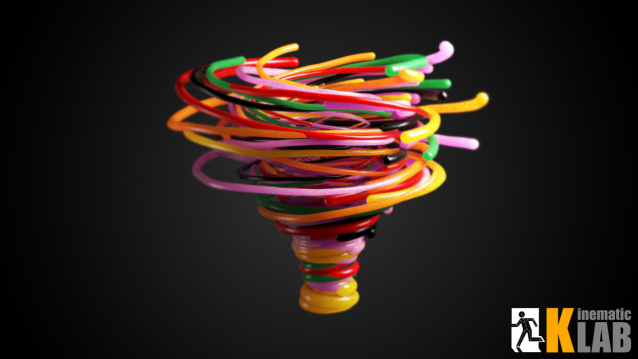
Un petit Maxscript qui permet de régler les paramètres de base du PhysXsur les objectssélectionnés. Il évite d'avoir à régler le PhysX des objects un par un.

N'hésitez pas à me faire savoir si voussouhaitez que j'ajoute d'autres fonctions.

Morph UI Creator

7 votes

A maxscript to Auto create morph UI.
Multiple UI types : 4, 3 and 2 morphs linker.

Radius

11 votes


buy it on  : http://hocuspocus-studio.fr/tools/product/radius/


Radius is the version 2.0 of my previous tool radius Influence : vimeo.com/35854355

It's really a tool for motion graphics artists.

It comes with a lot of updates and new features :

PFlow TM

9 votes

 buy it on : http://hocuspocus-studio.fr/tools/product/pflow-tm/


A maxscript Tool to mesh Particles trajectories, with growing meshes.
Different mesh choices, and growing options.

EchOoo PRO

3 votes

This tool is inspired from tools you can find in 2D animation softwares, like the Onion Layers in Flash or the Echo effect in After Effects. It's a new max object where you can pick different sources and offset their time animation, but alsodivide this time offset by the number of source copies you want. Creating nice animated duplication effects, for motion graphics or simply to check your animation without using trajectories.


Syndicate content