Tagged 'Animation'

Griffin - Character Generation tool for 3ds Max

2 votes

Griffin is a animation ready cartoon character creator tool for 3DS Max. It offers you dozens of parameters to create your own unique character fast and easly. And also you can buy extra clothes and items from Griffin Shop and use them on your character. So knowing nothing about modeling and rigging , you can create your rigged character with industry standard tools in a few minutes!
And also you can use it in your commercial or personal projects…

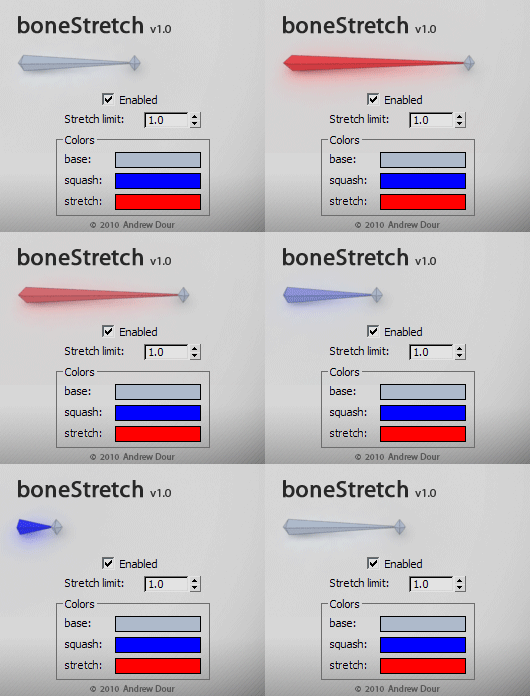
boneStretch

71 votes

This tool will change the color of bones based on their squash/stretch amount, providing the user with feedback if they have gone beyond a desired threshold. It will live update as you move around and animate in the viewport.

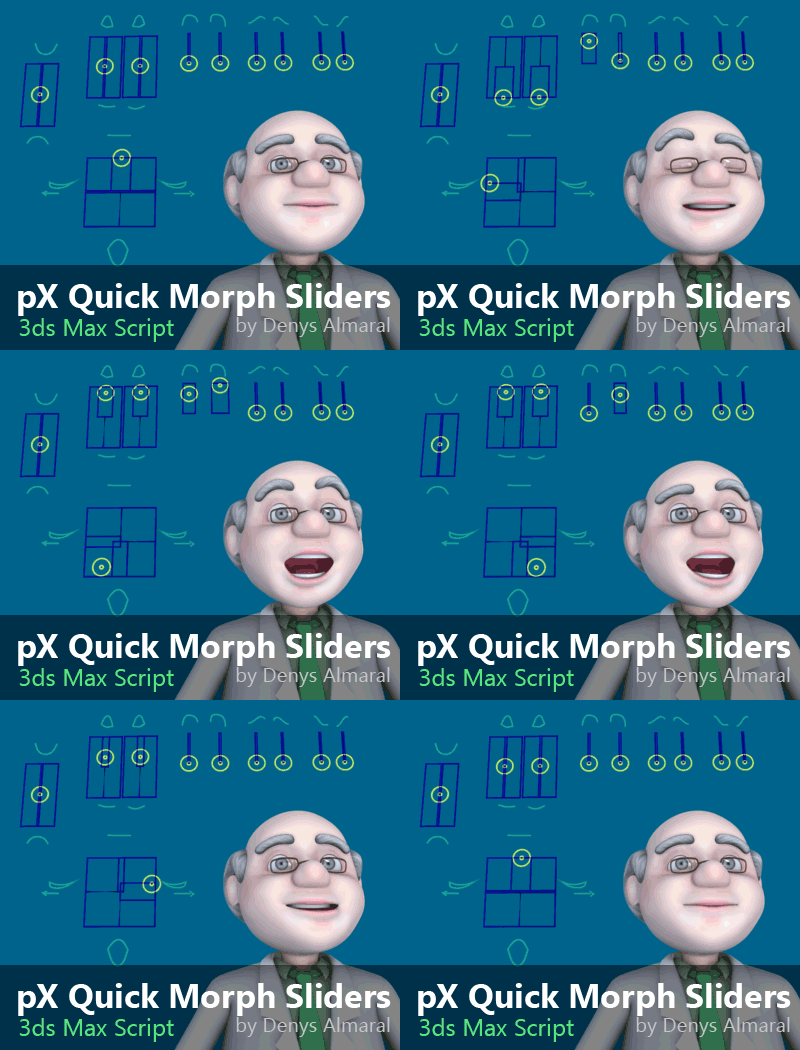
pX Quick Morph Sliders

5 votes

Free MacroScript for automated creation of sliders controls using shapes. Only a few  clicks and you'll have controls wired to morph channels.


Key copier

3 votes

"Now you can use Ctrl+C/Ctrl+V to copy and paste keys in the track view. Uses Chugg_globals(see help txt)(Max4.x only)"

Text Typer

5 votes

Did you ever want to make a text in your MAX scene appearing letter by letter? It was a pain. But not anymore. This cool script does it for you - just create text object - setup script (appear start - end and mode) and pick the text. Done!

LH | Auto-skin

4 votes

Complete assistance to skin any 3ds Max rig !

LH | Auto-Skin will automate all the heavy skinning, leaving only finition to make manuelly, or even, in somes cases, skinning will not need editing! To make this operation, the tool will generate a "sliced" character/object, animators will be able to use this low character/object to animate more faster!

Time-Ranger

2 votes

Sets up time-ranges in Max and embeds it to the max file.

Very useful tool when you have multiple time-ranges in your single animation file. Mostly used for games - but can be used for many other purposes as well.

Sometimes it's useful to have many animations of a character in one file - so its start and end positions match between the different animations. TimeRanger lets you choose which section of the animation to show in the timeline.

VizRobot

0 votes

Add Inbetween

16 votes

Adds an inbetween key at the time-slider time. The value of the new key is a mix of the previous and next keys' values. The mix percentage can be controlled with the "Change In-Between Percentage" tool.


This tool is a macroscript (see this article on macroscripts and how to install them). After you run the script file, the 2 macroscripts will be available in max's customize window under "Os Tools" category.


Set Out of Range Types

6 votes

Sets out of range types to relative repeat

Syndicate content