Editable Poly

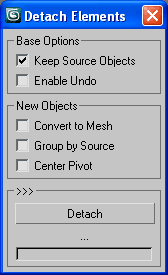
Detach Elements

3
votes

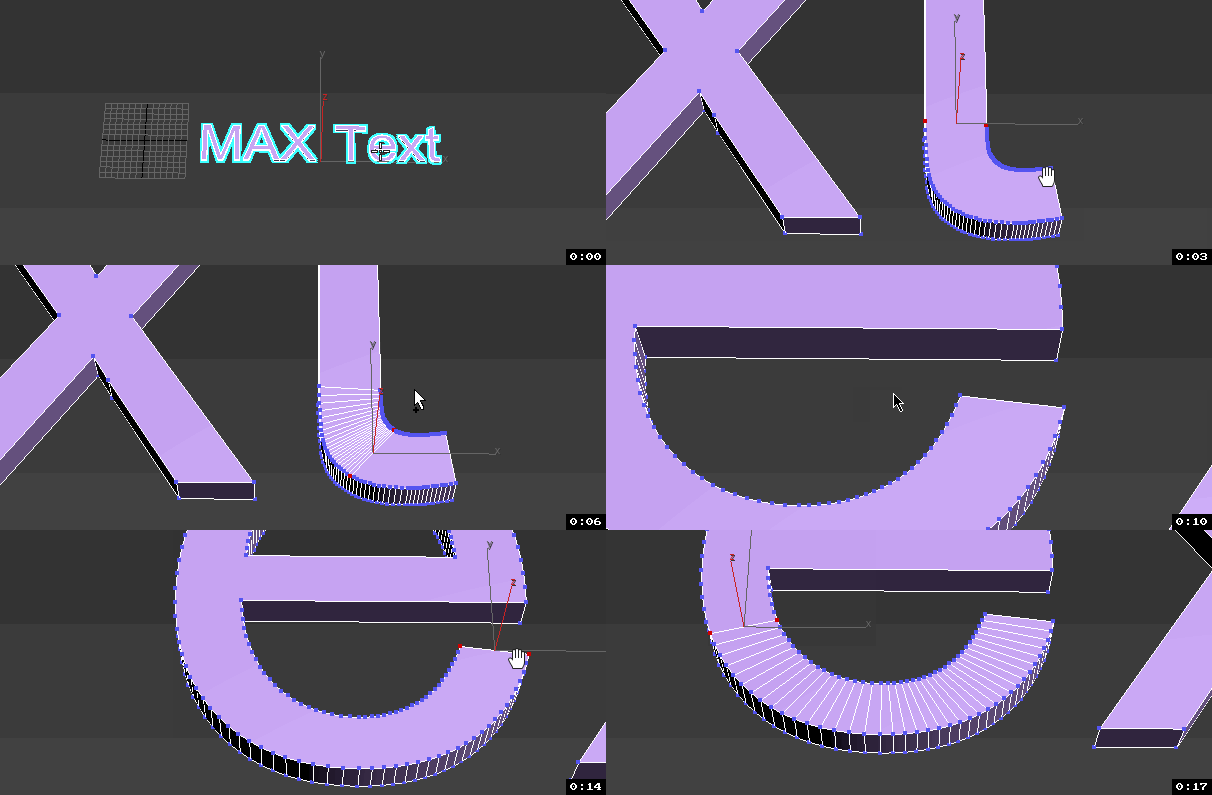
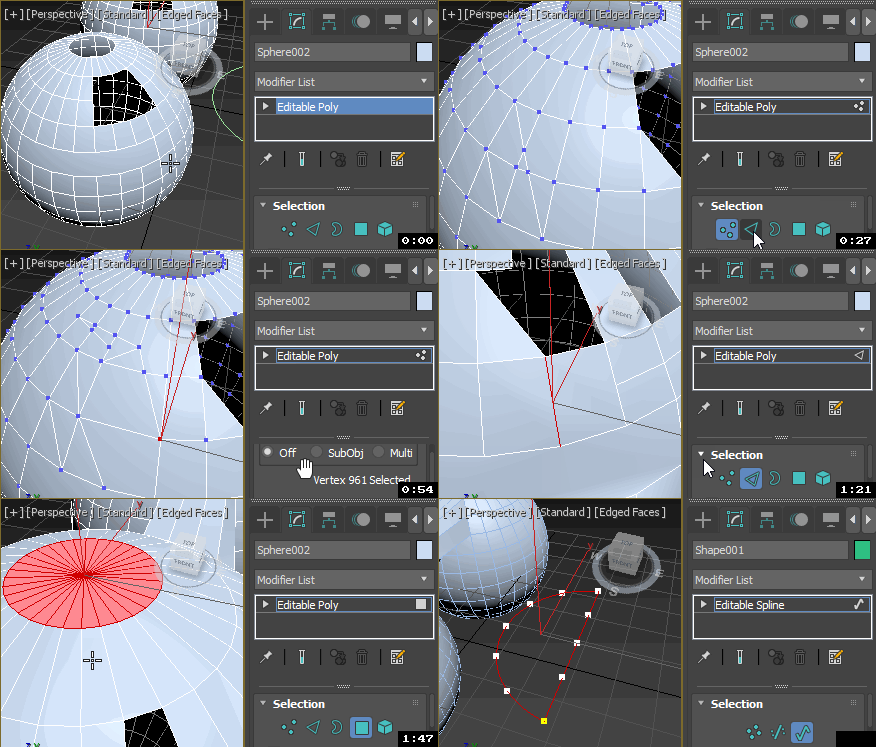
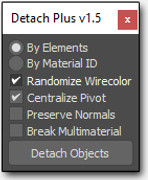
Detach all elements on multiple objects with a few options for better scene arrangement,
including convert to mesh, group by source or link to source or point helper.

Detach Elements

Poly2Surf

3
votes

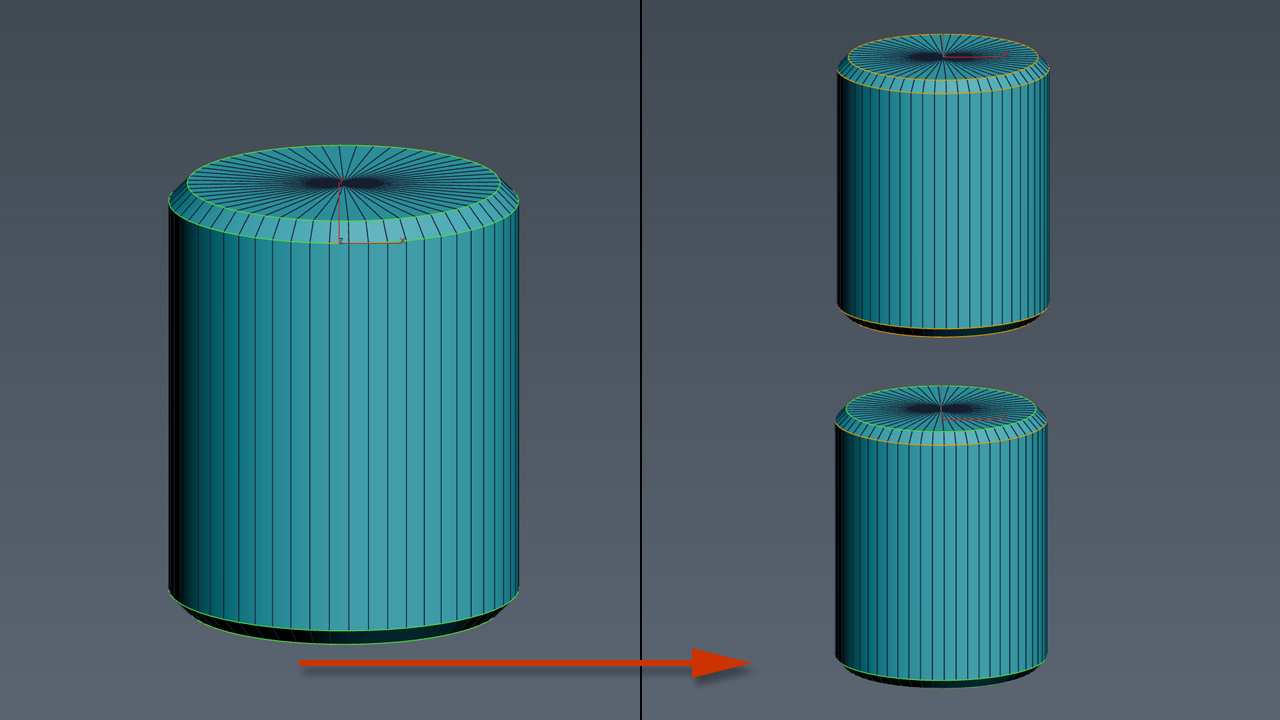
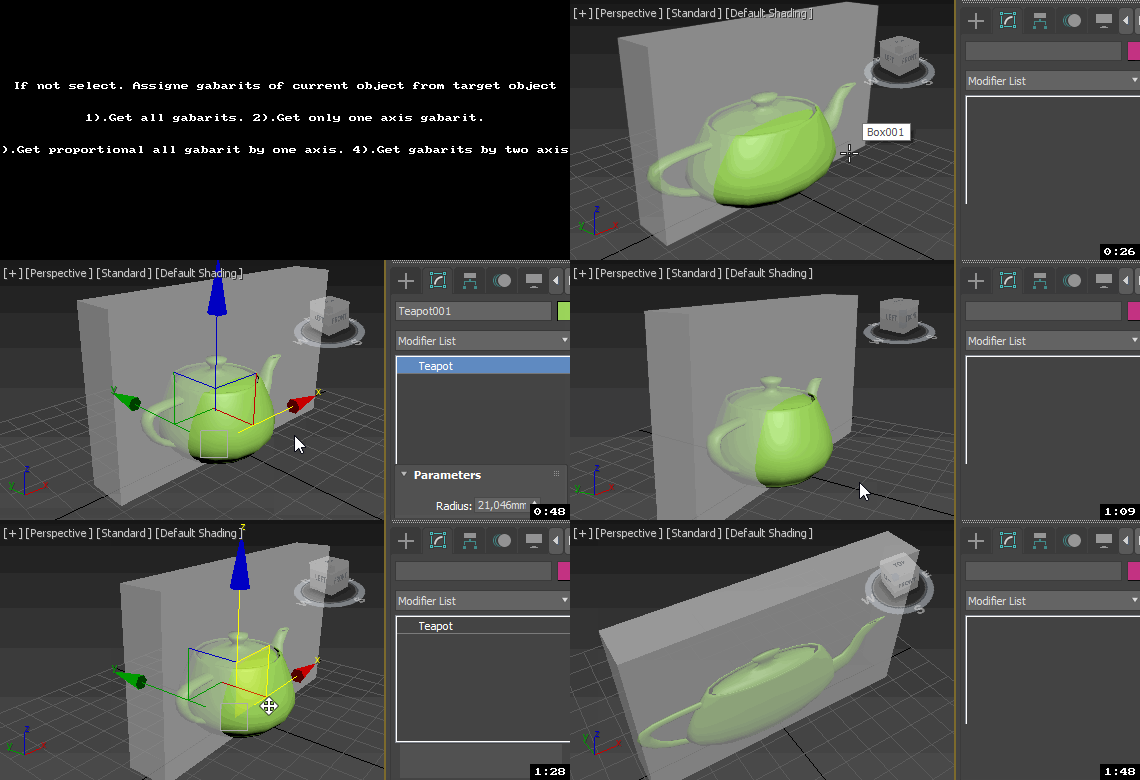
Conform selected objects to other objects's surface. The scripts works only with Collapsed Editable Poly objects from the selection. Other objects in selection are left intact.
Known issues
Sometimes when operating with surface objects with too many vertices some vertex may not be placed over the surface.
This tool is still in development phase so any feedback is quite welcome.

Simple process preview is available here:

Select Vertex Cross-section

14
votes

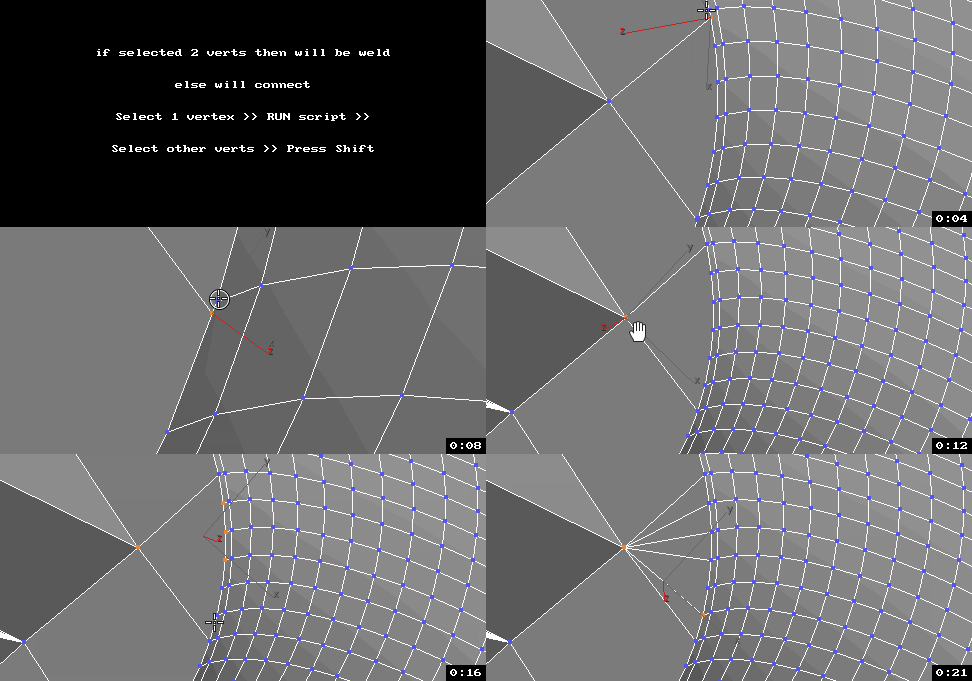
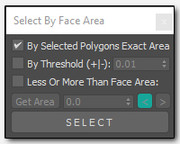
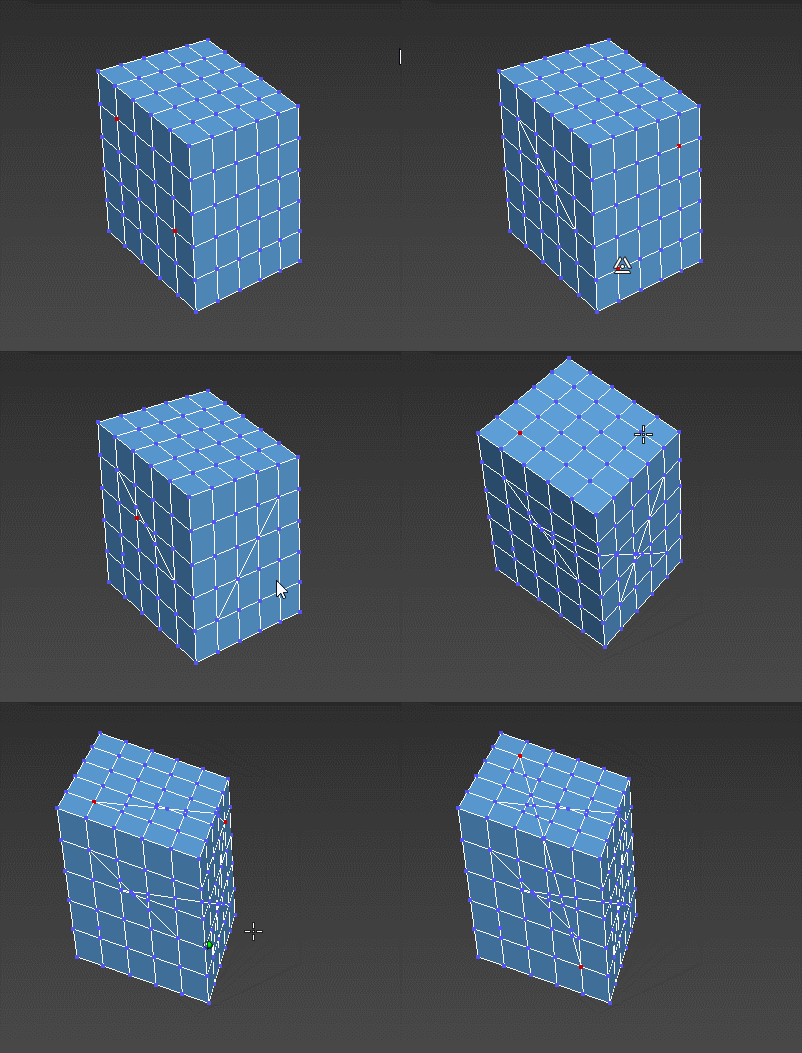
Extend 3ds Max selection features on Editable Mesh and Editable Poly.

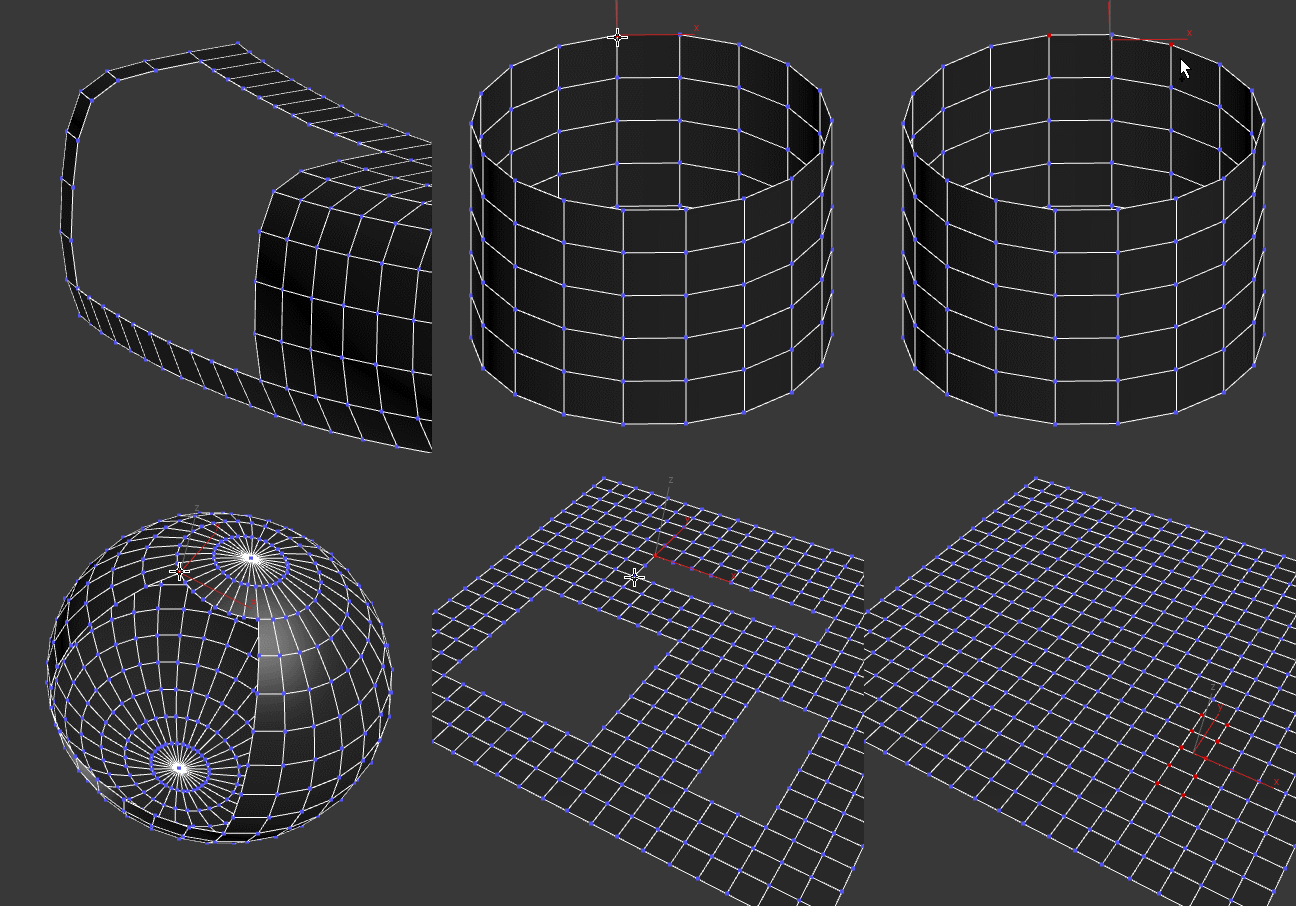
Select Vertex Loop

* [Read Notes]

PolyRotor

9
votes

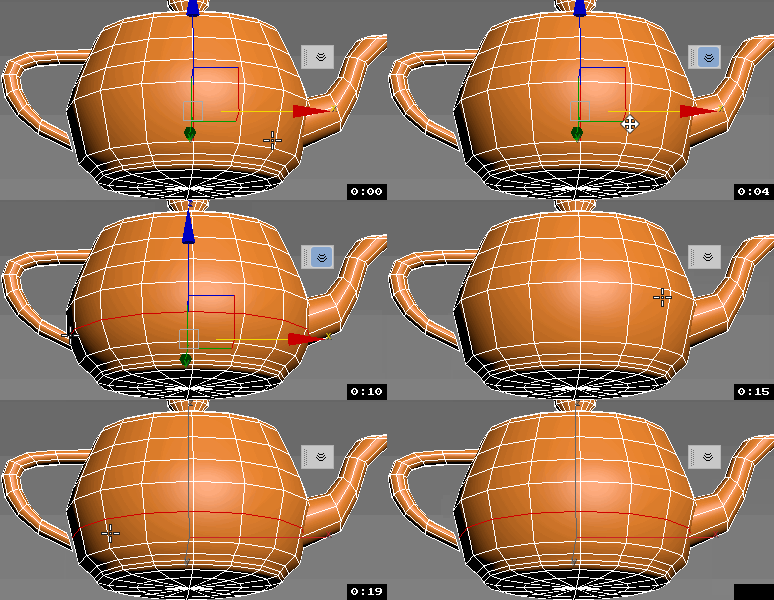
PolyRotor is a modeling script that based on drag & drop.

PolyRotor make it possible to select vertex, edge and faces automatically.

But it should be in Editable Poly Mode.

Urgaffels script pack 01

3
votes

Small pack of scripts created by me to speed up tasks while creating environments for games. Contains the following scripts...

Editable Poly vertex selection to Skin modifier

4
votes

This script allows you to transfer current Editable Poly vertex selection to your Skin modifier.

Voxel Deform (mesh-Mesh painter)

4
votes


(click image to view HighRes Version - FlashPlayer required)

The "Voxel-Deform" is a small tool that allows you to paint-deform collapsed EPolys with primitives.
It is strongly inspired by the CryEngine2 Voxel-Tool for terrain deformation.
This release supports only sphere and box VoxelMeshes as it's intendet to be a bugHunt-version.
Feel free to use it in non commercial ways and leave c&c

PaintDefValUpDown

1
vote

Respectively makes Paint Deform Push Pull Values bigger or smaller by
20% (20% because every four times the size roughly doubles/halves).
Only for editable poly objects. I have assigned these to my shift and
ctrl up and down arrows.This is really use full when I do terrain work.

FallOff Up Down

1
vote

Respectively makes FallOff bigger or smaller by 20% (20% because every four times the size roughly doubles/halves). Only for editable poly. I have assigned these to my up and down arrows. This is really use full when I do terrain work.

Syndicate content