Poly
Poly2Surf
Submitted by ntashev on Tue, 2008-09-09 04:27.
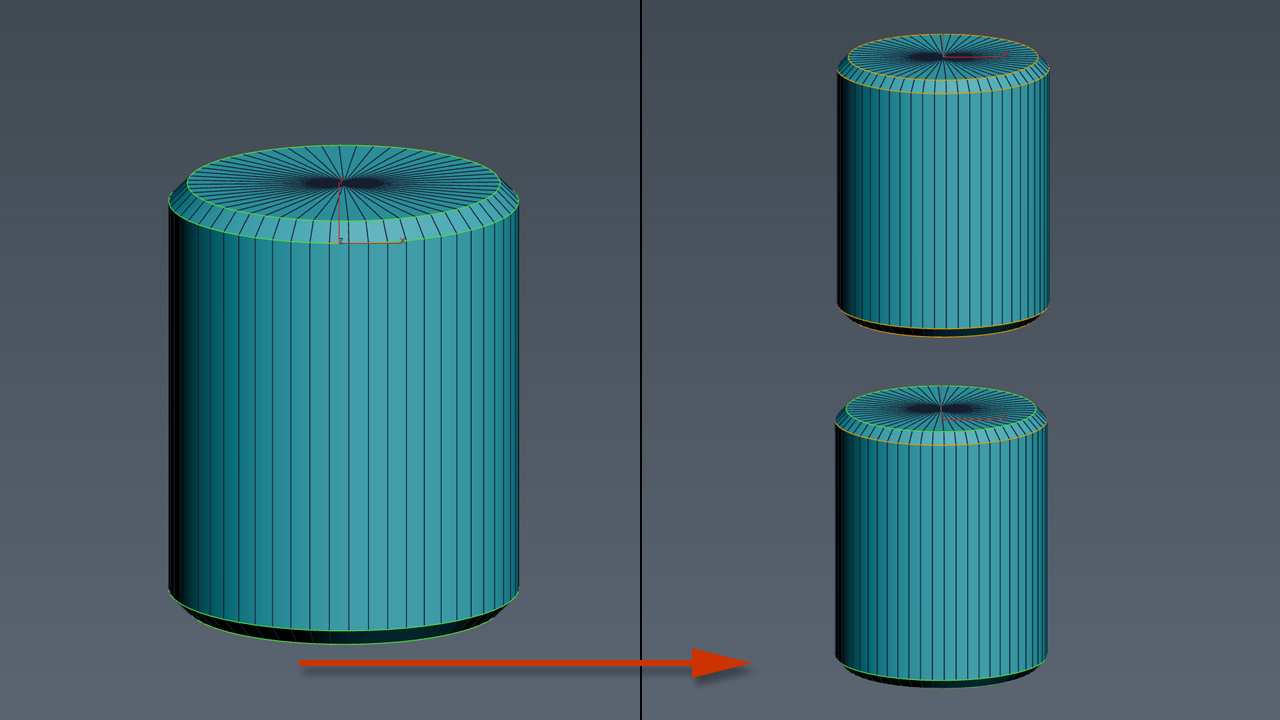
Conform selected objects to other objects's surface. The scripts works only with Collapsed Editable Poly objects from the selection. Other objects in selection are left intact.
Known issues
Sometimes when operating with surface objects with too many vertices some vertex may not be placed over the surface.
This tool is still in development phase so any feedback is quite welcome.
Simple process preview is available here:
SuperExtruder
Submitted by MarTroYx on Tue, 2008-07-15 11:50.
This tool will extrude the selected face on a editpoly object with a spline that you can easily controls.
--all feature will be available in the next update--
subdivisionAutomator
Submitted by Neil Blevins on Thu, 2008-02-21 06:00.Quickly assigns a subdiv modifier (meshsmooth or turbosmooth) to all scene or selected objects. This is good if say you want to have all objects in your scene converted into subdivs at rendertime without the need to constantly select objects, find the right modifier, assign the modifier, etc.
selectionHighlighter
Submitted by Neil Blevins on Thu, 2008-02-21 05:49.This script simulates the Selection Highlighting mode from Silo in max. The idea is if you hover over an object, the object is selected, if you hover over a vertex, it selects the vertex, if you hover over an edge, the edge is selected, etc. No need for extra mouseclicks. Autodesk has half added this feature, this script goes all the way to adding full silo style selection highlighting. Note: This only works in max 2008.
Orionflame 4
Submitted by Yunus Balcioglu on Wed, 2007-09-05 16:44.Orionflame 4 is the successor of the acclaimed production-proven modeling toolset for 3ds max, featuring a completely redesigned and rewritten core architecture, along with several new powerful modeling tools.
Experience the difference yourself.
Note: this is a commercial script
polymagus action items
Submitted by Herman Saksono on Tue, 2007-05-22 10:44.long time it was lost and no where to download, but here it is again..the polymagus action items...with its amazing, amazing "blend edges" script...just assign it to a key...like "b" or something, in editable poly mode...and then go and create polys between edges with ease!
here is what it also does:
FindBadPolys
Submitted by Admin on Fri, 2007-01-26 00:40.this script finds triangular faces, quadrilateral polygons as well as any other n-sided polygons in your mesh and selects them for you.
Warning: It converts your object into an editable poly so make sure you don't mind your modifier stack
being collapsed.
known issues: 3dsMax crashes when you undo the operation a couple of times
FaceGrabO
Submitted by Admin on Fri, 2007-01-26 00:37.Initially, this a only script to assist making tight cloth for character of with editablepoly.
But perhaps this can assist to make the other model. ^^
Handy to create twin faces from selection of polygons to becoming raw model or maybe final model.
Grid_Slicer
Submitted by Admin on Sun, 2007-01-07 22:20.This tool can slice selected faces in mesh and poly at any angle with given step.
Usefull in game development for slicing lightgrids or landscapes.
You can use Slice Plane Helper grid for slicing and set your own custom step. It also has 'Hold' function for undoing results.