3ds Max | All

Collaborative Copy Paste Update: Copy to Older Versions

1 vote


The Cross-Computer & Local Copy-Paste script for 3ds Max, is designed to streamline your workflow and enhance productivity. This script allows you to easily copy and paste elements between scenes on a local machine, as well as across different computers connected to the same file server and across different versions of 3ds Max.

UV Tools

24 votes

Easy to use uv mapping tools for Archviz and not only

More info here

miauu's Manage Links

8 votes


FloorGen Tools

8 votes

Script requires installed FloorGenerator

miauu's Scalpel

8 votes

Trapezoid

0 votes

I needed a trapezoid shape primitive and couldn't find one, so here it is.

Polyline Pro

19 votes

Material Properties Mass Editor

1 vote

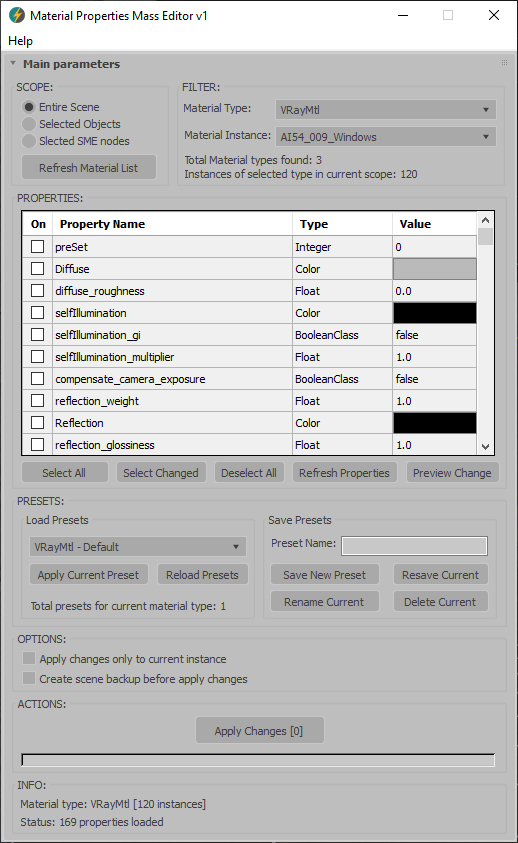
Material Properties Mass Editor (MPME) is the professional tool for batch editing of material properties in 3ds Max. Allows you to modify properties across multiple materials of the same type, including native 3ds Max materials and third-party render engine materials (V-Ray, Corona, Arnold, FStorm, Redshift etc.), and any other installed material types. Changes can be applied according to the chosen scope: entire scene (including Material Editor and SME), selected objects, or selected SME nodes. The script implements a preset system that allows you to save custom property sets as presets for later use, streamlining workflow across different projects and render setups.      

Current version: 1.0001

Select Objects By Sub-Material

1 vote

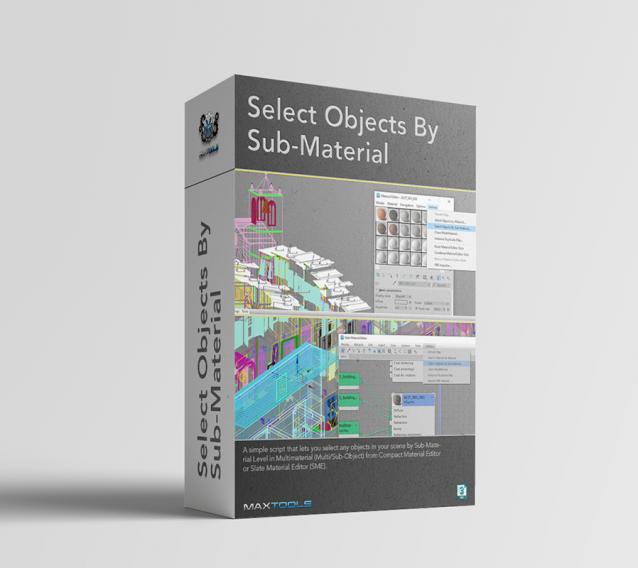
Select Objects By Sub-Material (SOBSM) is a simple free script that allows you to quickly select all objects in your scene that use a selected sub-material from a Multi/Sub-Object material.

Unlike the native "Select Objects By Material" tool, which only selects objects by exact main (parent) material match, this script analyzes material IDs assigned to faces/polygons. This allows you to select objects by a specific sub-material, even when a Multi/Sub-Object material is assigned to the entire object and the desired sub-material is only used on a portion of its faces.

The script works with both material editors in 3ds Max - the Compact Material Editor (Medit) and the Slate Material Editor (SME). Select a sub-material in any editor, run the script, and all objects that use this sub-material (on faces with the corresponding ID) will be selected.           

Hard Edges Selection (maxscript pack)

2 votes


Hard Edges Selection maxscript pack is couple of maxscript which allows select Hard Edges in Editable Poly object or in Edit Poly modifier in 3ds Max. This allows us to significantly speed up the work of modeling objects. 

Script pack contains scripts:

Syndicate content