3ds Max | All

mass filtering

21 votes

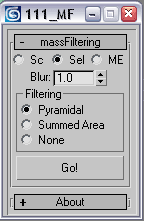
this script changes filtering type and blur value for a number of textures at once


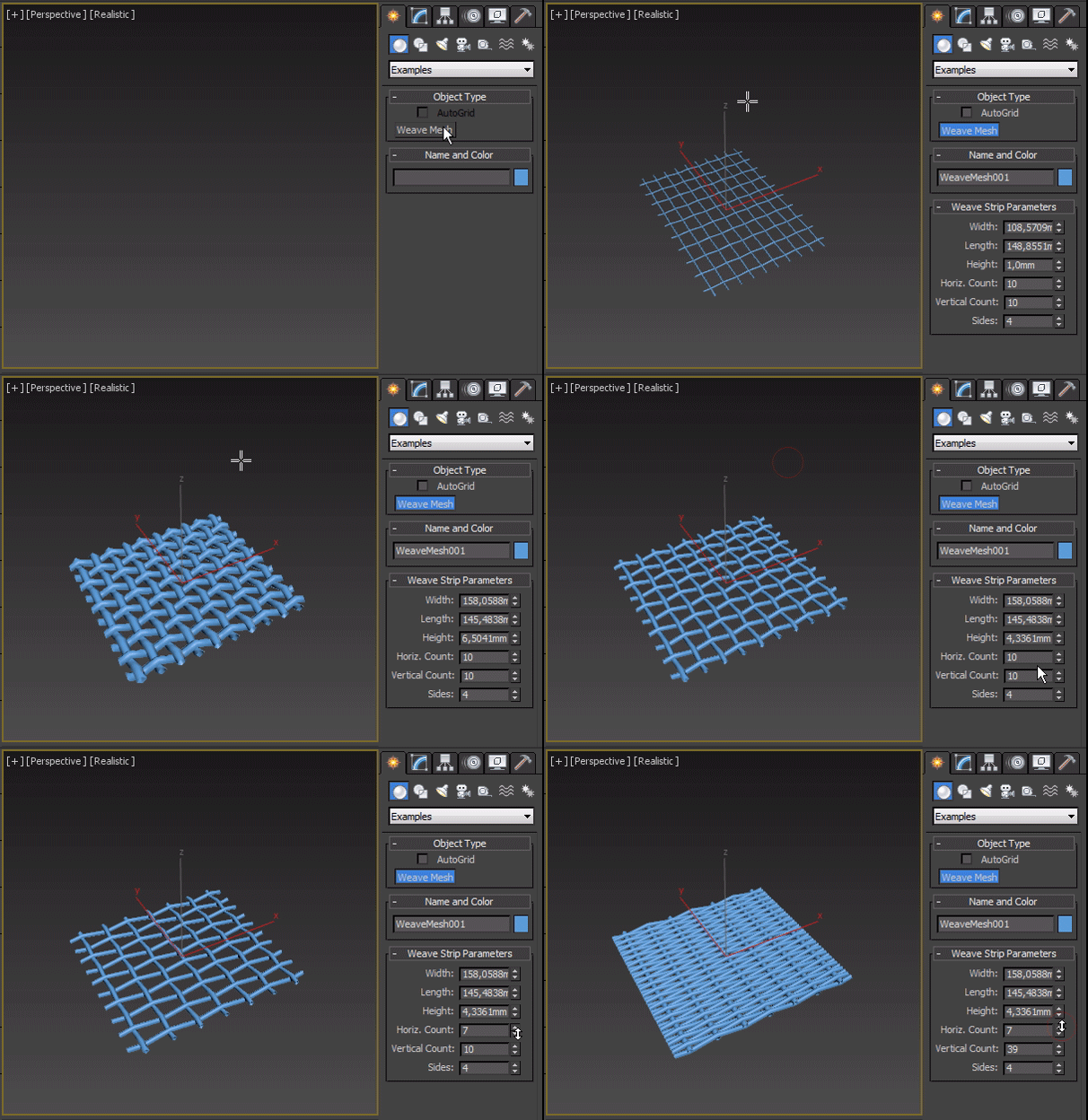
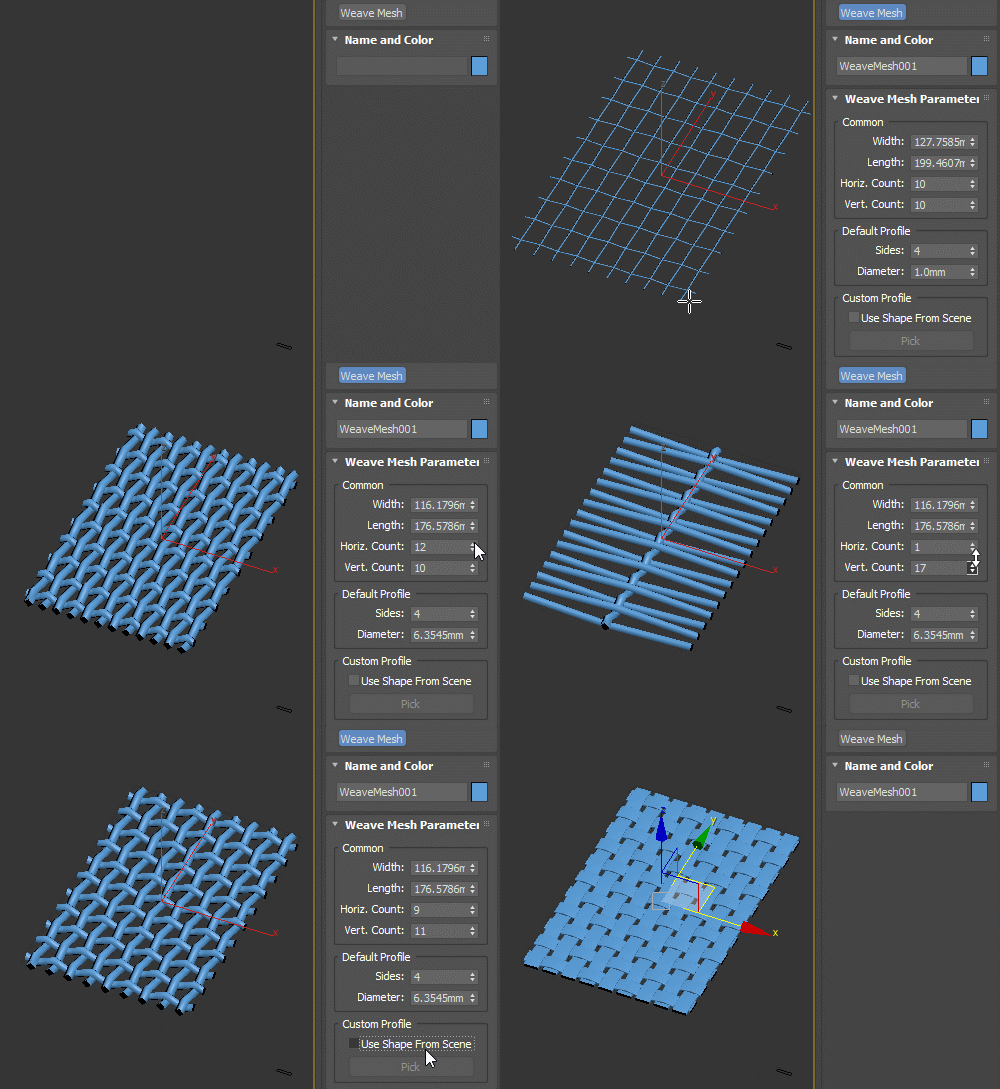
Weave Mesh

17 votes

Simple wire mesh primitive.

There's an _old version attached which will work in older max versions, and a regular one that supports picking custom shape from scene:

Grid Mesh

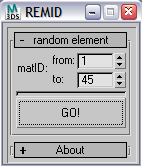
randomElementsMatIDs

8 votes

this script sets random material IDs to poly elements


How to quickly create a Car Rig using XrayCat Survival Toolkit 1.0

2 votes

We'll demonstrate an easier and intuitive way to associate reactions to the controls of a rig, using only XrayCAT ST instead of Reaction Manager.

Tutorial sections:
- Basic rig structure creation
- States definition using CAT layers and JoyCreator
- Conclusion: animation test of the car rig

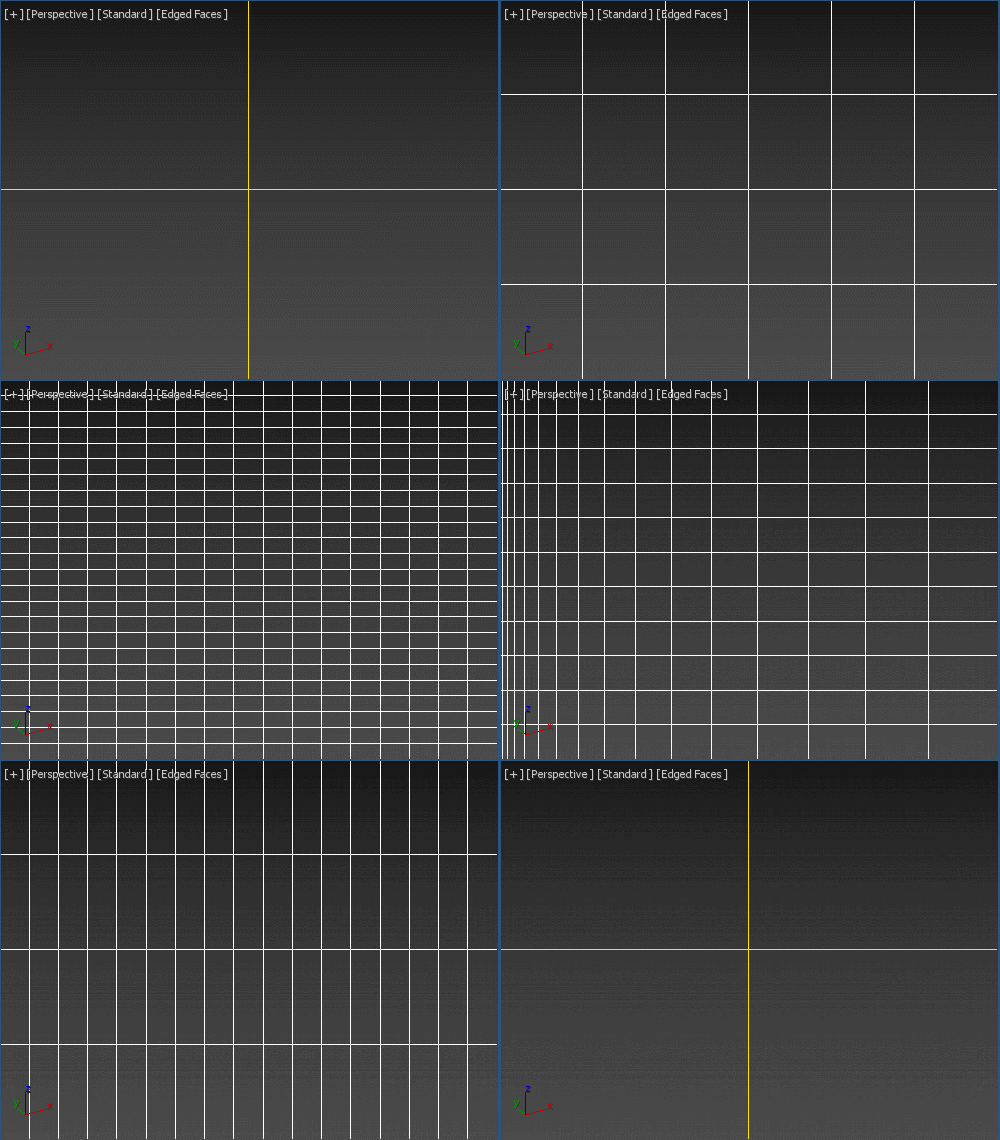
Viewport Overlay Grid

3 votes

Shows an overlay grid with a variable number of horizontal/vertical subdivisions over the active viewport. Safe frames are supported as well. To be able to click-through, freeze its object. Original idea: Changsoo Eun

Viewport Grid Overlay

Affect Pivot and Center Pivot

28 votes

This script contains an Affect Pivot - and a Center Pivot. It works similar to Maya's Affect Pivot. You need to assign it to a hotkey - or put it in a Quad Menu.
Once you have executed Affect Pivot - click anywhere you want the pivot point to be located. TIP: Works great with snaps. Center Pivot does just that. It also works with multiple selections.

Camera Map Ratio

1 vote

By default in standard max the Camera Map Modifier has a projection aspect ratio the same as the camera/render resolution, this isn't good if you need to project a portrait image on a landscape render. Whilst there are plugins/MCG/OSL solutions to this, my solution works on standard max, with no plugins needed to reload the scene. It even works on CameraMapPerPixel too.

Edge Selection from SmoothGroups

5 votes

Modifier that converts smoothing group borders to edge selection. If you want to display the result, put a Mesh Select modifier below this one and make its edge mode active.

Classic File Menu for Max 2010

17 votes

Due to some crashes when opening the Max 2010 new File Menu and other problems with it, i've re-implemented the old style File Menu of max 2009... It's easy to install - after downloading the mzp - file just go to scripts--> run Script, choose the mzp file and it is installed. After restarting max it should look like this:

FileMenu


Pflow to Splines

6 votes

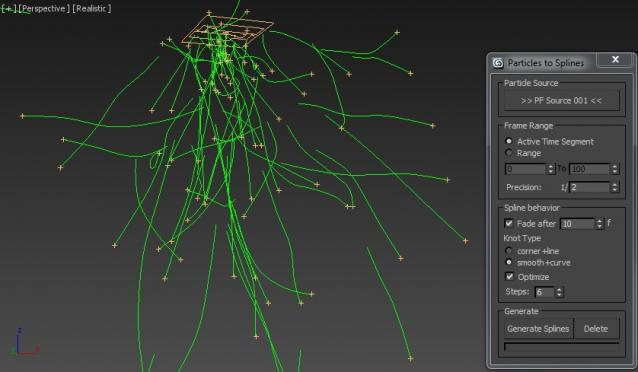
This Script will generate animated Splines on PFlow Particle trails.

The Script is mostly self-explanatory. You just have to pick a Pflow source and press the "Generate Splines" button.
You can additionally choose to "fade" the Splines after x frames. This will help to vanish the splines when the particles are dead.

Syndicate content