3ds Max | Scripts

Bip2root

1 vote

Copies horizontal position of the biped onto the root object and links the biped to the root.

Two useful uses for this script:

  1. Use it to create a root for your biped (using the Static Root option) - so you can place your biped with animation anywhere in the scene without adding extra keyframes. Simply move the root instead of the biped itself.
  2. Some game engines require a moving root to calculate biped's position in the game environment space. With a moving root the biped itself actually stays in place and only the root moves.

Delete UnRemovable Layer

2 votes

You might encounter a situation where you want to remove an empty layer that you created earlier, but the delete option is grayed out in the layer manager. and you are unable to remove that layer. After all you have to remember that 3Ds Max never allows you to delete a layer while it contains nodes or the default layer called “0”. But in some rare situations, even an empty layer that you created and then finished with, may not be deletable in 3Ds Max. This happens because of some unclassified nodes that come with your imported models from other programs. These nodes are not visible in the viewport or the layer manager. The only way to eliminate them is to select those nodes using MaxScript and delete them manually, so the layer’s delete option becomes available again.

DesignToolBox - tools for architecture & design

4 votes

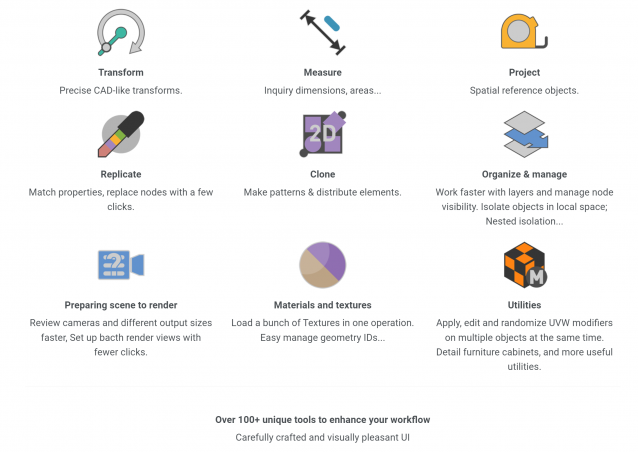
Design Toolbox is a collection of tools specially designed to accelerate and simplify basic modeling tasks for architectural models, furniture design, and other tasks where accurate modeling is needed. Professionals used to CAD or precision software will find it very familiar with some of the included transformation tools, like reference rotation, scale and position, measurement tools and reference guides.

The ability to place snapping points at polylines intersections, visual rulers, fast UVW mapping and random transform, cloning tools, scene management, panel grids, fast pivot placement, and workplanes are some of the tools included, and new ones are added with each update.

Spline Cleaner

6 votes

Clean, repair and organize thousands of splines in no time!


Description

Spline Cleaner is an advanced batch processing tool for cleaning, repairing and managing spline curves in Autodesk 3ds Max.

Select, attach, detach and delete multiple shapes using smart filters: by size, by length, by proximity, by similarity, by wirecolor, by layer, etc.

GC Merger

2 votes

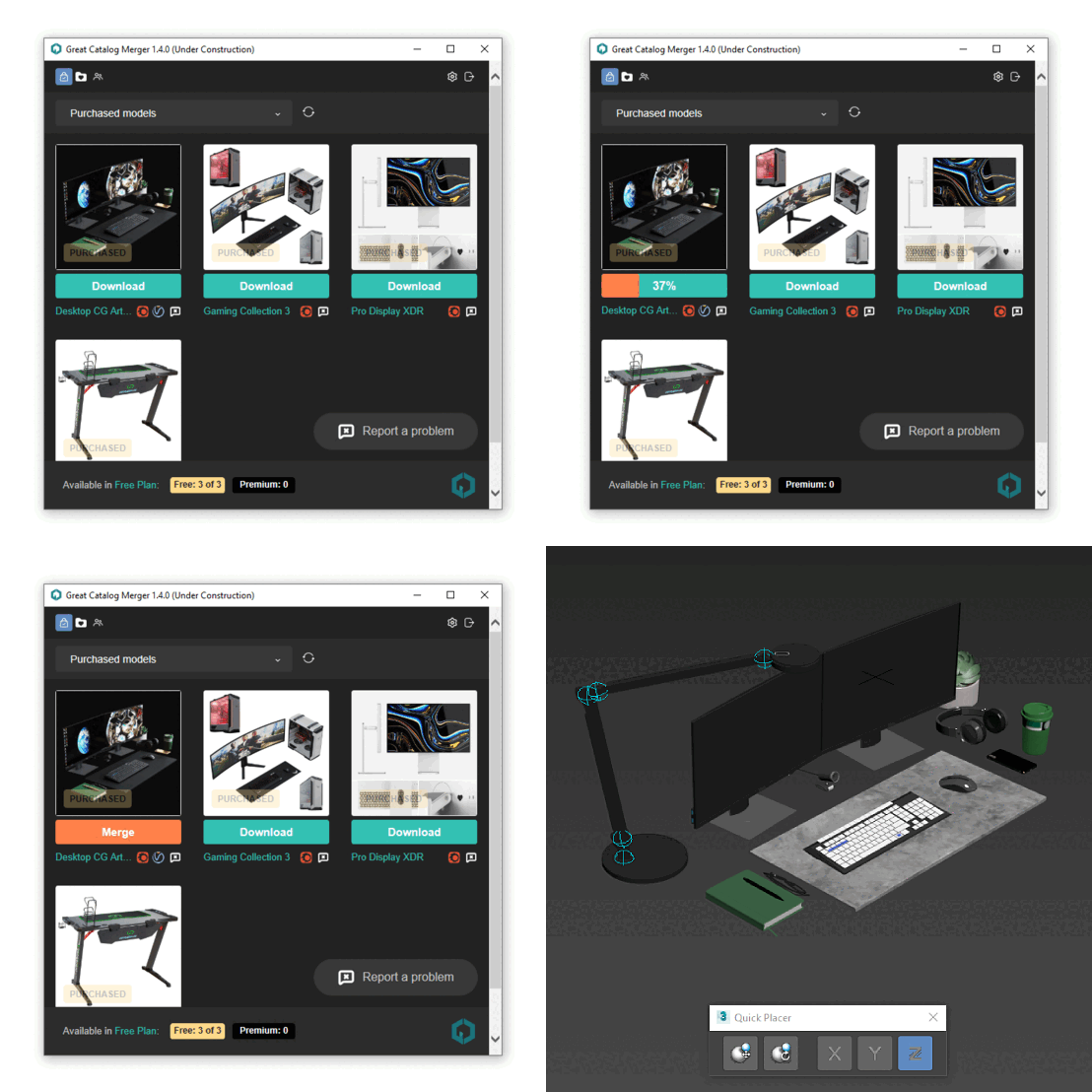
GC Merger – is a script to quickly insert a 3D model into your 3ds max scene directly from the Great Catalog site. You no longer have to download and unzip files, or deal with the chore of preparing a 3D model before merging it into your scene.

https://greatcatalog.net/en

The script does all of this automatically. You press the Download button in the script and after a few seconds the 3D model appears in the scene…

WireColor Pro

1 vote

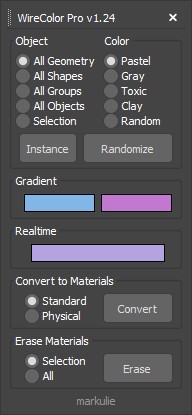
Object color randomization, instance sync, gradients, and material control for 3ds Max.

ProColor

4 votes

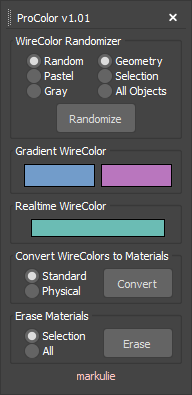
Advanced Wirecolor Tool

Features

-Randomize Wirecolor
-Gradient Wirecolor
-Realtime Wirecolor
-Batch Wirecolor to Material Converter
-Batch Material Eraser

This script is now deprecated.

Use the latest optimized version: WireColor Pro

VrayMtl Color Correction

2 votes

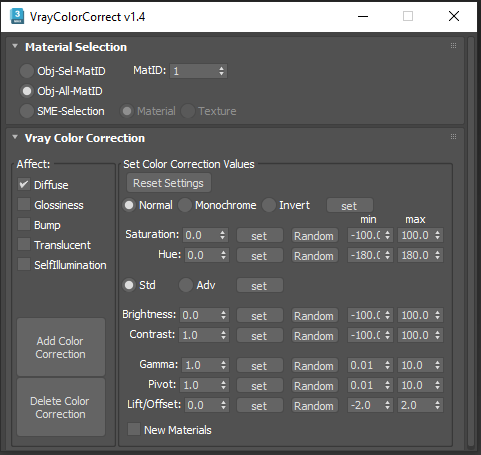
This script is intended to add and tweak settings of Color correction nodes for VrayMtl.

You can add some Color correction with any specified values on any selected material slot (Diffuse, Bump, Glossiness, Translucent, Self Illumination), the existing bitmaps will be kept inside the color correct.

You can change any parameter afterward.

i've added some randomization to each parameter.

TurboSplines

1 vote

TurboSplines 3dsmax script - banner

Automate and simplify the creation, edition and animation of multiple path deformed meshes!


Description

TurboSplines is a 3dsMax script for creating multiple spline wrapping animations (a.k.a. path deform animations) incredibly fast.

Syndicate content