3ds Max | Scripts

HitchHiker v4.3

70 votes

hh-new

Bitmap Tracking / Resizing

70 votes

++ Works with All Assets ++

New: column and filter "In Scene" - to show if bitmap is used in scene or only in material editor
New: columns Channels and Memory - to show bitmap channels and estimated memory load for each bitmap

.
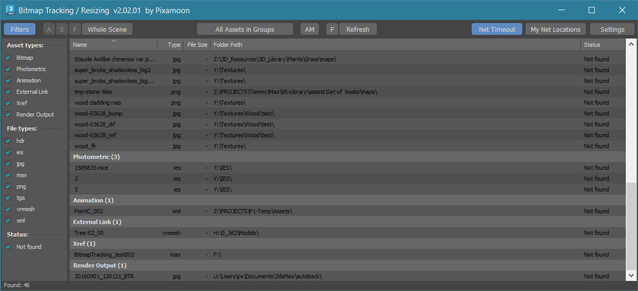
 

Bitmap Tracking / Resizing... is tool similar to Asset Tracking. But it gives more possibility to work with bitmaps:

- Support for All Assets
- Sort files by name, image width, height, file size, path, gamma, texture name, status (Found - network, Found -  local, Not found)
- Resize to JPG selected bitmaps to specified size or to Nearest Power of 2
    - can be used to resize and repath selected bitmaps (by size) before sending to external renderfarm,
    - resize bitmaps in large animation sceens to reduce memory ussage,
- Convert... see below
- Change / Rename paths (with paths history and rename path prefix eg. change only server/drive letter)
      * Choose path from history or scene paths
      * Pick new path
      * Rename paths beginng ( drive letter or paths C:\sample\abc\ and rename them to Z:\3d\sample\abc\ )
      * Find and Replace part of paths - supports Regular Extension
- Multi-threaded Auto-Relink with progress dialog
- And More...

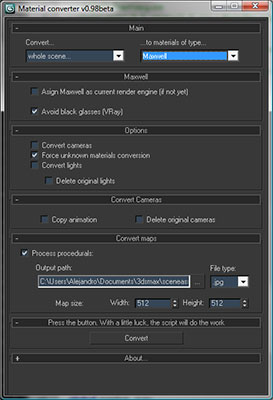
Material Converter v0.98b

70 votes

Description:

Simple utility to make it easier to move scenes from a rendering engine to another. Some work have to be done in terms of materials or types of engines, but it will progress step by step. In the following table you can appreciate the possibilities of the script at this moment:

Help file explaining the whole process included with script.

Straighten Edge

69 votes

Straighten Edge (maxscript) allows projecting and placing selected vertices/edges on the given straight line on the Editable Poly object, Edit Poly modifier, and Editable Spline & Line objects.

When the SHIFT key is pressed, vertices/edges will be straightened with axis constraints

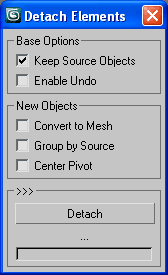
Detach Elements

69 votes

Detach all elements on multiple objects with a few options for better scene arrangement,
including convert to mesh, group by source or link to source or point helper.

Detach Elements

VMC (VRay Material Control)

69 votes

Change VRay properties en masse!

Features:

  • Sets properties on all Vray materials and maps in the Scene, Selection or Material Editor in a couple of clicks.
  • Global Subdiv Reset for getting scenes where you want them.
  • Donors get support for all Vray Cameras, Lights, Modifiers & Geometry, Bitmaps, Color Correction Map and the 3rd party maps: Color Correct, MultiTexture, MultiScatterTexture & ForestMaterial and a set of handy Power Tools:
    • Batch Mode
    • Turn all/selected lights on/off

VRay Orthographic Rendering Camera Rig

68 votes

Simple VRay camera rig to produce orthographic renderings.

  • Front, Right, Left, and Rear Camera positions
  • Adjustable Rig - X, Y, Z, radius
  • Adjustable Camera Settings to fit object in VFB
  • Test Render button for preview

JOINT BEND-RIG

68 votes


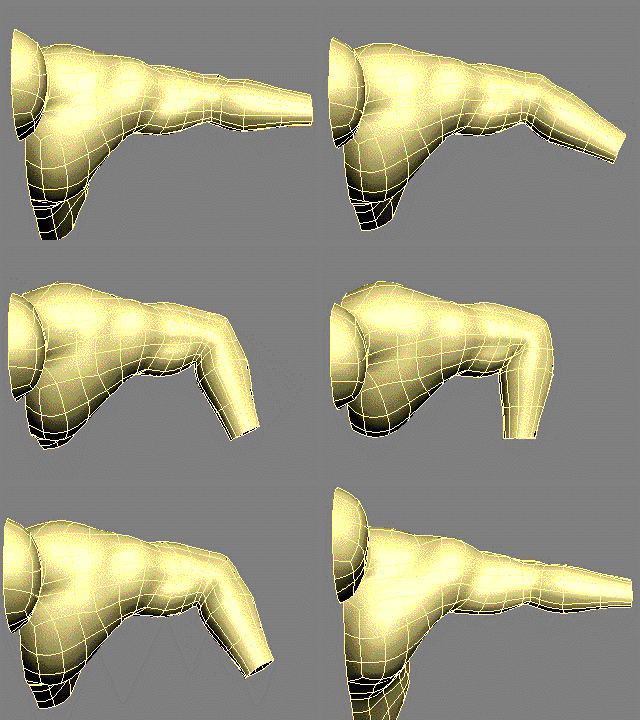
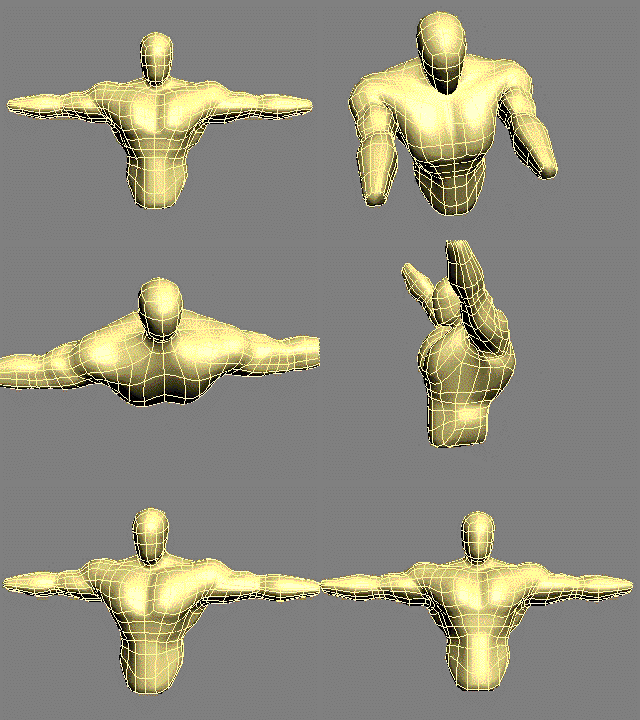
 Joint Bend Rig Elbow Setup PreviewJOINT BEND RIG Shoulder Setup Preview

A Tool to greatly speed up and simplify the process of skinning the joints of characters,especially shoulders and hips which are notoriously difficult to skin. THE NEW VERSION 2 OF THE JOINT BEND RIG HAS A BIAS CONTROL TO CONTROL THE AMOUNT OF TWIST IN THE JOINT

"

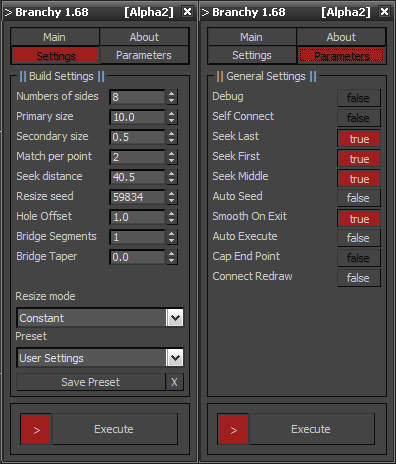
Branchy

68 votes

SIGERSHADERS VCeramic2

67 votes

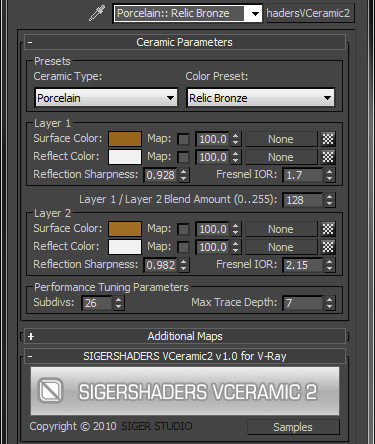
The SShadersVCeramic2 is integrated right into 3ds Max and becomes one of the Material options available within the Material Editor. It is expertly programmed Shader that control many components of the V-Ray Material based on specific Material criteria. You can customize everyone Preset flexibly and, the main thing, quickly, to adapt for the needs. This Shader exposes only the settings that are important to creating a highly realistic and optimized material.

Syndicate content