ScriptSpot is a diverse online community of artists and developers who come together to find and share scripts that empower their creativity with 3ds Max. Our users come from all parts of the world and work in everything from visual effects to gaming, architecture, students or hobbyists.
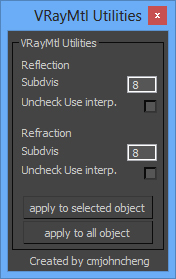
A simple script, useful when using some purchase/download model(some purchase/download model material always got very high subdivs value), this script let you easy to adjust vray material subdivs value and off the Use interpolation, wheter for selected object or apply for whole scene
v0.2 - Fix reflection "Uncheck Use interp." not working.
install: Extract zip file and copy to 3DSMax root Dir.
The Siger Studio’s SIGERSHADERS Corona Material Presets Pro is a Plugin – powerful material collection for Autodesk® 3ds Max® and Corona Renderer® engine + User Library material lab/manager. The collection consists different categories of materials: Metal, Ceramic, Leather, Stone, Concrete, Glass, etc… The list of materials permanently grows.
Control Vray's global Focal Distance parameter with a helper node that can be freely re-positioned and animated. Animate the helper node to easily perform rack focus pulls or maintain focus on a given object while the shot camera moves elsewhere.
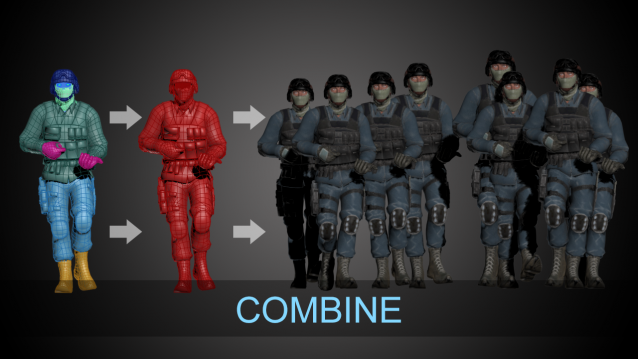
This is a short script to automatically detach faces from an object.
Select as many objects as you like at the same time.
The script will preserve the local rotation of each face so that an object can be easily "exploded" along its normals.
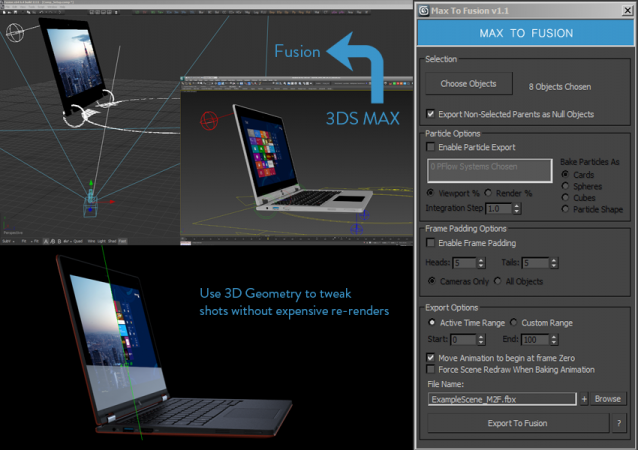
Bake selected scene objects and export an FBX file which can be loaded into Eyeon Fusion to assist with compositing. Offers greater control and flexibility than the standard FBX exporter.
UPDATE LOG
v1.1
New Features suggested by Colin James at Blur Studios
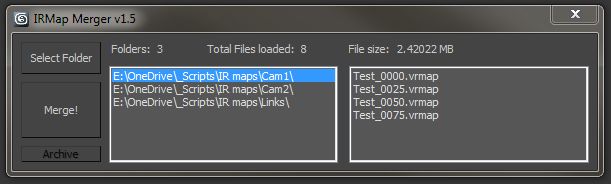
This script merges multiple *.vrmap files from a selected folder. Tested on Max 2012, Vray 2.0.
The benefit of rendering separate irradiance maps is that you can use distributed rendering. As with multi-frame incremental method, the map gets overwritten if multiple machines are being used.
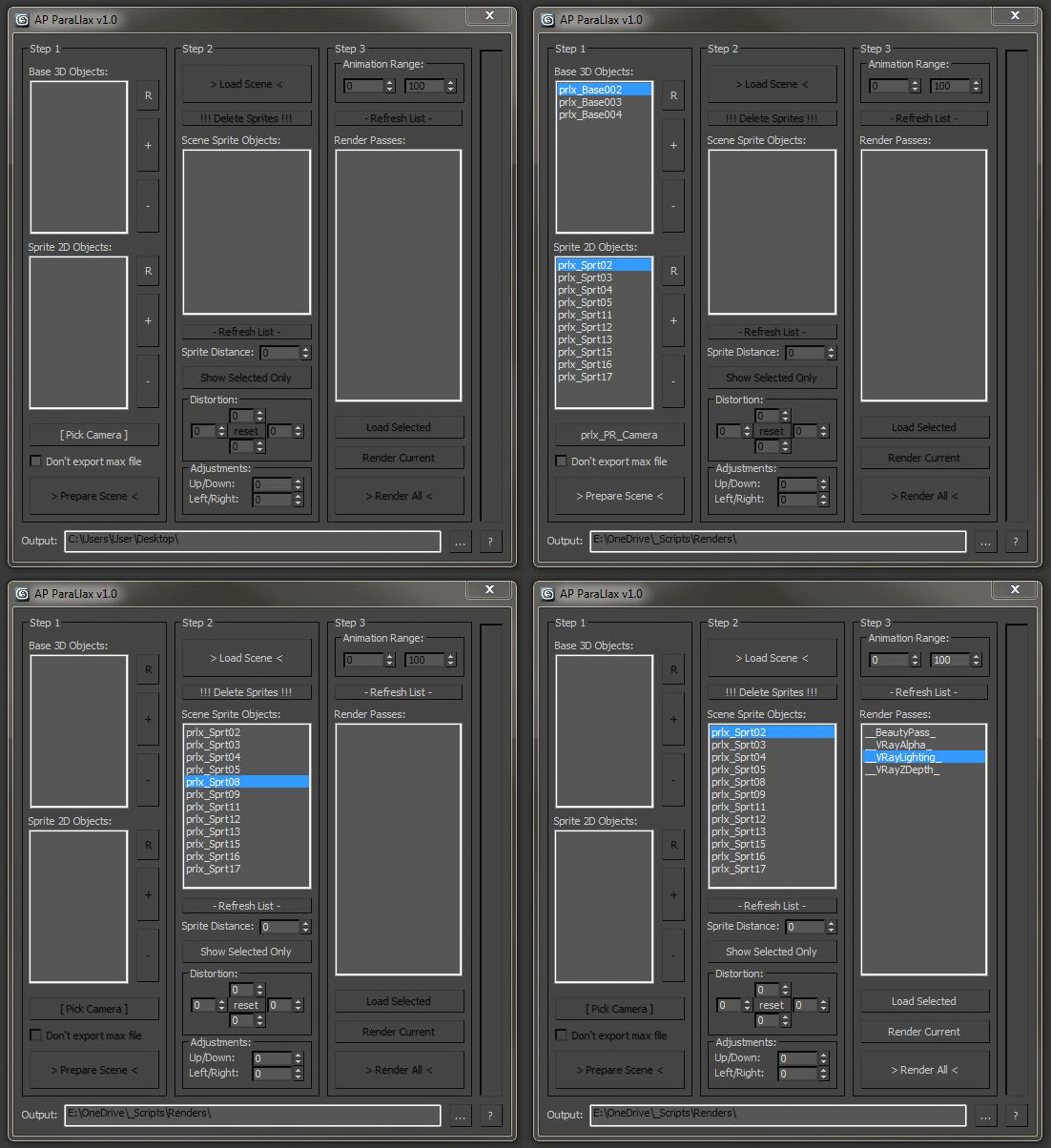
This script allows you to breathe some life into your scene without a lengthy rendering process.
Divide your scene into groups of objects and then use the script to batch render them and automatically apply camera projection mapping onto the original geometry (or 2D sprites).