++ Works with All Assets ++
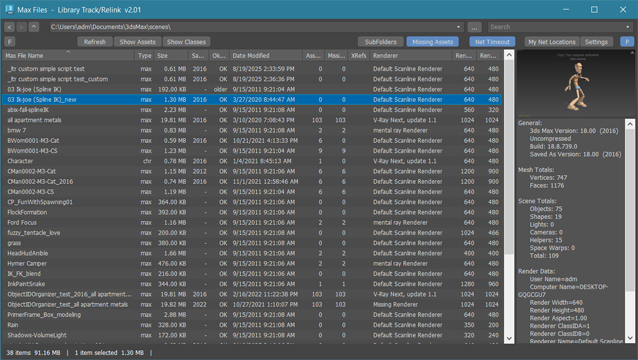
New: column and filter "In Scene" - to show if bitmap is used in scene or only in material editor
New: columns Channels and Memory - to show bitmap channels and estimated memory load for each bitmap
.
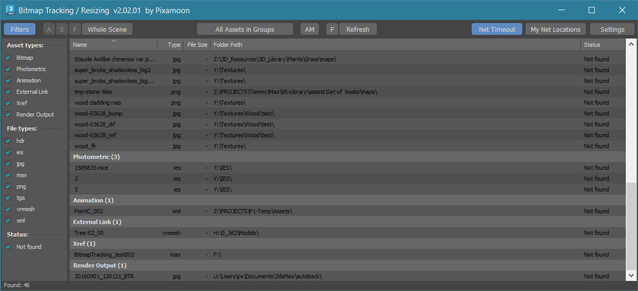
Bitmap Tracking / Resizing... is tool similar to Asset Tracking. But it gives more possibility to work with bitmaps:
- Support for All Assets
- Sort files by name, image width, height, file size, path, gamma, texture name, status (Found - network, Found - local, Not found)
- Resize to JPG selected bitmaps to specified size or to Nearest Power of 2
- can be used to resize and repath selected bitmaps (by size) before sending to external renderfarm,
- resize bitmaps in large animation sceens to reduce memory ussage,
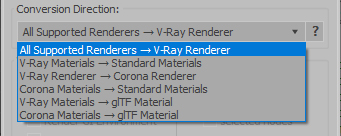
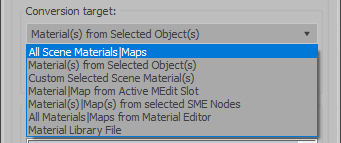
- Convert... see below
- Change / Rename paths (with paths history and rename path prefix eg. change only server/drive letter)
* Choose path from history or scene paths
* Pick new path
* Rename paths beginng ( drive letter or paths C:\sample\abc\ and rename them to Z:\3d\sample\abc\ )
* Find and Replace part of paths - supports Regular Extension
- Multi-threaded Auto-Relink with progress dialog
- And More...