
Project Manager
Version:
4.00.63
Date Updated:
06/29/2026 After a long stretch of development, Project Manager 4 is officially out — the biggest release in the product's history, and now with full 3ds Max 2027 support.
The headline is AI Asset Classification.
Your library gets sorted automatically — by object type, material, and style — no manual tagging.
Project Manager 4 — What's New Since v3
Changelog · 3ds Max 2016–2027
AI-Powered Asset Classification
- Automatic categorisation of 3D models by object type, material, form, and style — no manual tagging required
- Runs entirely on your machine — no cloud, no subscription, your assets never leave your computer
- GPU-accelerated background processing at low priority — won't interfere with rendering or active work
- Reclassify specific folders or categories on demand — no need to reprocess the entire library
- Scale across a team: multiple workstations share the same database and classify in parallel
Colour Tools
- Find assets by colour — pick from a palette and instantly see matching models or textures
- Perceptual colour similarity search — finds visually related assets, not just exact hex matches
- Find Similar by Colour in the right-click menu for models and textures
Find Similar
- Find similar by content — AI matches 3D models by style, shape, and visual look
- Find similar by colour palette — matches assets to a reference image or mood board by dominant colour proportions
Smarter Search & Filtering
- Multi-keyword search: "Chair, Glass" finds a file named Chair.max described as "glass"
- Category filter correctly includes all subcategories — filtering Furniture also returns Furniture → Chairs → Dining
- Combine category and material filters: find glass-and-metal tables, or wooden ones, in one click
- Categorised / Uncategorised quick filters — see which assets still need attention
Gallery & 3D File Browsing
- Three gallery tabs for .max files: Models, Materials, and External Links
- Drag materials directly from the gallery into your open 3ds Max scene
- 3D viewport preview for FBX, 3DS, OBJ, and other formats — inspect geometry before importing
- Edit external links inline — fix or replace missing textures without opening the .max file
- Zoom & Pan for images — inspect textures at full resolution inside Project Manager
Migration & Compatibility
- v3 and v4 share the same database format — point v4 at your existing library and go; no rebuild required
- Run v3 and v4 side by side on the same team; supported from 3ds Max 2016 through 2027
Performance & Other Fixes
- Significantly improved overall performance — faster navigation, filtering, search, and file/folder operations
- Live sync in shared database mode — changes by colleagues appear automatically without reloading
More about new features ⇒ Project Manager version 4
Update History for all versions.
Models 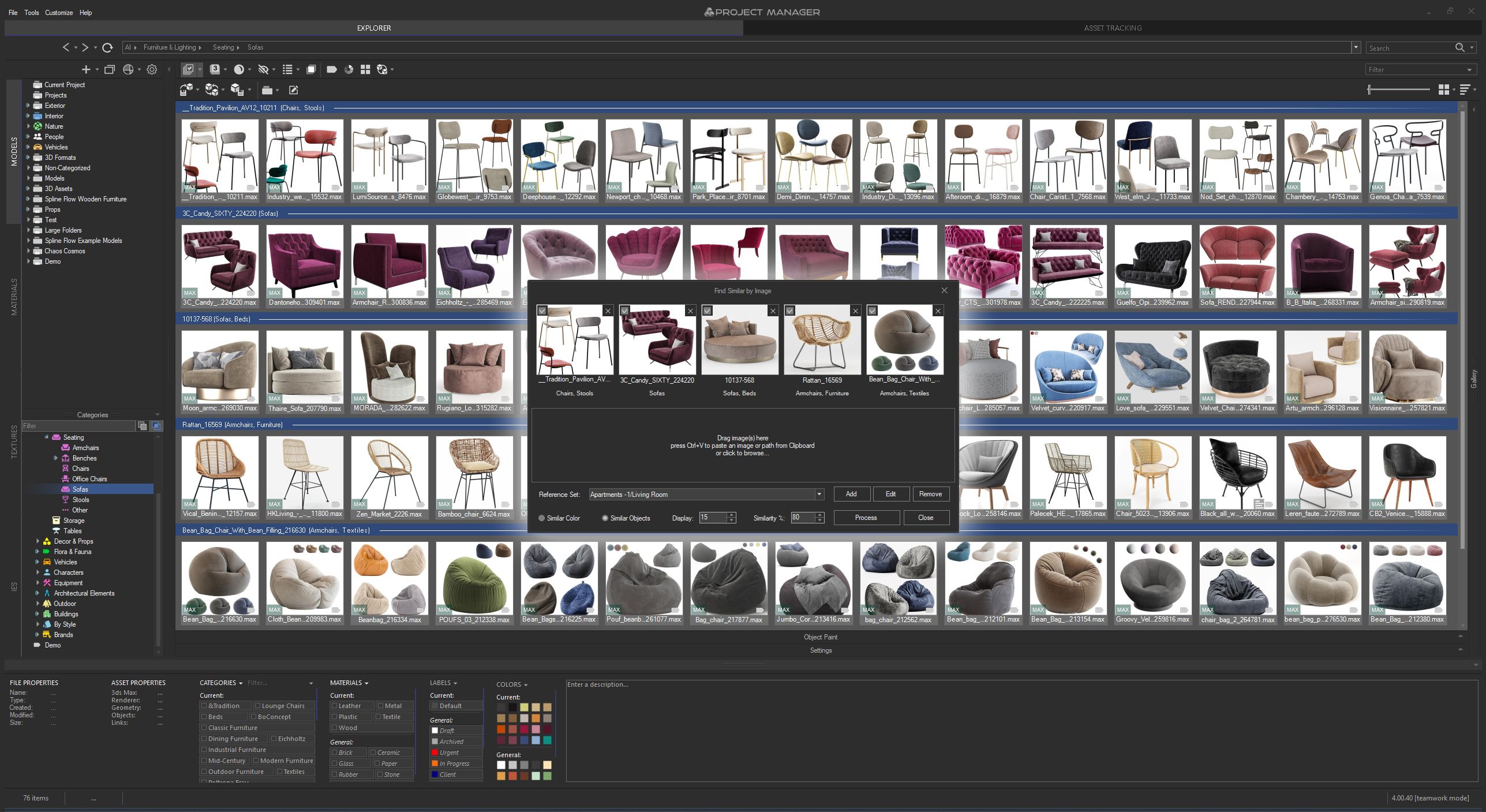 | Materials 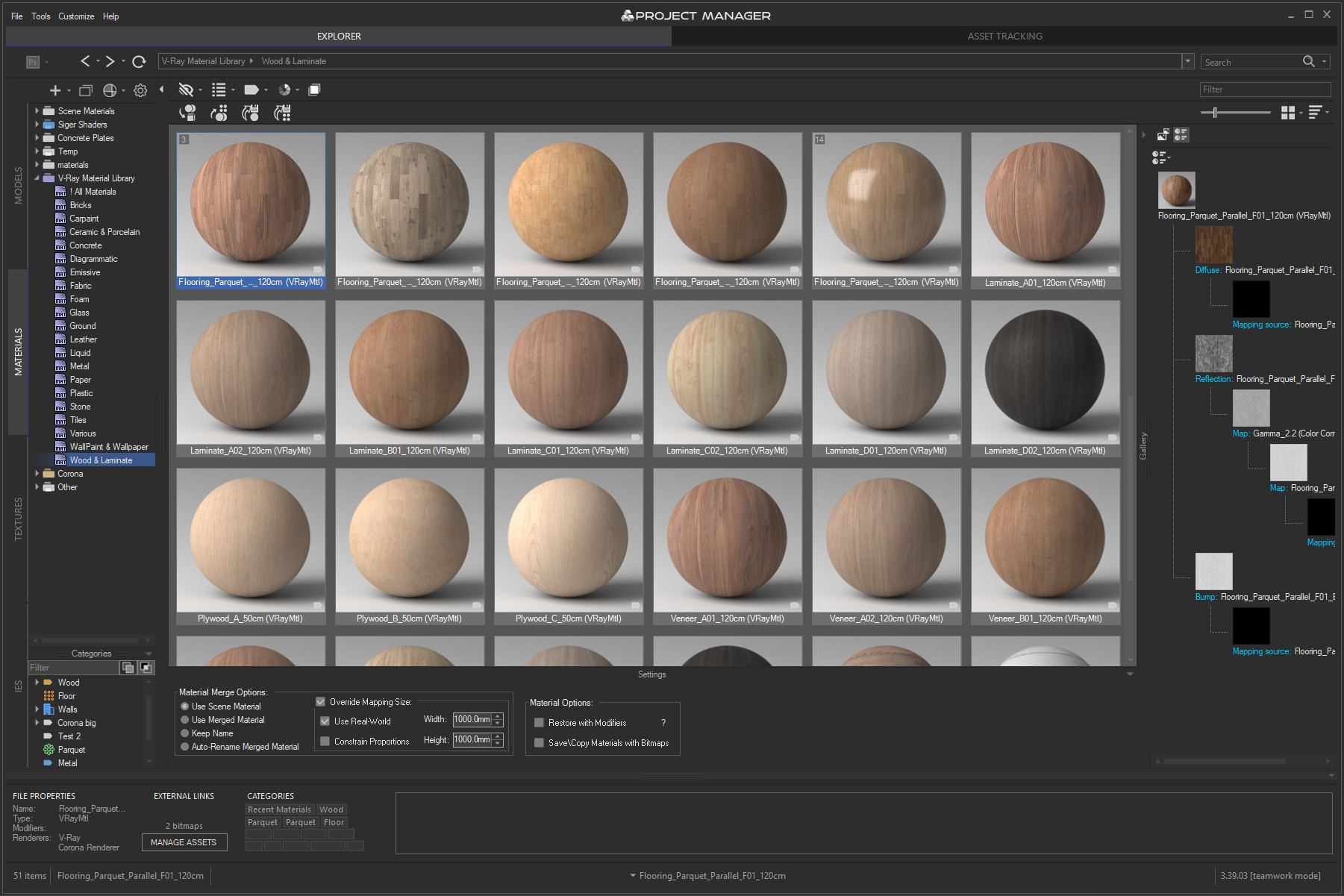 | |
Textures 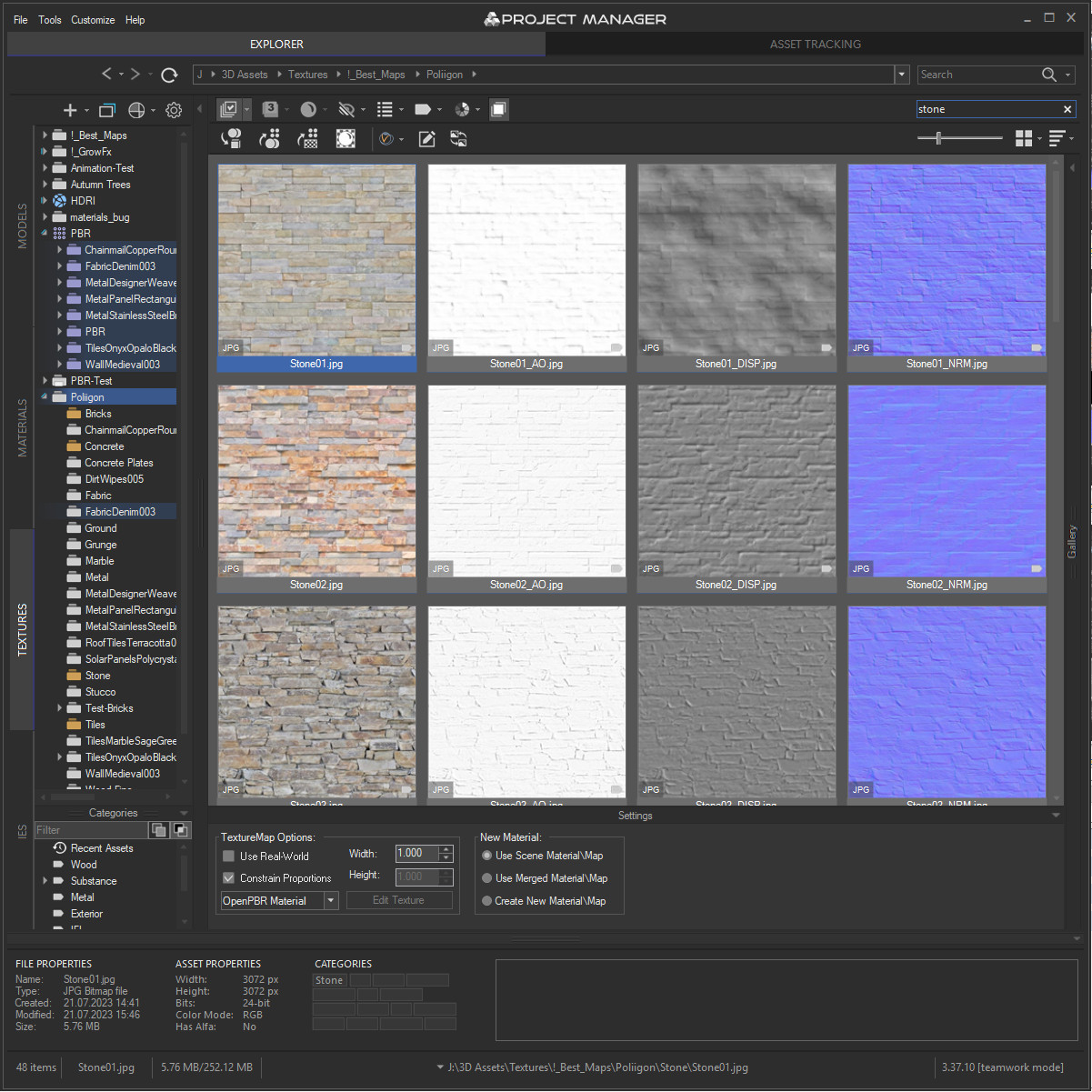 | IES 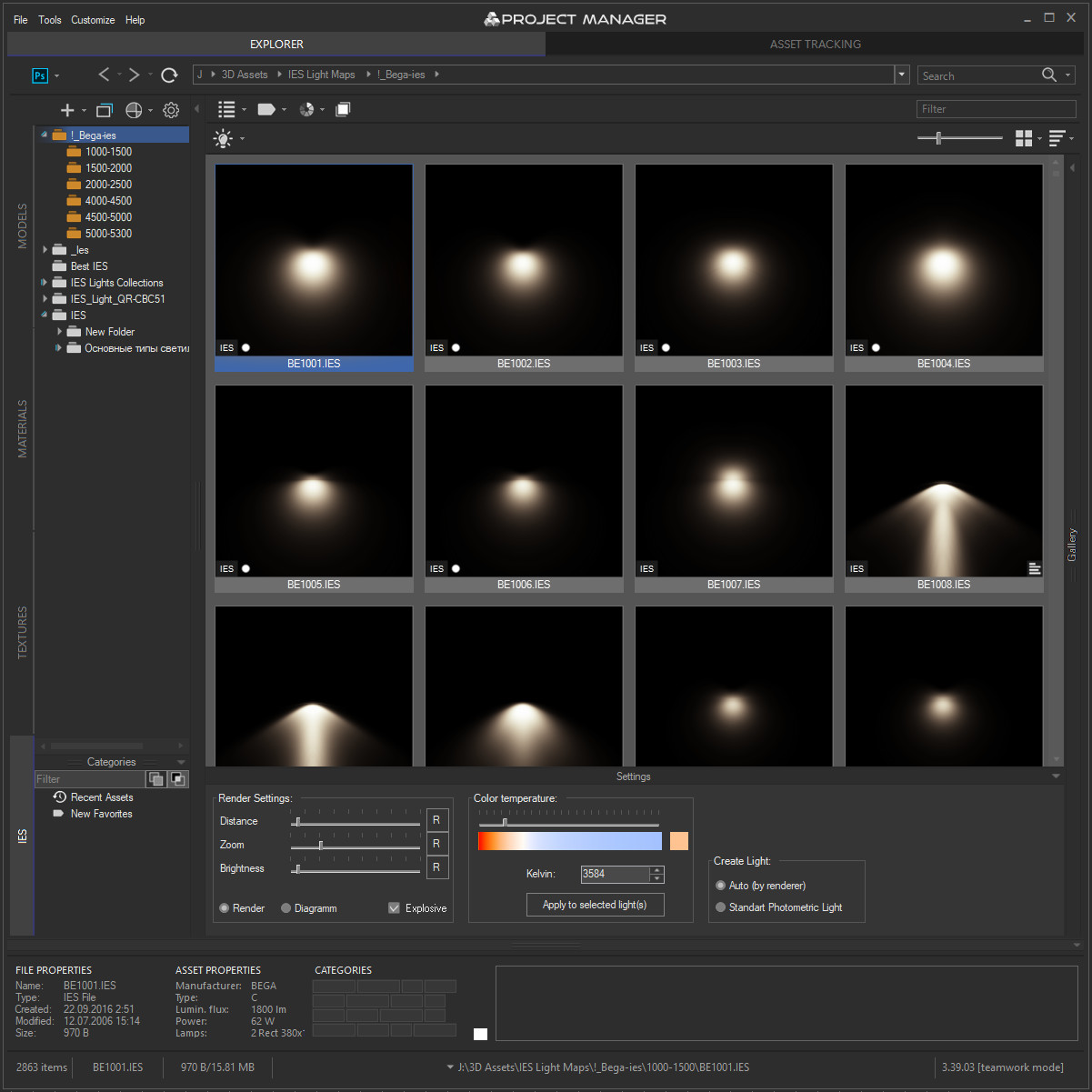 | Asset Files 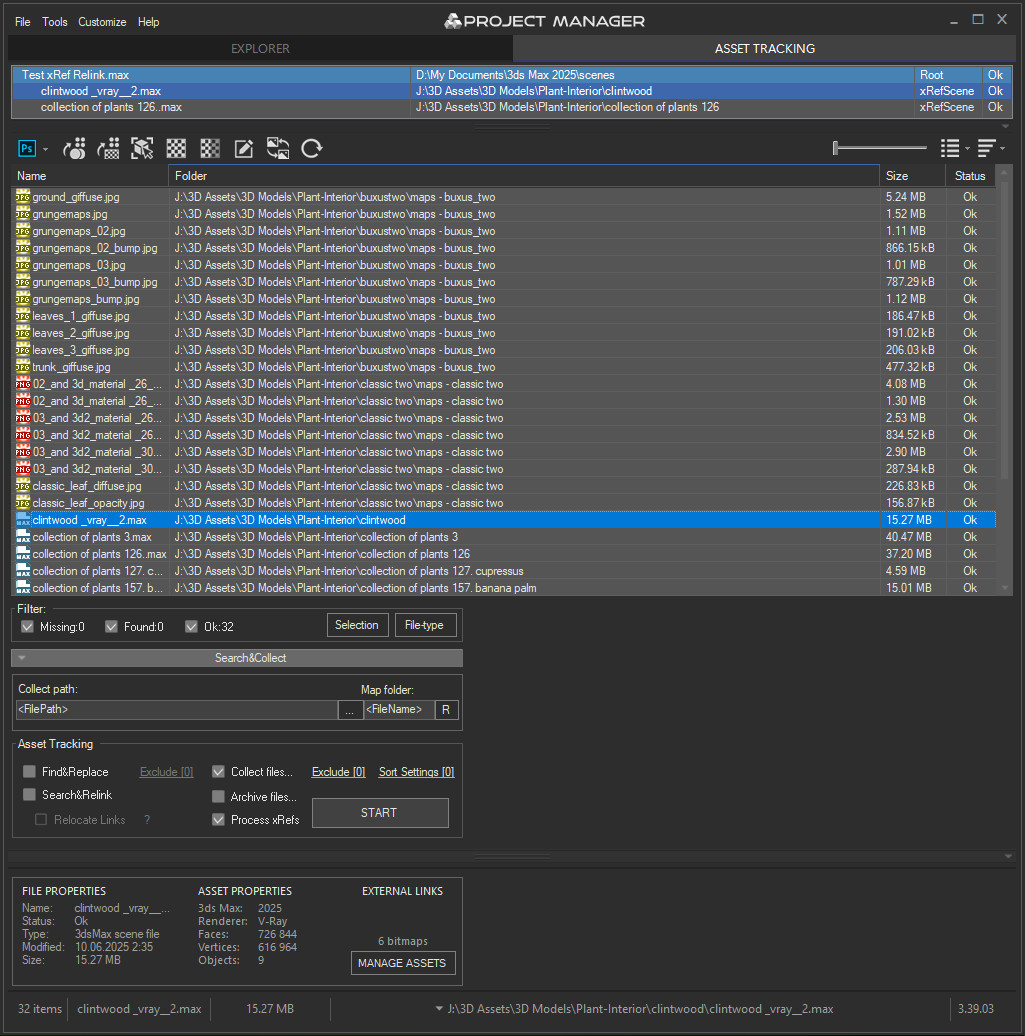 |
Quick Start Frequently Asked Questions
Main Features
- AI Asset Classification — automatically categorises 3D models by object type, material, form, and style. Runs entirely on your machine, no cloud or subscription required.
- Find similar by content — AI matches 3D models by style, shape, and visual look
- Find similar by colour palette — matches assets to a reference image or mood board by dominant colour proportions
- Search by external image — drop in any reference picture from outside your library (a render, a photo, a sketch) and instantly find the closest-matching models you already own. The image is analysed on the fly — nothing is added to your database
- Reference Sets — collect several reference images into a named set, tick the ones you want, and search against the whole mood board at once. Save sets and reuse them across sessions
- Colour Labels — tag assets with workflow statuses (Draft, Approved, In Review, Archived, Urgent) and filter by label. Ideal for team pipelines and asset QA.
- Easy to organise and browse 3ds Max Models, Materials, Textures, and IES Photometric Lights.
- Merge Models, Materials, Bitmaps, and IES using Drag & Drop.
- Three gallery tabs for .max files: Models, Materials, and External Links — drag materials directly into your open scene.
- Interactive rendering previews for Materials, IES Photometric, FBX, OBJ, 3DS, USD, BVH Motion Capture, and other 3D formats.
- Show native previews for 3ds Max files, ArchVision RPC, GrowFx, Revit, Substance, BIP Motion, SketchUp, HDRI, and more.
- Store and create Proxy objects with materials.
- Create PBR (Physically Based Rendering) materials and support for Substance textures.
- Smart search by tags, keywords, categories, colours, and labels — with OR / AND filtering modes and instant results.
- Asset Tracking Management — edit external links inline, fix missing textures without opening the source file.
- Team database support — multiple workstations share one library with live sync; AI classification runs in parallel across the team.
- Supports all major renderers: V-Ray, Corona, Octane, Arnold, Redshift, Maxwell, and more.
Version Requirement:
3ds Max 2016-2027
Comments
Will wait for it....
Will wait for it....
Batch Render for 3ds Max 9.0
The compatibility problem the "Batch Render" with 3ds Max 9 has been solved.
Wait for the next version.
P.S.
Next week I will release updating.(For Project Manager and FilePathFinder PRO.)
The new version of the FPF will be pleasant surprise for users 3ds Max 9 and 2008.
I got this error when try to
I got this error when try to run Batch render in max 9, whereas last time I try the rc version (0.9.xx) it run smoothly. (avg_dlx90.dlx installed). Please fix it.
thank
Network access to libraries
Yes it is possible.
Make network access for necessary folders (Models, textures ...)
Add these folders with network paths to the "Project Manager" (For example \\server\Maps and etc.)
After you add to Project Manager your folders, close the "Project Manager".
Go to the folder C:\Users\UserName\AppData\Local\Autodesk\3dsMax\2010 - 64bit\enu\Scripts\TrackScripts\ProjectManager
Copy all files with extension ". Xml" to the same folder for other network users.
In the future I plan to make possibility to use the common database for network users.
P.S
Very convenient to use network drives.
Menu windows explorer Tools>> Map Network Drive.
Of course the network drive letter on each computer should be identical.
network
is it possible to run projectmanager on network and share the libraries for all co-workes? if yes, how to setup?
thanks in advance
best regards
themaxxer
Hi. Check the permissions on
Hi.
Check the permissions on the folders
C:\Users\Turhan.arun\AppData\Local\Autodesk\3dsMax\2010 - 64bit\enu\scripts
C:\Program Files\Autodesk\3ds Max Design 2010
After reinstall Project Manager.
If the problem is not resolved, perform one of the following steps:
The 3ds Max 2010 has a problem with non-unicode languages
Possible solutions :
1. Move user settings to a folder 3ds Max (by default C:\Program Files\Autodesk\3ds Max Design 2010)
Close 3dsMax and change the next parameter in the file InstallSettings.ini
useUserProfiles=1
to
useUserProfiles=0
Then run 3ds Max, and in the menu Customize>> Configure System Paths change paths to your path to the installed program 3ds Max.
Copy all folders (but not files in the root folder enu) from C:\Users\Turhan.arun\AppData\Local\Autodesk\3dsMax\2010 - 64bit\enu to the folder 3ds Max (by default C:\Program Files\Autodesk\3ds Max Design 2010 )
2.Write the system user name Latin letters.
3.The easiest way: Go to another version of 3ds Max
Hi, I downloaded and
Hi,
I downloaded and installed the script. However I am getting
>> MAXScript Callback script Exception: -- Runtime error: fileIn: can't open file - "C:\Users urhan.arun\AppData\Local\Autodesk\3dsMax\2010 - 64bit\enu\scripts/TrackScripts/ProjectManager/BitMapResizeSaver.mse" <<
error.
I recognized the path it says is not true, but I do not know where to fix this?
Could you help me please?
Release version
Soon I'll post a video about the new features.
Will be released December
Will be released December 1!
Then I start a writing the Help.
Pointcashe is supported
Hi
The demo-version of "Project Manager" allows to work only with limited number of random files.
If scene contains the less then 8 files the PM allow to work with all links.
For testing the specific modifiers you can create scene with 7 links to external files.
PM support for relink all modifiers and objects, which contains the external links.
Thanks for interest.